Review and approve tasks
In about 8 minutes you open a task your agency sent you for review, read the hint and either approve the work or request a revision.
What you will have at the end
- A decision on the task: approved, or sent back for revision
- Your notes as text on the task if something is still missing
Before you start
- A login for the client portal, see Client portal basics
- A task your agency sent you with Start review
- This guide is for your clients’ team members. Agencies read Review and acceptance.
Steps
-
Open the task
Click the link in the review email, or open Tasks and click the task. It is in the status In review.
-
Read the hint and attachments
At the top of the task, Hint shows what your agency asks you to look at. Also read the description and open the attachments. New comments are locked during the review. You give your answer with the review buttons.
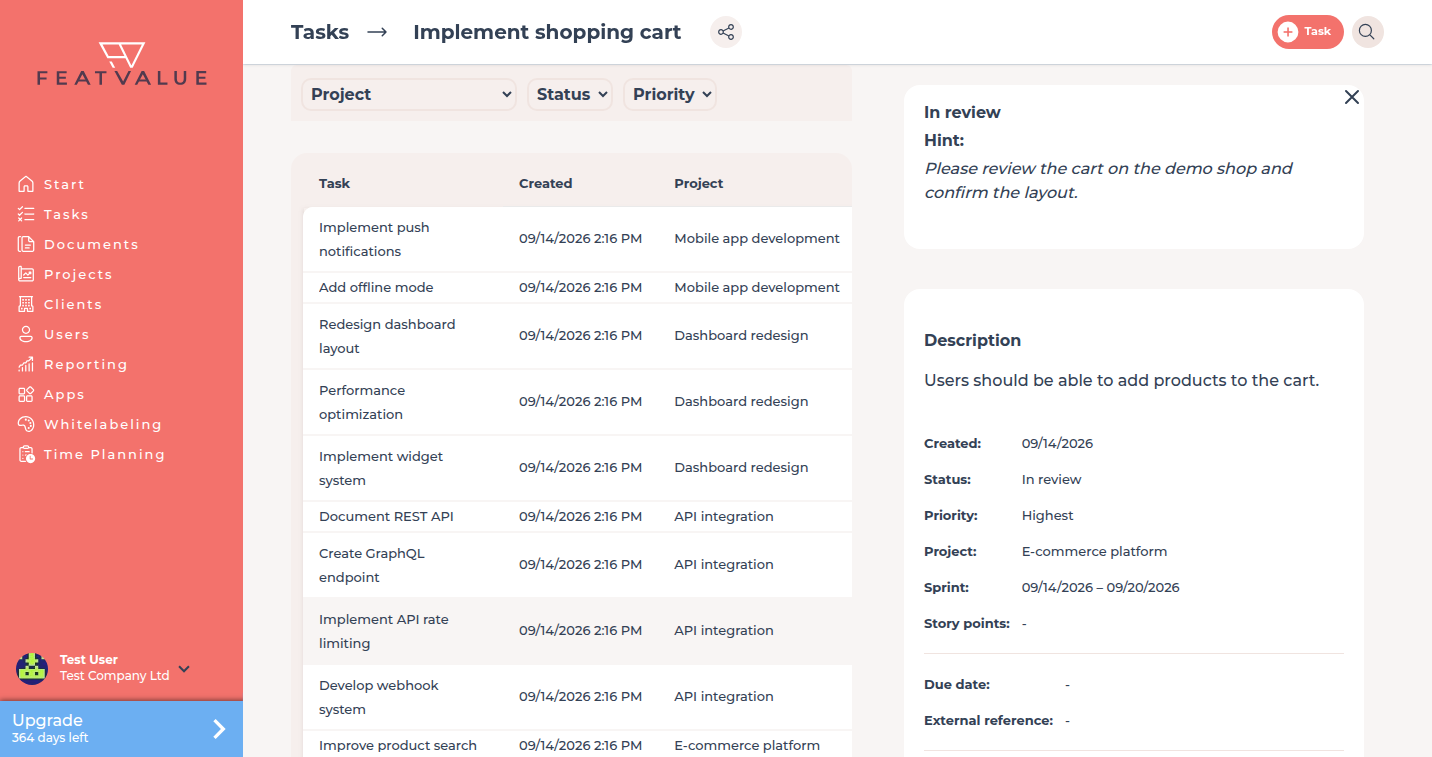
A task in review with your agency’s hint. -
Approve the work
If everything fits, click I am satisfied. The task moves to Finished.
-
Or request a revision
If something is missing, click Request revision. Describe what should change in the dialog Feedback is required and click Send. The task goes back to your agency with your text.
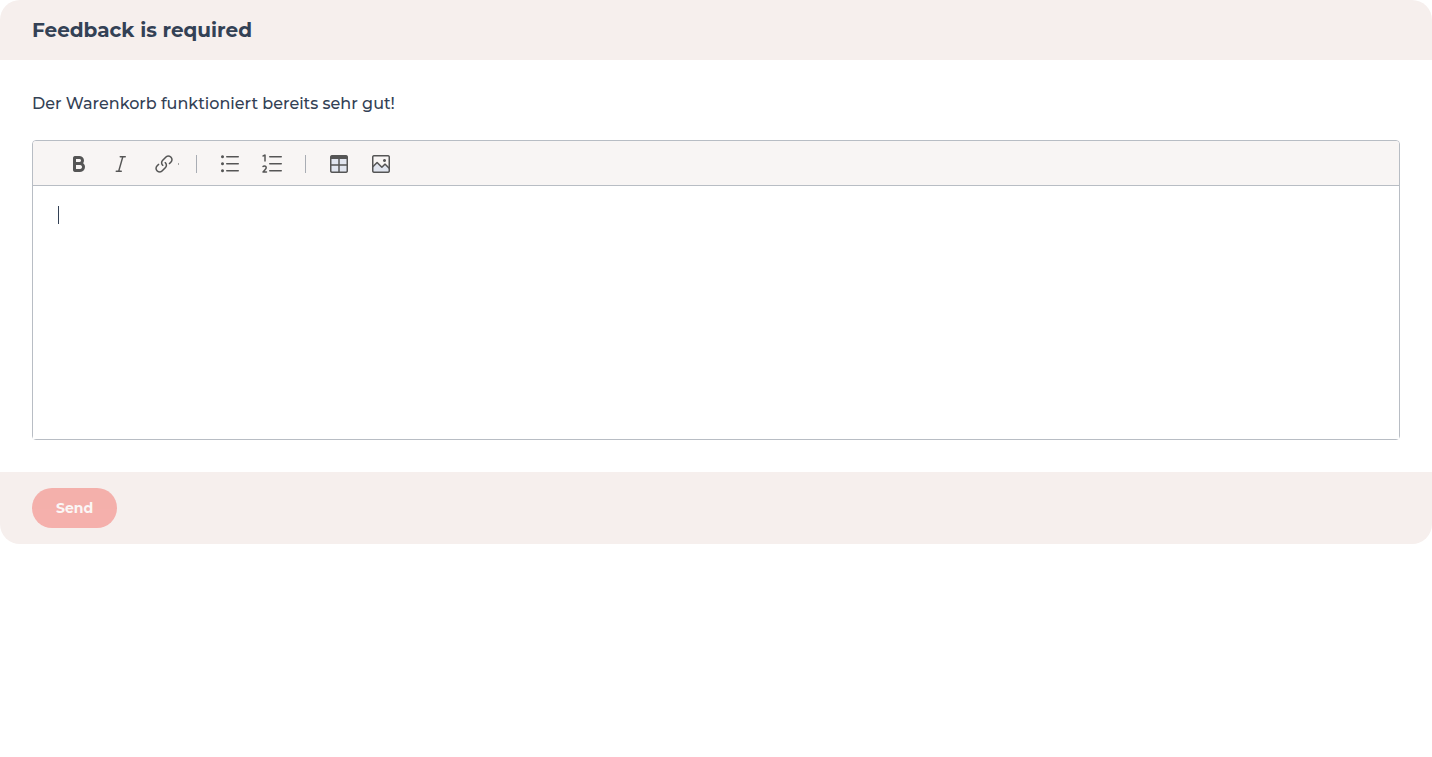
In the Feedback is required dialog you describe what should change.
Check your result
An approved task is Finished. After Request revision it is back in In Progress, and your agency sees your text.
Next steps
- Client portal basics for tasks and documents
- Collect PDF feedback and signatures when your agency shares files under Documents
- Notifications to choose your review emails
Your question has not been answered?
We will be happy to help you. You can send us an e-mail or arrange a video conference: