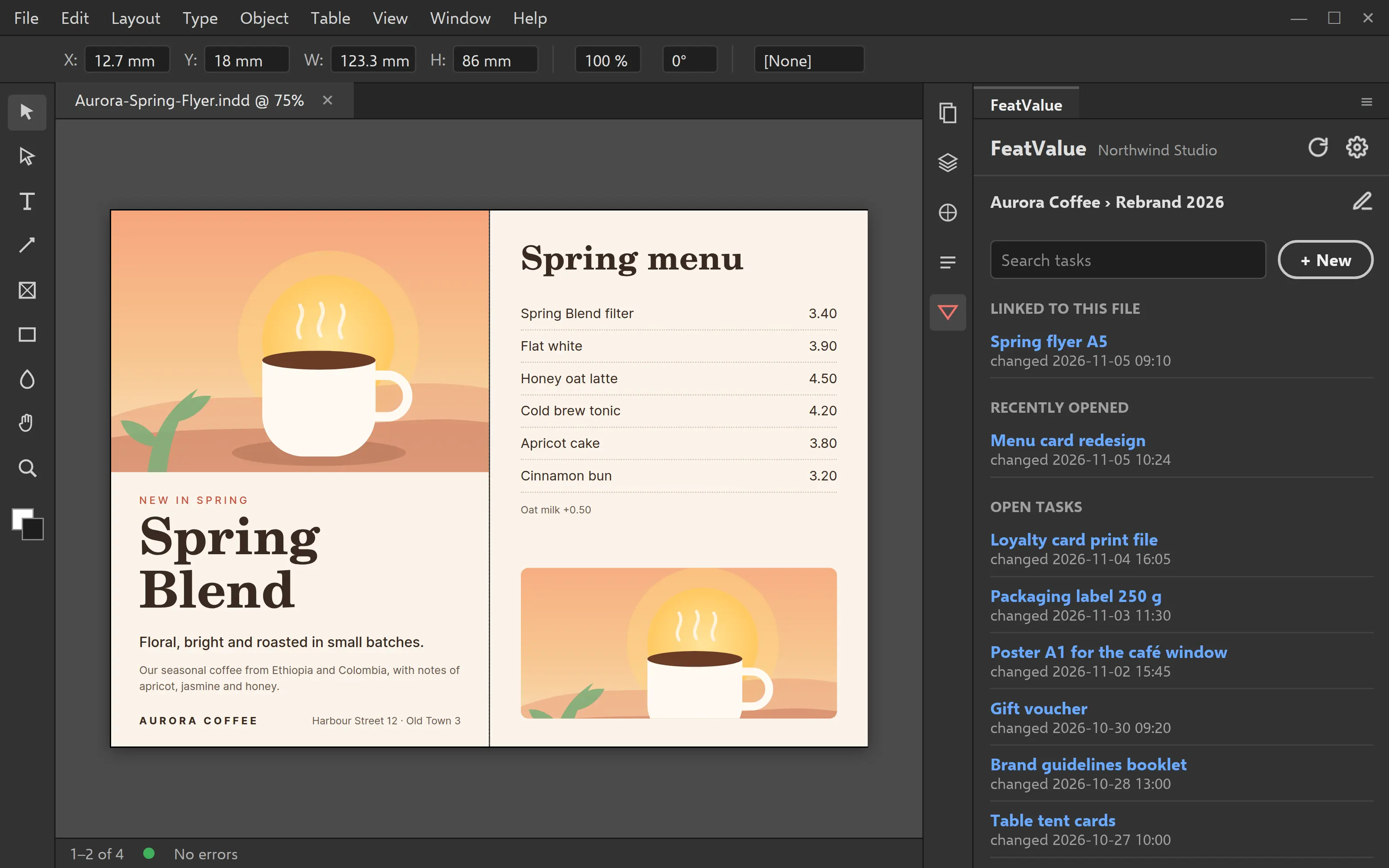
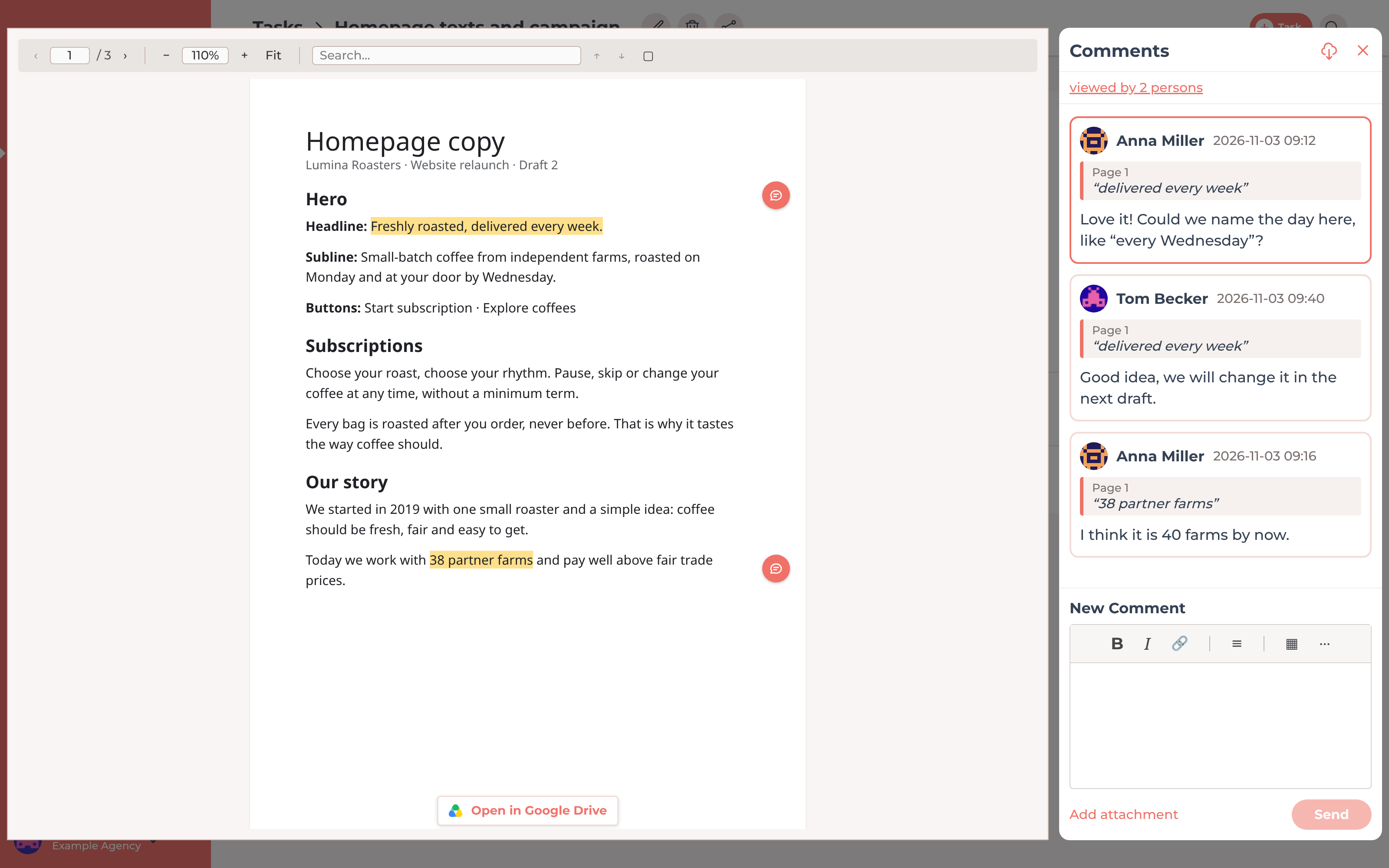
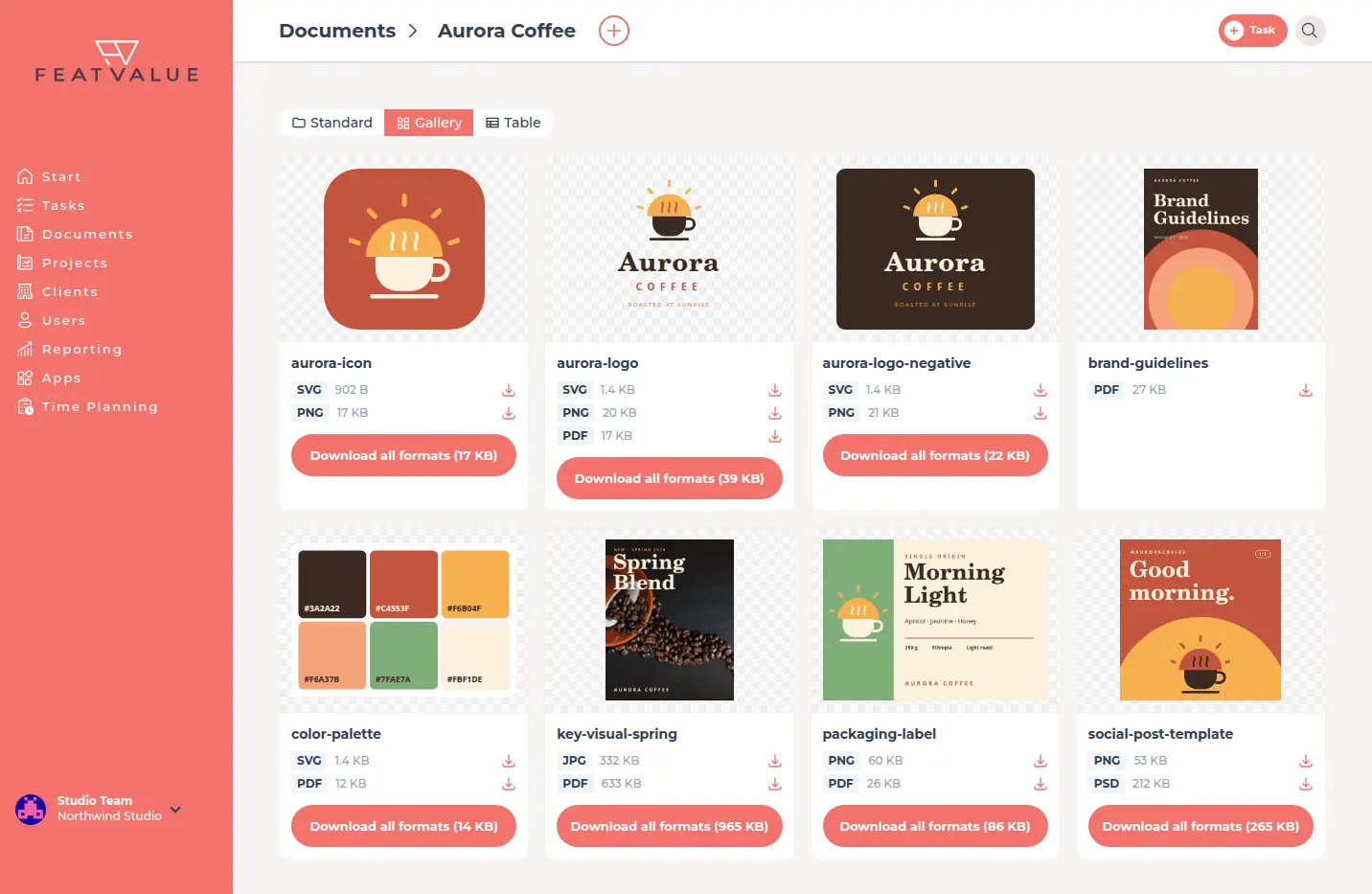
Your clients review designs in your own client portal, comment right on the file and approve with one click. PDF, image, Photoshop file or Figma frame: the feedback lands where your team works.
Start free. No credit card. Set up in minutes.
Client portal: your clients review and approve designs
Your design team: feedback arrives right on the design
White label
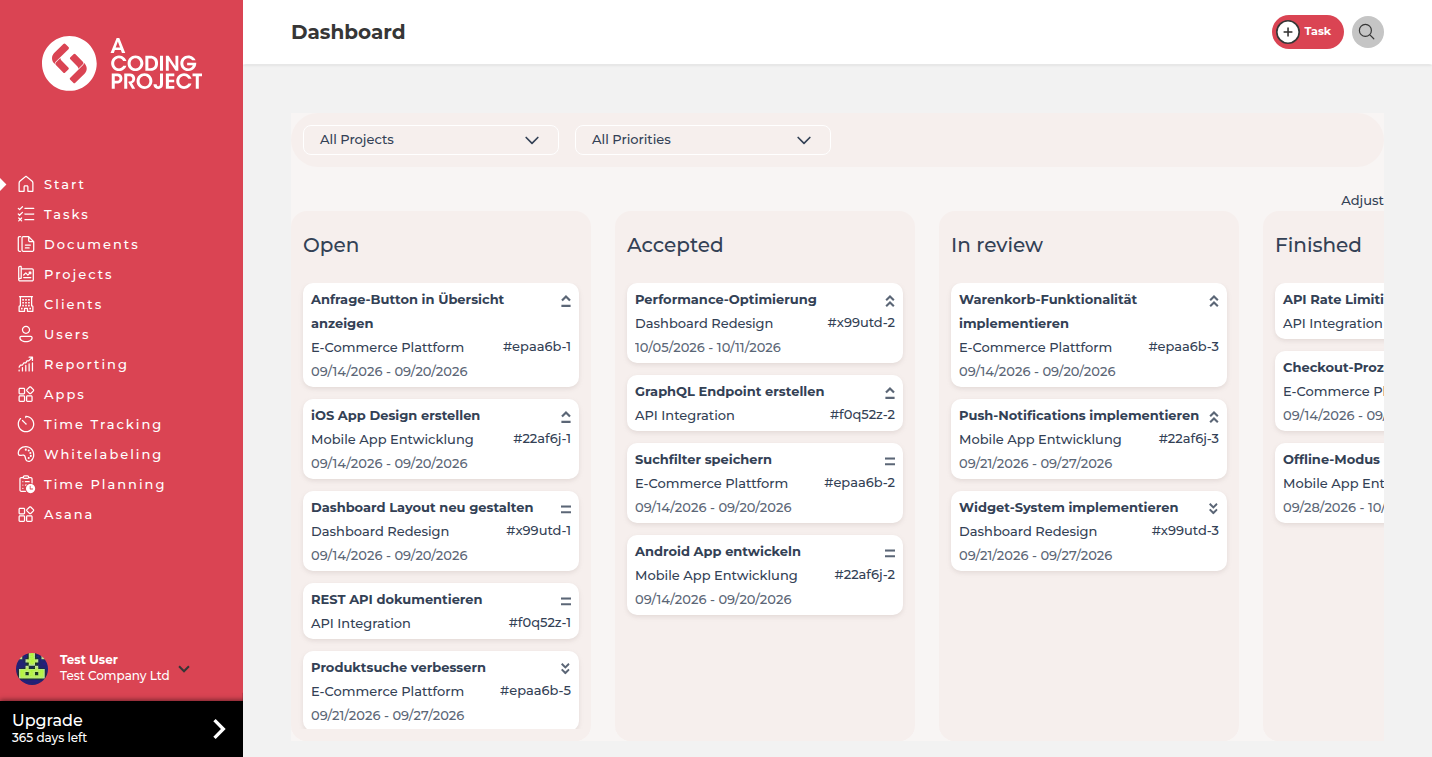
Every client gets their own access to their projects, tasks and files. From the Starter plan you use your agency's logo and colors. Your clients always see what you are working on and what is waiting for their approval.
Approvals
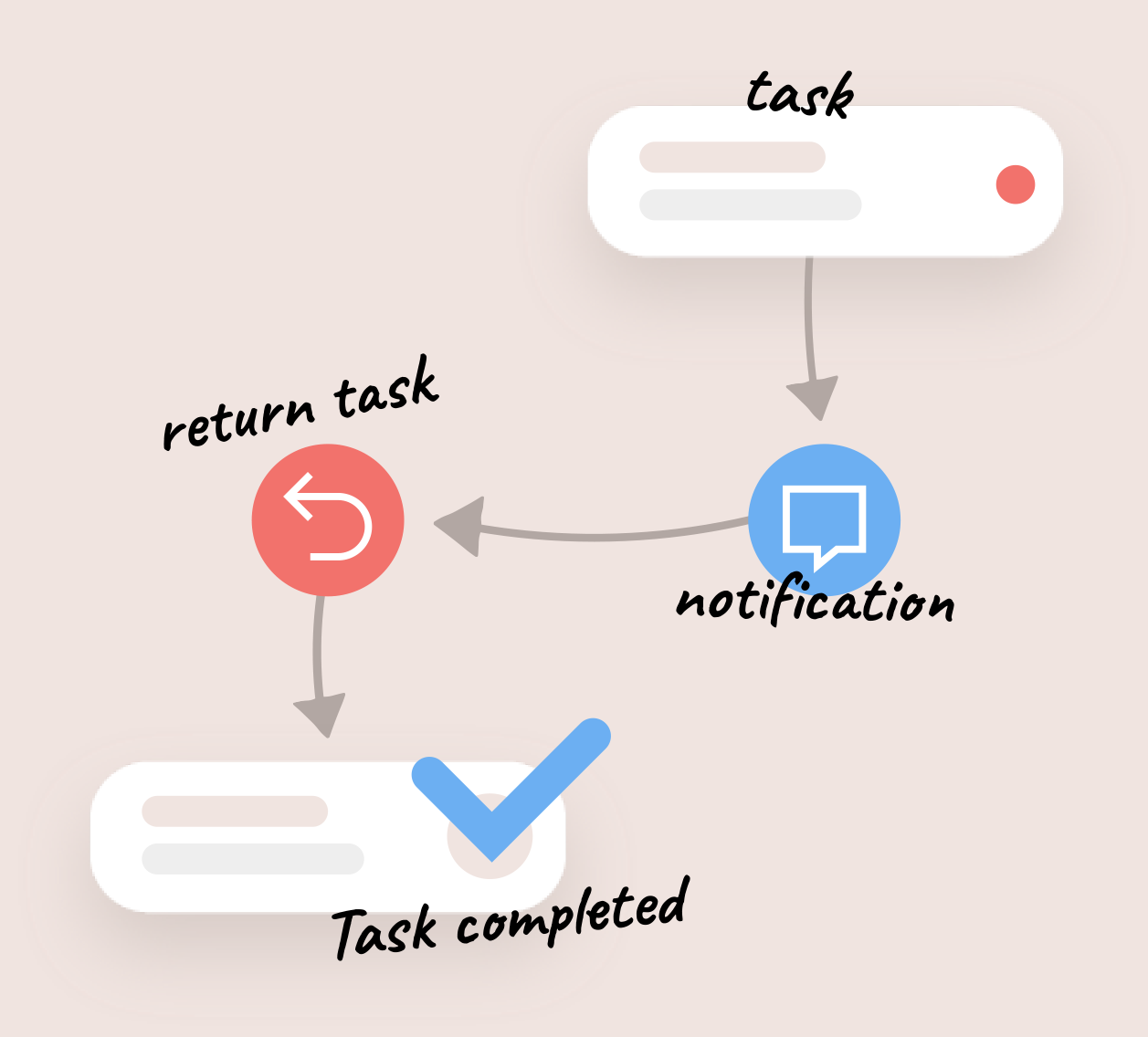
Send designs to your client for review as a task. They approve or give targeted feedback. With feedback, the task automatically moves back to in progress. Everyone knows which design is approved and what is still missing.
Design review
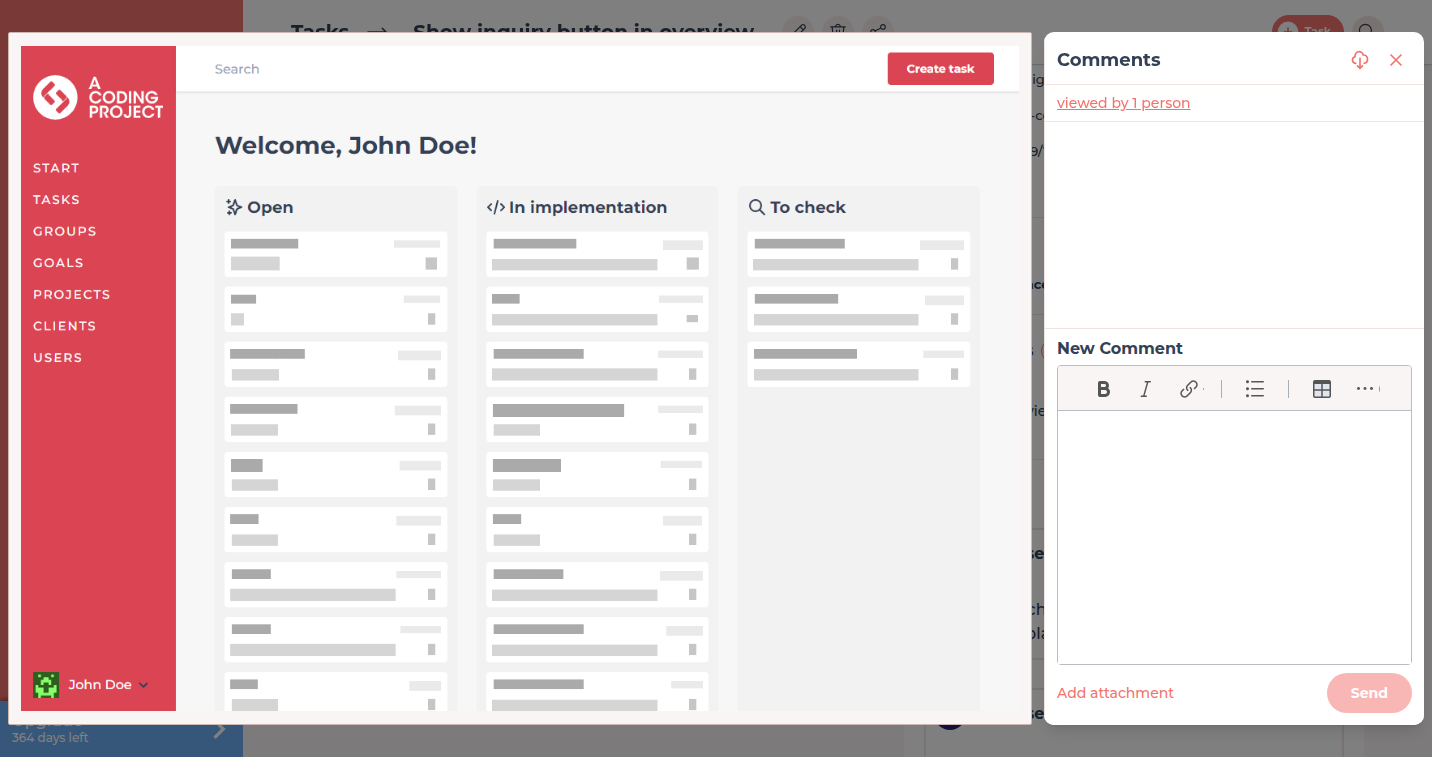
Your client pins comments to a spot or marks an area. This works in PDFs, images and designer formats such as PSD, AI, EPS and SVG. FeatValue creates a preview after the upload, and downloads always give you the original file. The supported formats are listed in the documentation on file comments.
Figma
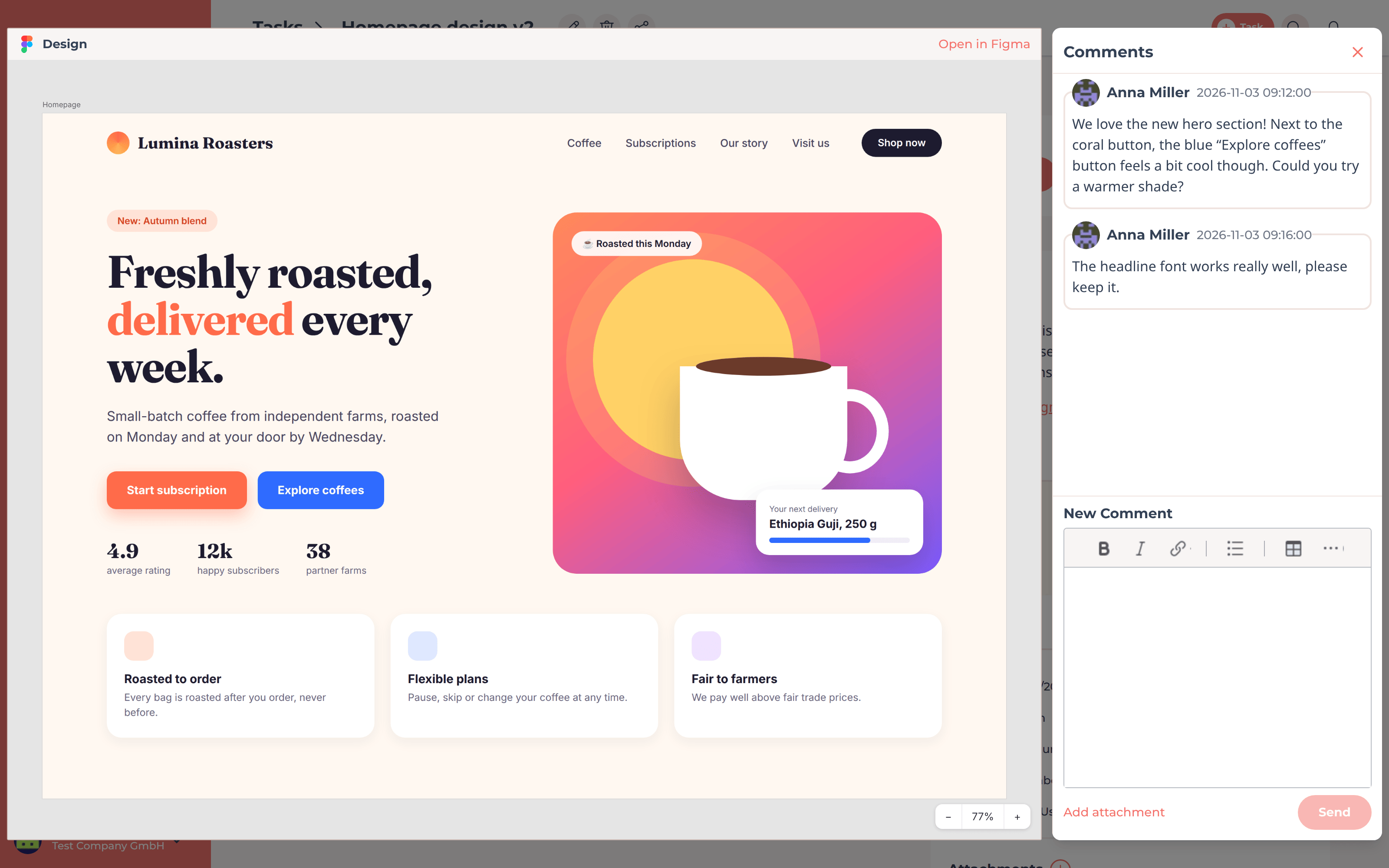
Paste the link to a Figma frame into a task. Your client sees the design live with a preview and comments on it in FeatValue. The comment automatically lands on the matching frame in Figma. On approval, FeatValue records which version was signed off. More about the Figma integration.
Plugins
With the FeatValue plugins for Adobe InDesign and Adobe Photoshop, your team sees client tasks in a panel, reads comments and sends the current version for approval: from InDesign as a PDF, from Photoshop as a PNG or JPG, optionally with the original file. Both plugins are free in the Creative Cloud Marketplace.
Cloud storage
Insert files from Google Drive or Dropbox directly into tasks, comments and documents. Your client sees a real thumbnail, opens the file in the FeatValue viewer and comments on it there, without an account with the provider. You link entire Dropbox folders under Documents.
Asset gallery
Under Documents you store assets per client and project. In the gallery your client sees every file with a preview and downloads it directly. Files with the same name in several formats, such as logo.svg, logo.png and logo.pdf, appear as one asset and can be downloaded together as a ZIP.
Get started
Create your FeatValue account, set up a project and invite your client.
If you like, connect Figma, Google Drive, Dropbox or your project management tool under Apps. FeatValue also works without them.
Upload the design or paste the Figma link and send the task for review. Your client comments and approves in the portal.
Integrations
FeatValue does not replace your project management, it adds the client portal on top. Your team keeps working in Asana, ClickUp, Trello, Jira or Basecamp and tracks time in MOCO, Harvest, Toggl Track or Clockify.
See all integrations →Try it free, invite your client and get your next design approved directly in FeatValue.
No credit card required. Cancel anytime.