
FeatValue TYPO3

TYPO3 client portal for agencies Turn your TYPO3 website into a client portal

The FeatValue extension makes your website the place where clients sign in, follow projects and create tasks. On your domain, while your team keeps working in Asana, Jira or ClickUp.

Start free. No credit card. Set up in minutes.

FeatValue: your client portal, embedded in TYPO3

TYPO3: your website, where clients sign in and follow tasks
TYPO3 – FeatValue
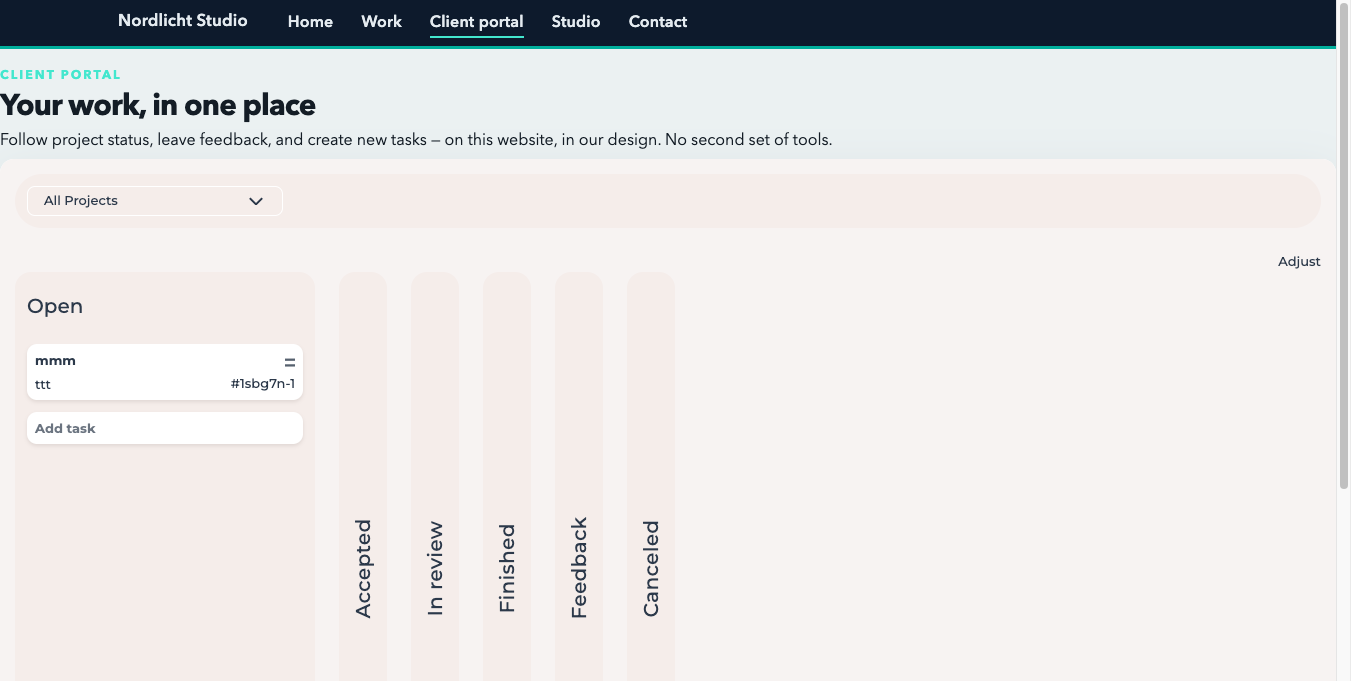
FeatValue dashboard embedded on a TYPO3 website

Embedded

The client dashboard lives on your website

The FeatValue extension embeds the client dashboard as a content element on your TYPO3 page. No separate portal URL – clients stay on your domain.

Tasks

Clients create tasks on your website

Requests, feedback and approvals happen on your website. Your team sees everything in FeatValue and in the connected project tool.

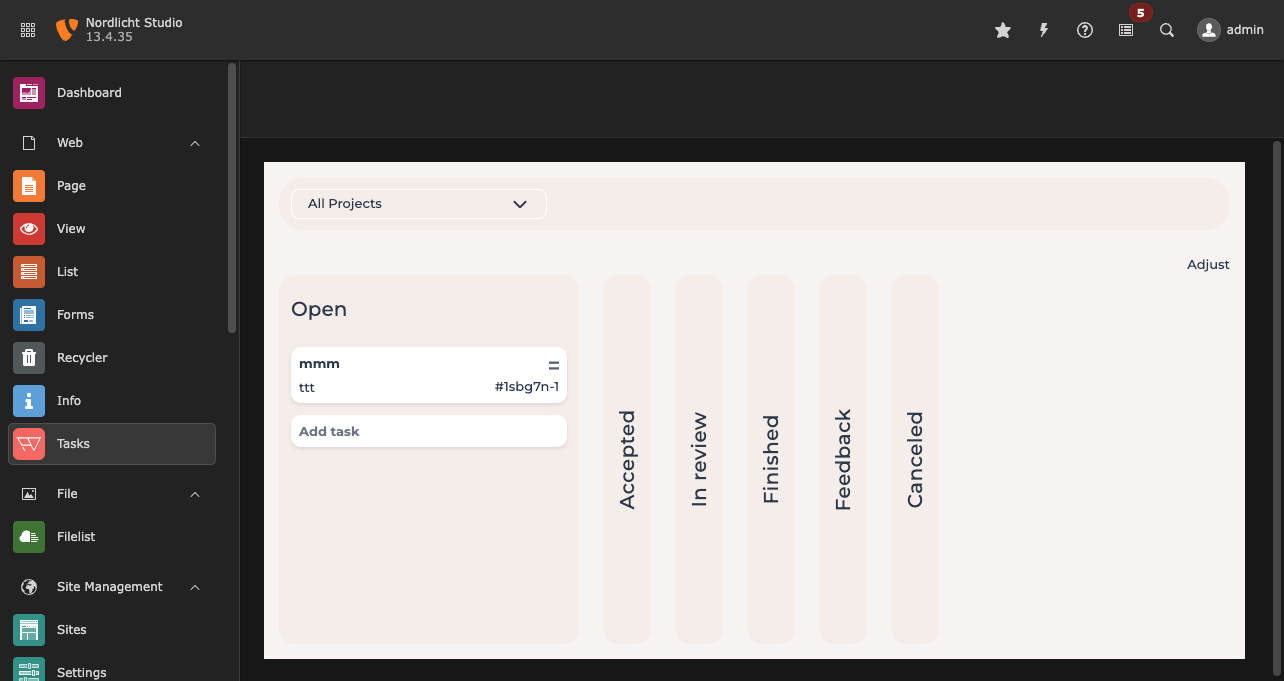
Task board in the TYPO3 backend with the page tree collapsed and an open task
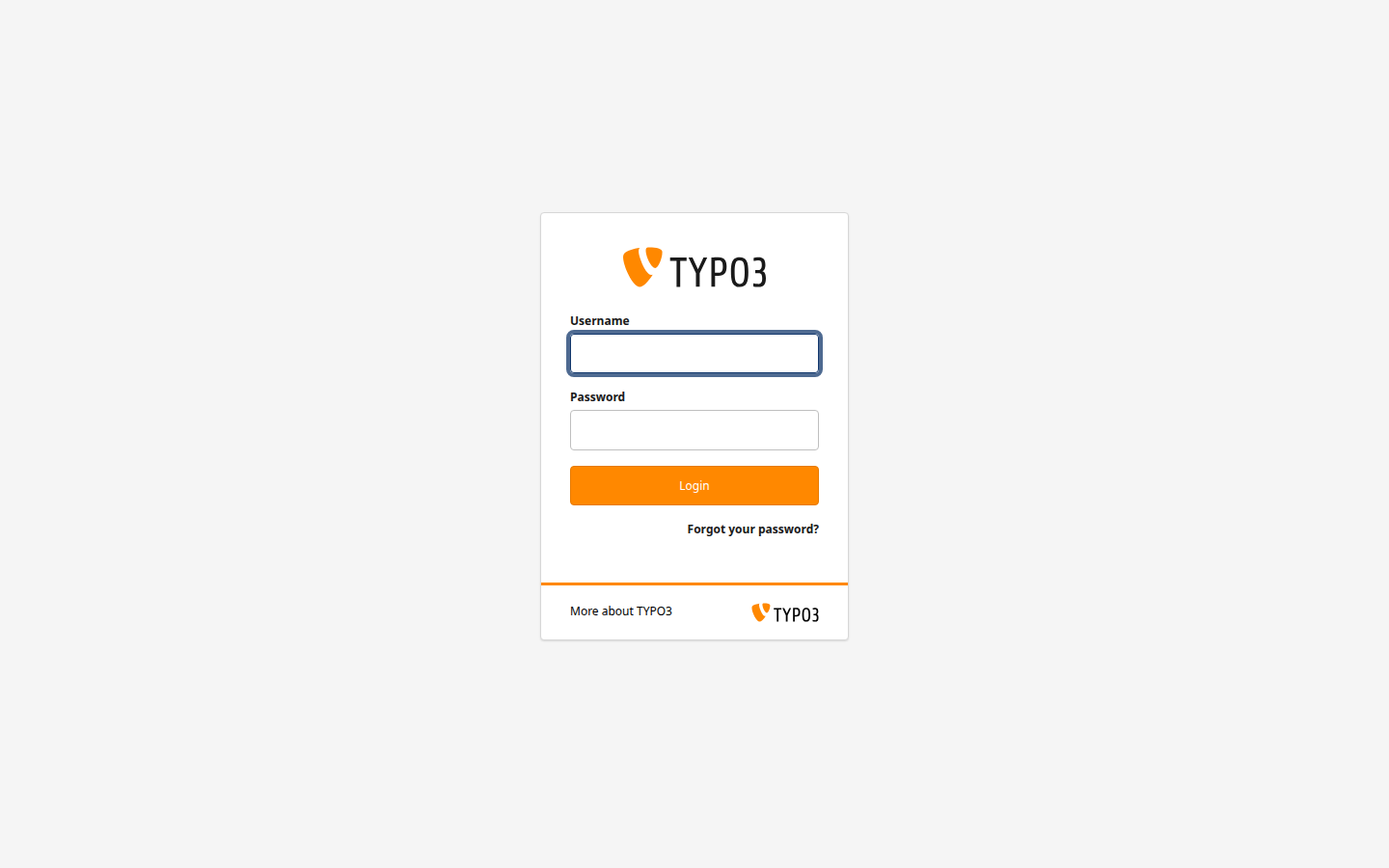
Sign-in screen in the TYPO3 backend

Login

💎

Clients sign in with their TYPO3 account

Frontend users use their existing TYPO3 account. Editors open the same tasks in the backend module – separate accounts, no second password.

Both worlds

TYPO3 in front, your project tool behind it

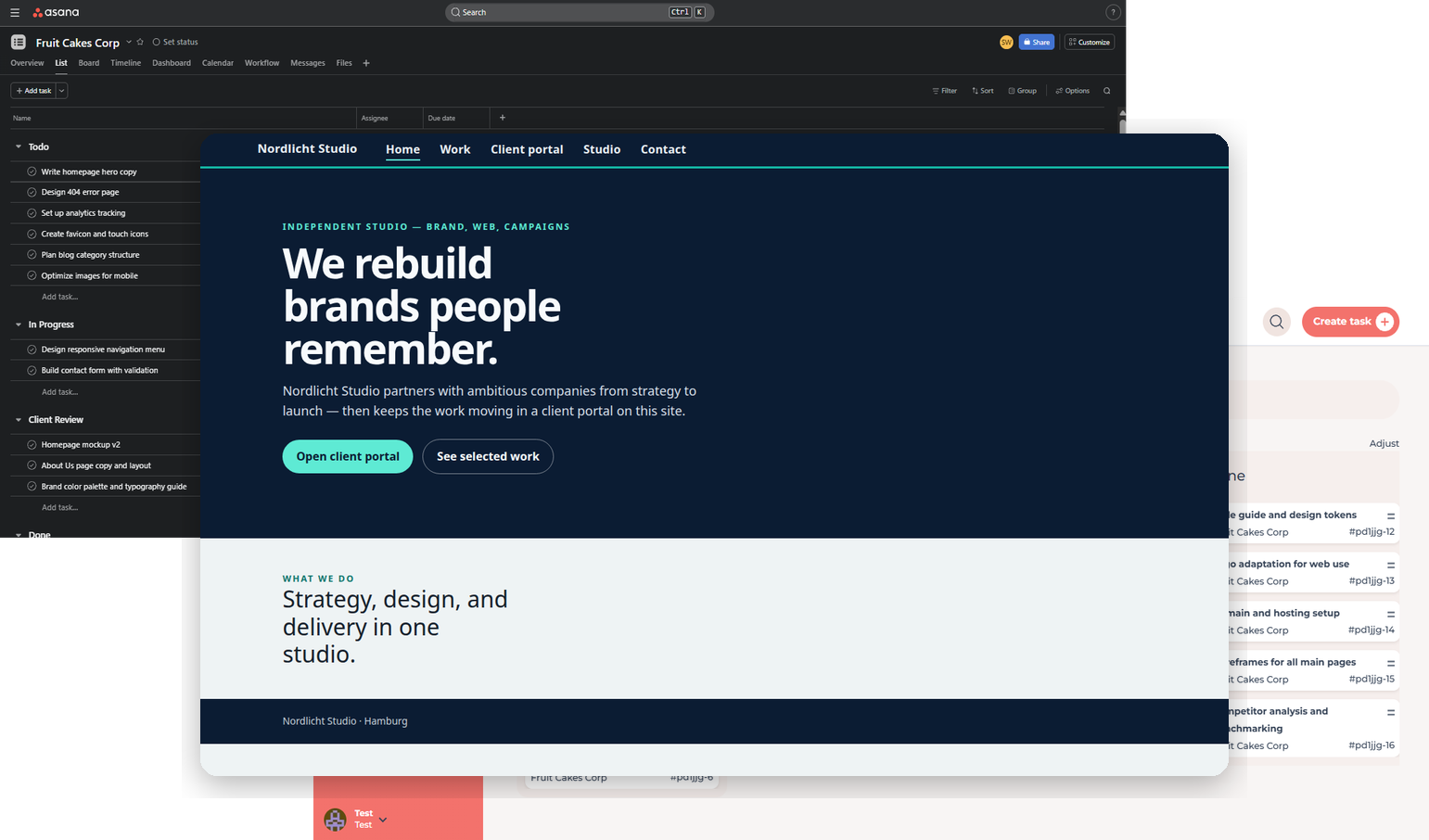
TYPO3 is where clients meet you. Combine the extension with Jira, Asana or ClickUp.

TYPO3 website in front of the Asana board the team keeps using
Install FeatValue as a TYPO3 extension

Standalone app

Install FeatValue as a TYPO3 extension

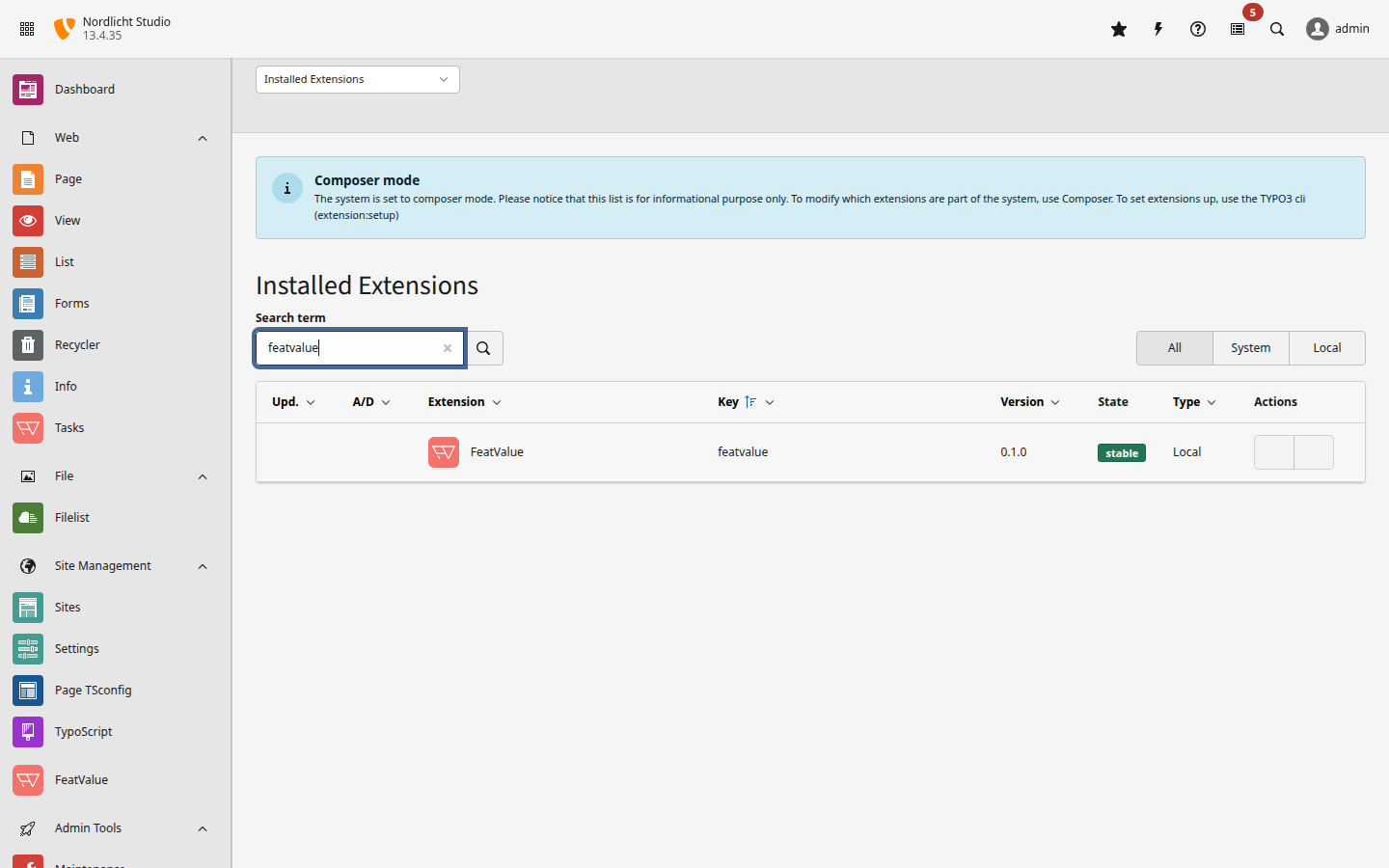
FeatValue is an extension for TYPO3 13 and 14. In the backend, open Admin Tools → Extensions and upload the ZIP.

Download the FeatValue extension →

Without switching tools

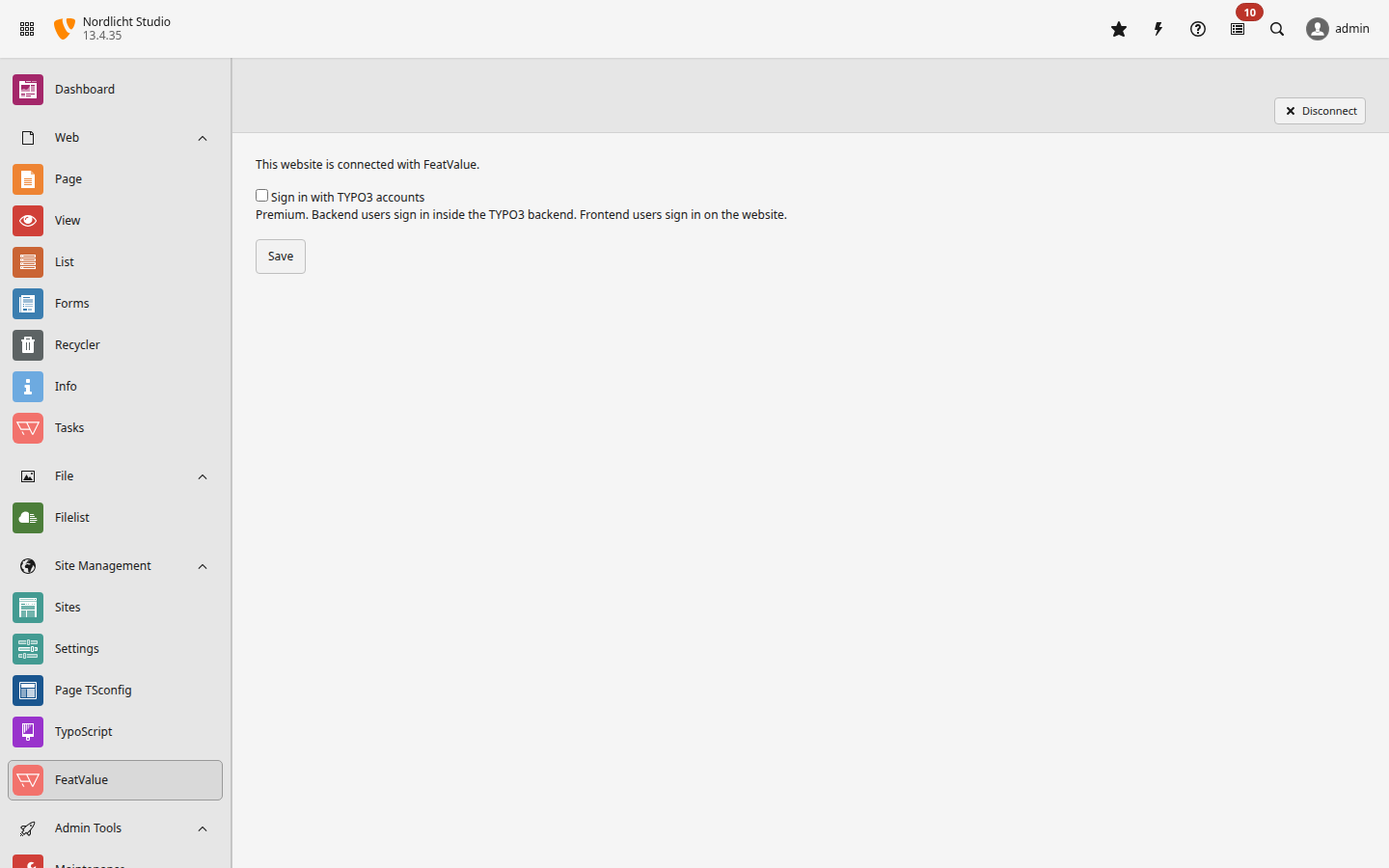
The connection lives in the backend module

In the FeatValue module you see whether the installation is connected, choose the site type and turn on TYPO3 sign-in (SSO). Backend and frontend users stay separate accounts.

TYPO3 menu in FeatValue

Set up in minutes

How to connect TYPO3 with FeatValue

1

Install the extension

Download the ZIP and install it under Admin Tools → Extensions in TYPO3 13 or 14.

2

Connect the website

Open the FeatValue module and click “Connect with FeatValue”. Choose whether the installation is a client site or an agency site.

3

Embed and invite

Enable the site set featvalue/dashboard and place the “FeatValue dashboard” content element. Clients sign in with their frontend account.

Start now with FeatValue and TYPO3

Try for free, invite clients, and collaborate better – your TYPO3 environment stays exactly as you know it.

No credit card required. Cancel anytime.

TYPO3 is a trademark of the TYPO3 Association. FeatValue is not part of the TYPO3 project and is not endorsed by the TYPO3 Association. The extension is licensed under the GNU General Public License version 2 or later and requires a FeatValue account.

+49 251 590 644-60
hello@featvalue.com
Privacy Policy • Imprint • Terms and Conditions