FeatValue Nextcloud

Nextcloud integration for agencies Share and discuss Nextcloud files with your clients

Add files from Nextcloud straight into tasks, comments and documents, or share whole folders. Your clients see real thumbnails, open PDFs and images in FeatValue and comment there, without a Nextcloud account.

Start free. No credit card. Set up in minutes.

FeatValue: your client portal, where clients view and comment on files

Nextcloud: your own server, where the files stay
Nextcloud – FeatValue
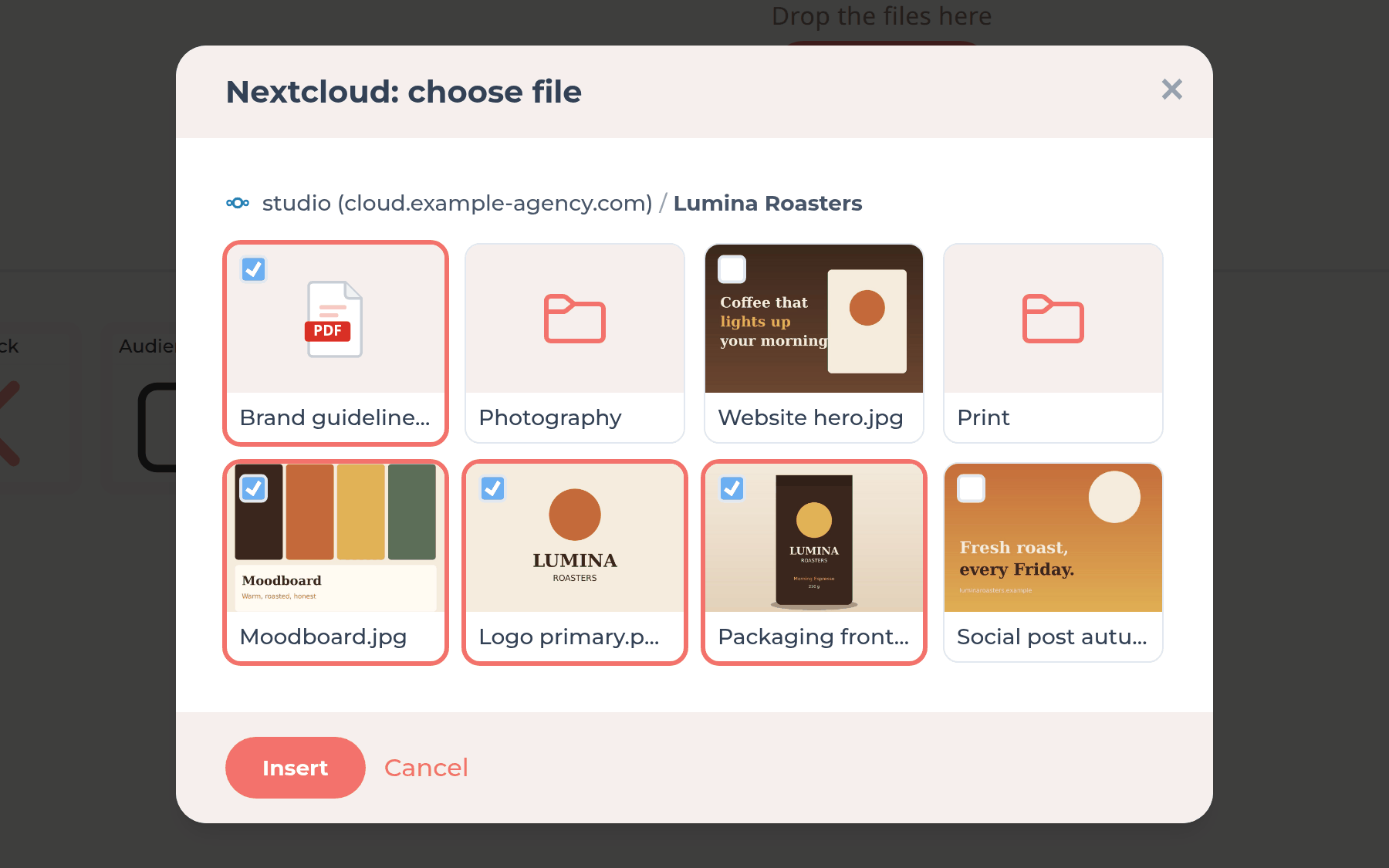
Upload area of a task with the Nextcloud icon and the Nextcloud file picker

Add directly

Add files from Nextcloud straight into tasks

You will find the Nextcloud icon in the upload area of tasks, comments and documents. The file picker opens right inside FeatValue and shows thumbnails of your files. Select files and FeatValue inserts them. No more downloading and uploading again.

No Nextcloud account

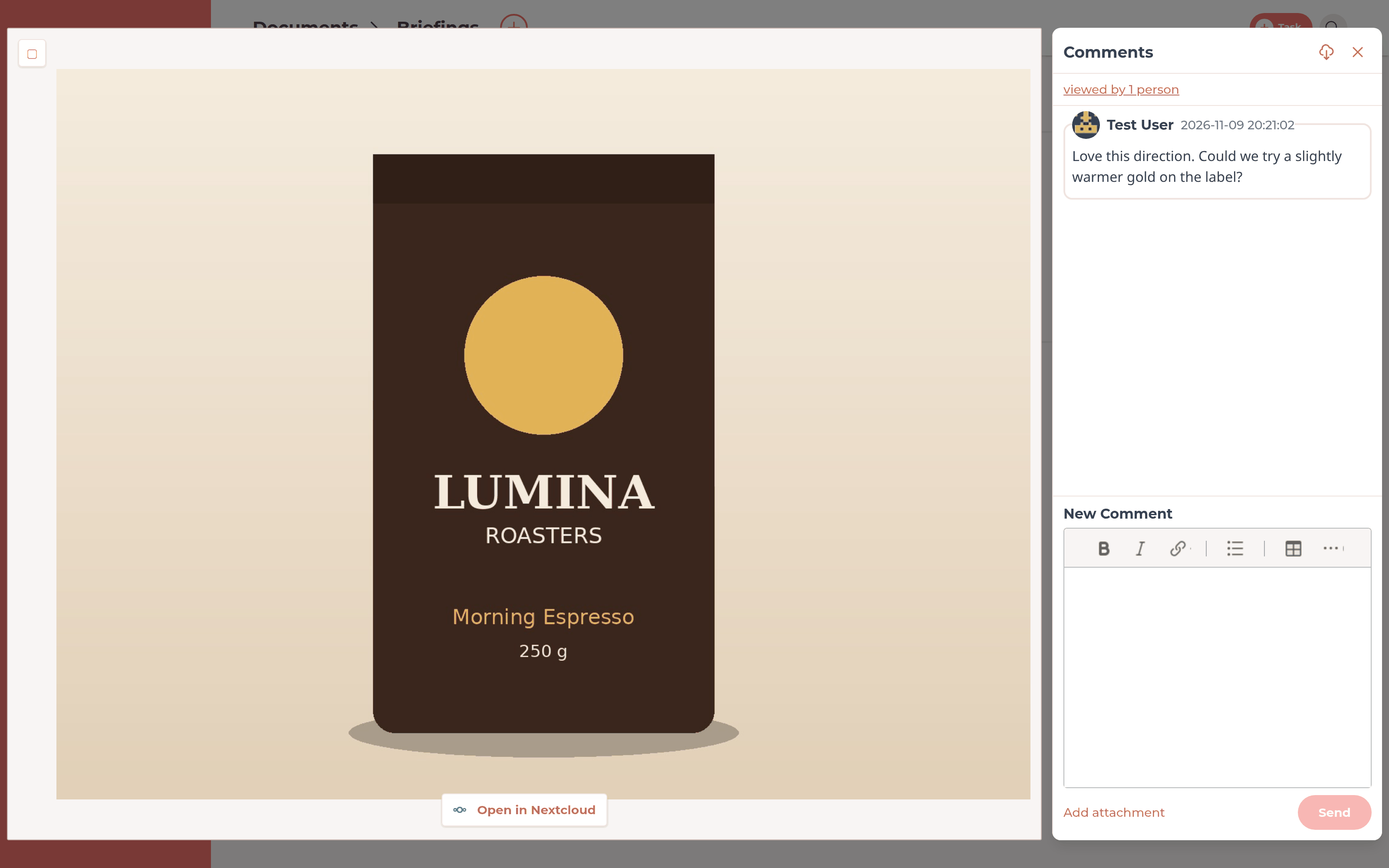
Your client opens and comments on the file in FeatValue

Added files show a real thumbnail. One click on a PDF or image opens it in the FeatValue viewer with the comment panel next to it. Your client needs neither a Nextcloud account nor a shared link.

PDF from Nextcloud in the FeatValue viewer with the comment panel
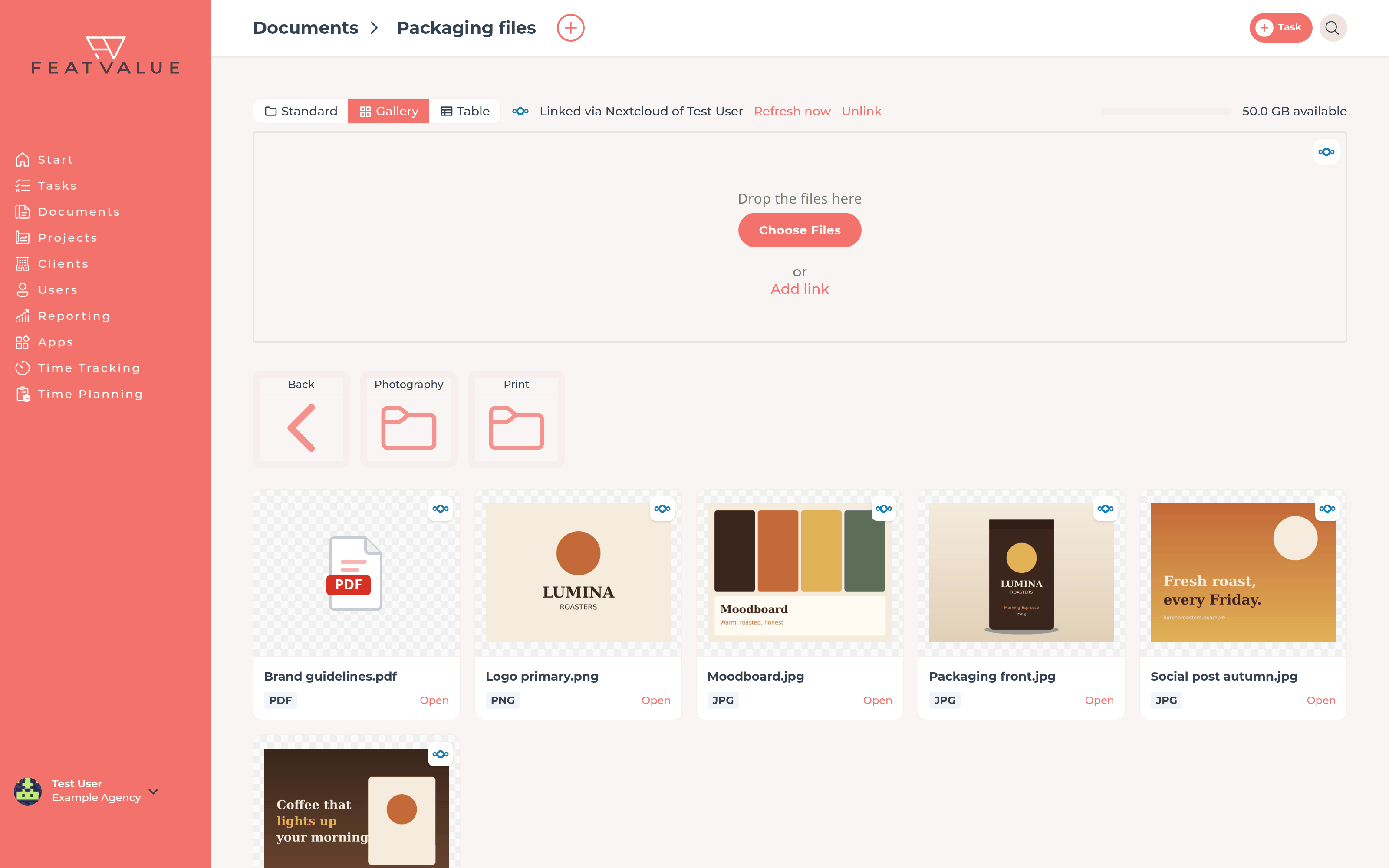
Folder under Documents linked to a Nextcloud folder

Share folders

Share whole Nextcloud folders with clients

Link a folder under Documents to a folder in Nextcloud. Your client sees its files in the client portal, and FeatValue syncs the folder regularly. Your team keeps saving files to Nextcloud as usual.

Your own server

Your files stay on your Nextcloud server

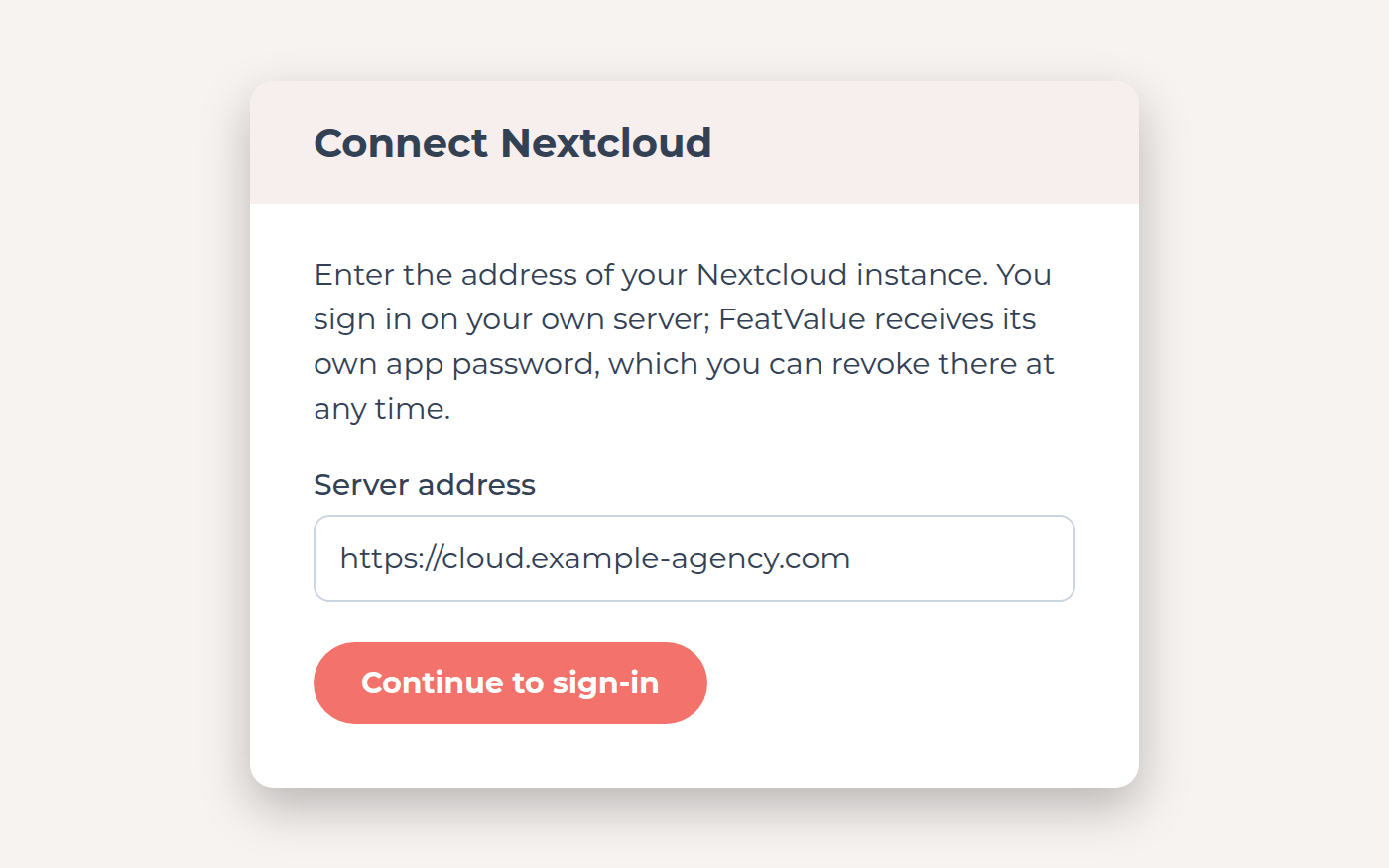
Enter the address of your instance and sign in there, including two-factor authentication or SSO. FeatValue receives its own app password, which you can revoke in Nextcloud at any time. Each person connects their own account. FeatValue stores only a reference and the thumbnail and loads the content from your server when needed.

Dialog for connecting with the address of your own Nextcloud server

Set up in minutes

How to connect Nextcloud to FeatValue

Every step in detail is in the cloud storage docs.

1

Sign up for free

Create your FeatValue account above, set up a project and invite your client.

2

Install the app

Install Nextcloud for your agency under Apps. If the app is not installed yet, FeatValue also suggests it right in the upload area.

3

Connect your account and add a file

The first time you click the Nextcloud icon, enter your server address and sign in there. Your server must be reachable from the internet and use HTTPS. Then select files or link a folder.

Stefan Wienströer

Free setup

We connect Nextcloud for you – for free

No time for the setup? We connect Nextcloud, design your portal and set up your workflows. Free of charge, for every plan.

Book a free call More about the free setup

Start now with FeatValue and Nextcloud

Try it for free, connect Nextcloud and review files with your clients in the portal instead of shared links and email.

No credit card required. Cancel anytime.

Nextcloud is a trademark of Nextcloud GmbH FeatValue is an independent offering and is not endorsed or sponsored by Nextcloud. The integration requires a FeatValue account (free plan available).

Privacy Policy • Imprint • Terms and Conditions