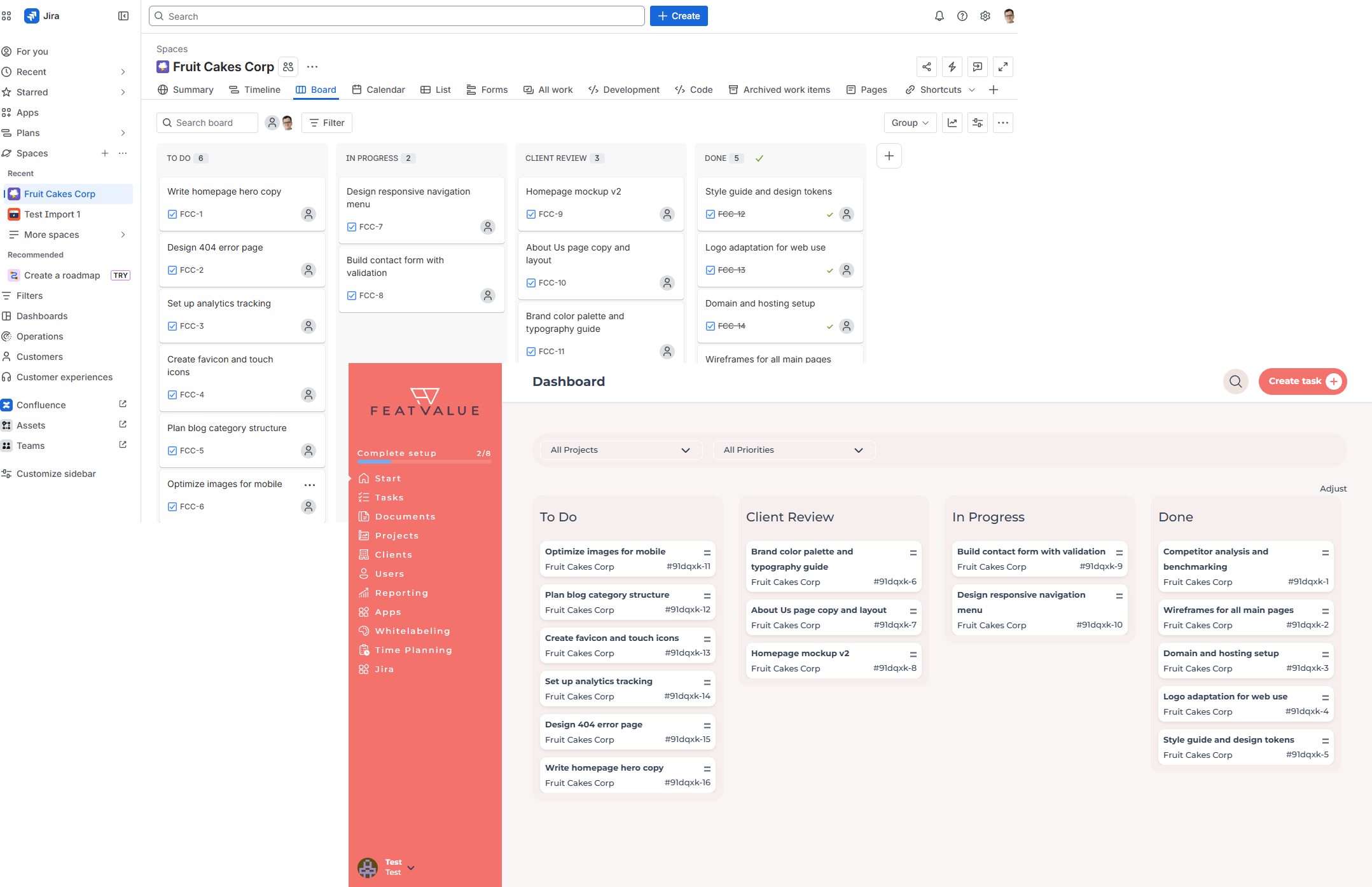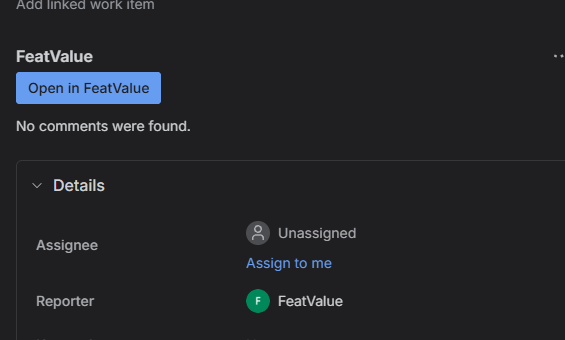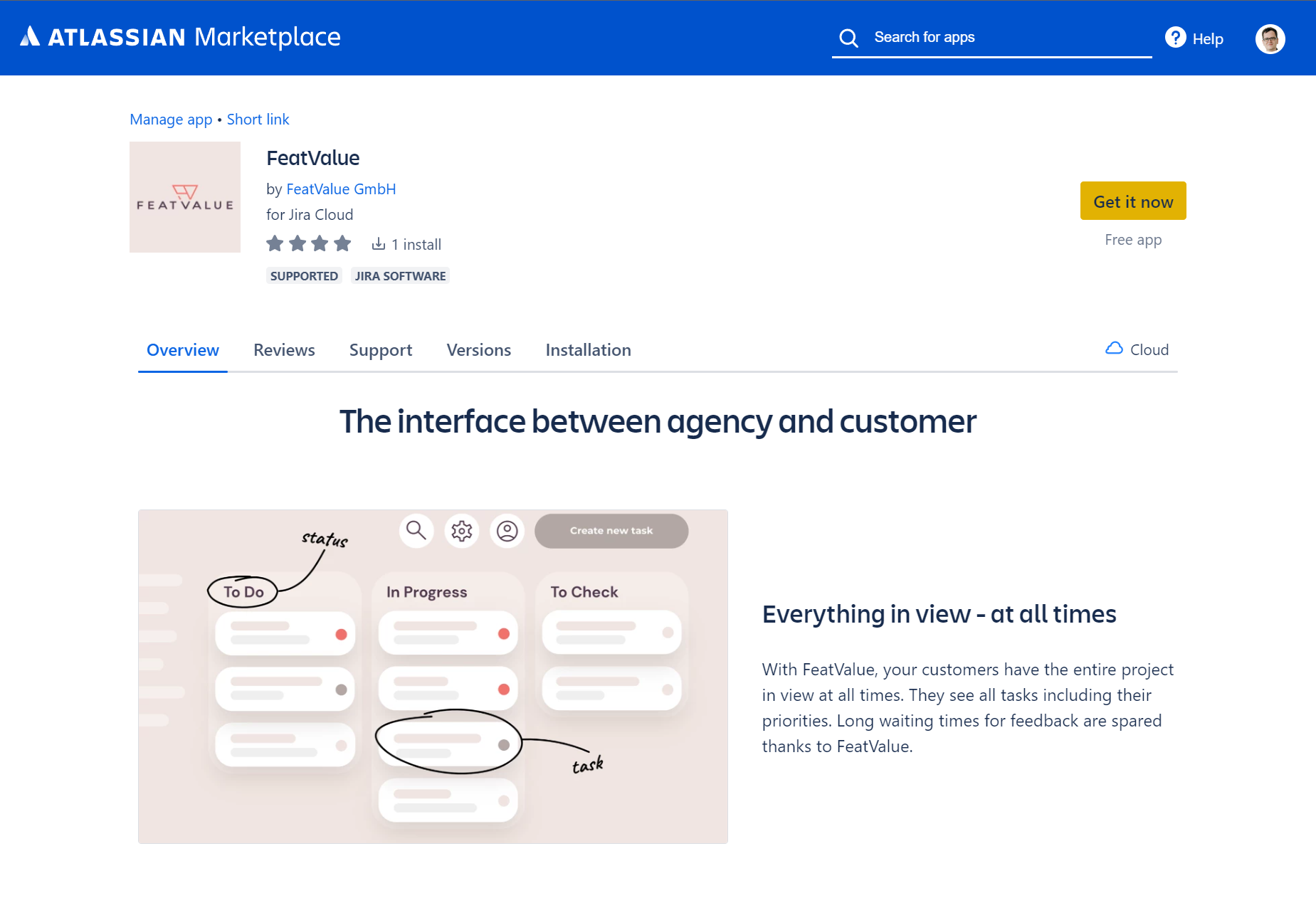

Work in your usual Jira workflow and still onboard clients cleanly. Tasks, priorities, comments, and approvals flow bidirectionally between Jira and the FeatValue client portal. Your clients only see what they should—without a Jira login.
Start free. No credit card. Set up in minutes.
FeatValue: Your client portal – connected to Jira
Jira: Your team's familiar workspace – clients follow approvals and tasks in FeatValue.
Bidirectional
Every issue in Jira appears as a task in FeatValue—including title, description, priority, and comments. Changes from your client go straight into the Jira issue. Tasks created in FeatValue are easy to spot thanks to the FV - prefix.
Approval flow
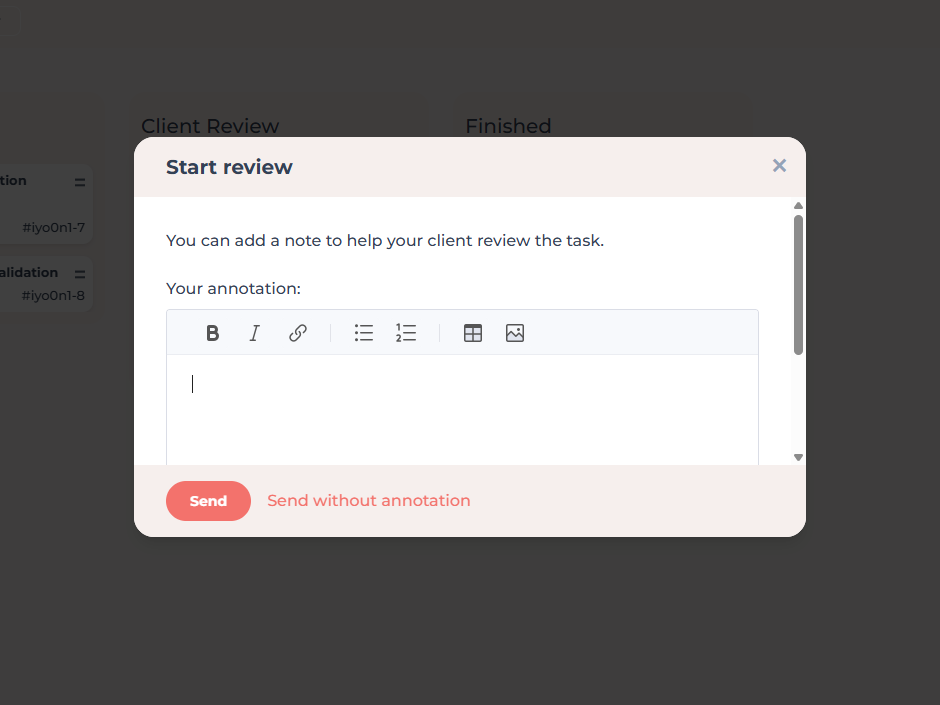
When you finish an issue, move it to Client Review in Jira. Your client is notified by email and reviews the task in FeatValue. If they accept it, the Jira issue closes as well. If there is feedback, FeatValue updates the status accordingly.
Comments
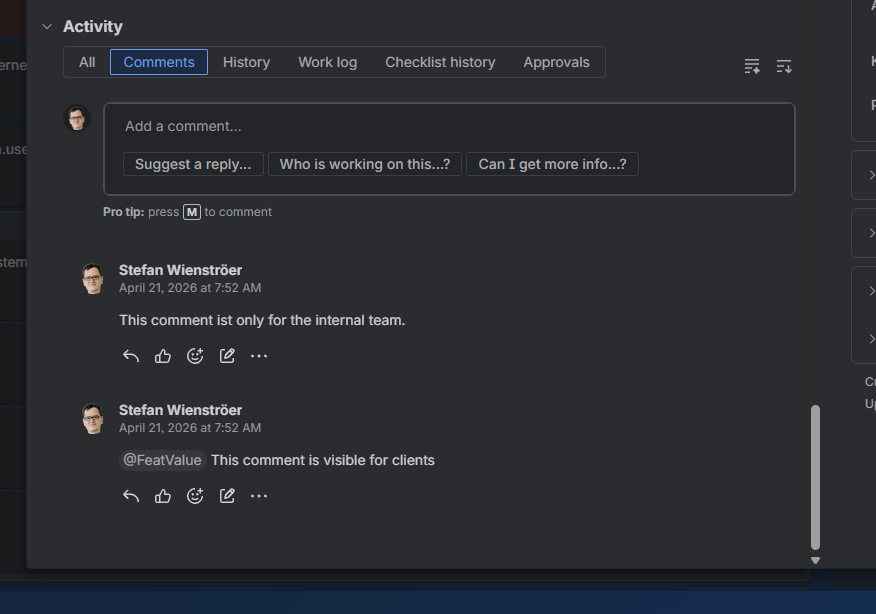
Mention @FeatValue in a Jira comment to publish it in the FeatValue client portal. All other Jira comments stay internal with your team. Comments from FeatValue also appear on the issue.
Sprints
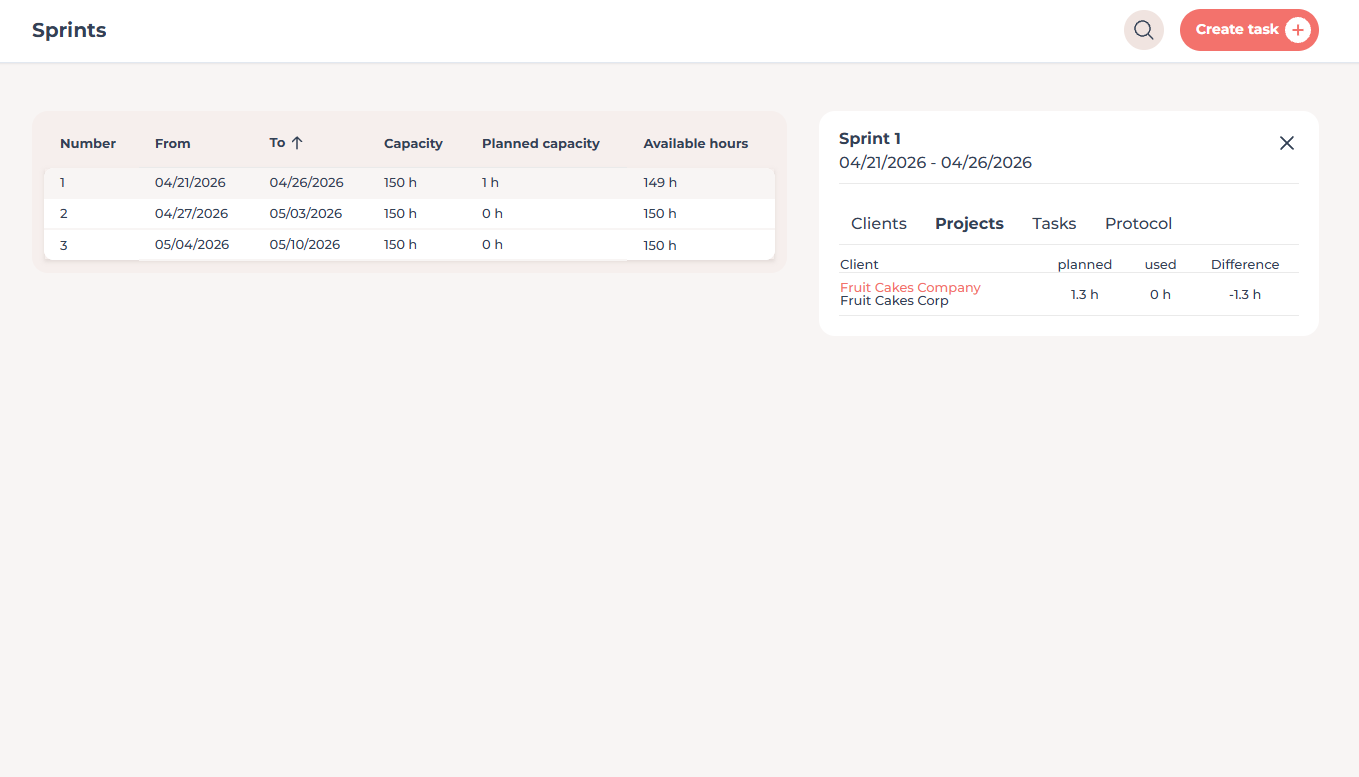
FeatValue works natively with Jira sprints. You keep planning in Jira; your clients see in FeatValue which tasks are currently in progress—without peeking into your backlog. You can also let FeatValue plan sprints automatically based on your clients’ priorities.
Without switching tools
Under Apps › FeatValue in Jira you open the FeatValue panel without switching tools. On every issue you also get the FeatValue issue panel—with client comments, approval status, and a direct link to the client portal.
Marketplace app
Install FeatValue as an official app in the Jira Marketplace. Your team links the FeatValue account in one click – with no separate admin overhead.
Set up in minutes
Enter your email above to create a FeatValue account. You will confirm your email address in the next step.
Install FeatValue from the Jira Marketplace and link your account. Alternatively, choose Jira in the FeatValue onboarding – we will guide you through installation.
Invite your clients to FeatValue and start with new or existing boards and projects. Tasks appear automatically in Jira – and vice versa.
Try for free, invite clients, and collaborate better – your Jira environment stays exactly as you know it.
No credit card required. Cancel anytime.