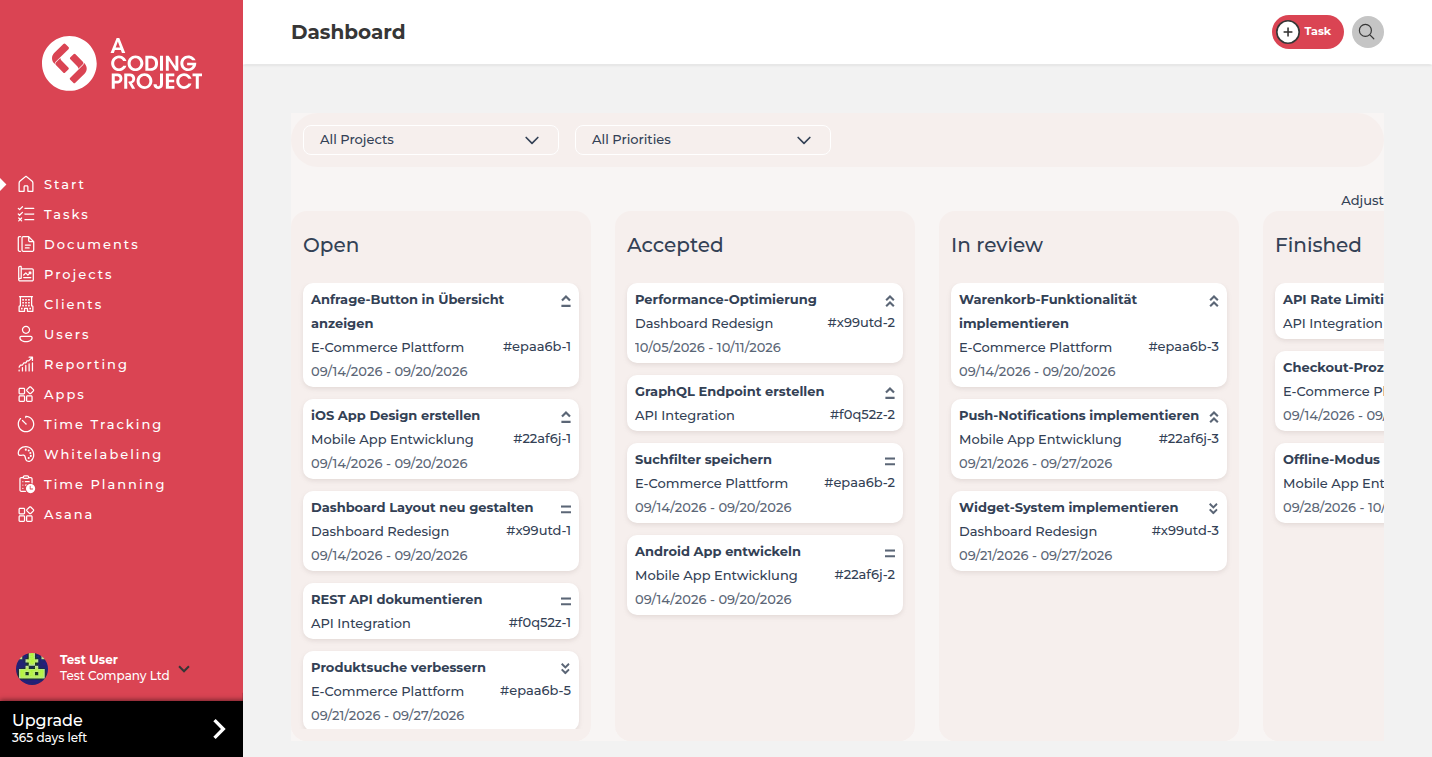
In your own client portal, your clients see what you are working on and what is already live. They only get a task for review once the change is deployed, with the link to test it. Then they approve it with one click.
Start free. No credit card. Set up in minutes.
Client portal: your clients see the status and approve tasks
GitLab or GitHub: your team keeps working with merges, pipelines and deployments

Sound familiar?
The client calls or emails to find out whether the change is done. Someone on your team has to check and reply.
The request for sign-off is buried in a long email thread. The release waits until the client replies.
The client checks production while the change is only on staging, and reports a bug that was fixed long ago.
Feedback arrives scattered across email, phone and chat. In the end nobody is sure what exactly was approved.
Client portal
Every client gets their own access to their projects and tasks, with your logo and colors from the Starter plan. They see what is open, what you are working on and what is waiting for their approval. New requests go in as tasks right there instead of another email.
Project status
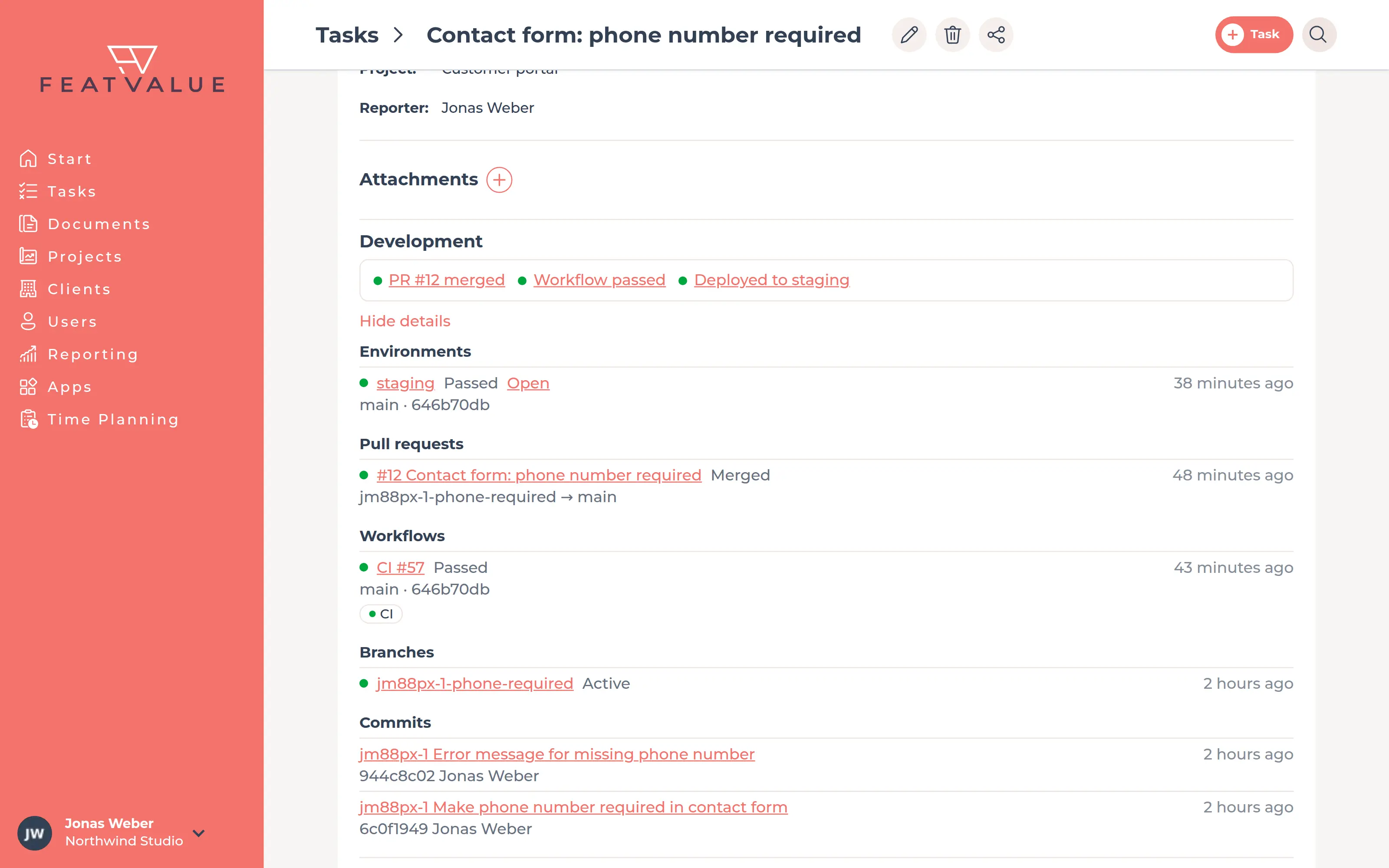
Connect GitLab or GitHub. As soon as merge requests and pull requests are merged, the pipeline runs or the change reaches an environment, it shows up on the task. Your client sees in plain words whether it is in progress, on staging for testing or live. Your team no longer writes status emails.
Release after deployment
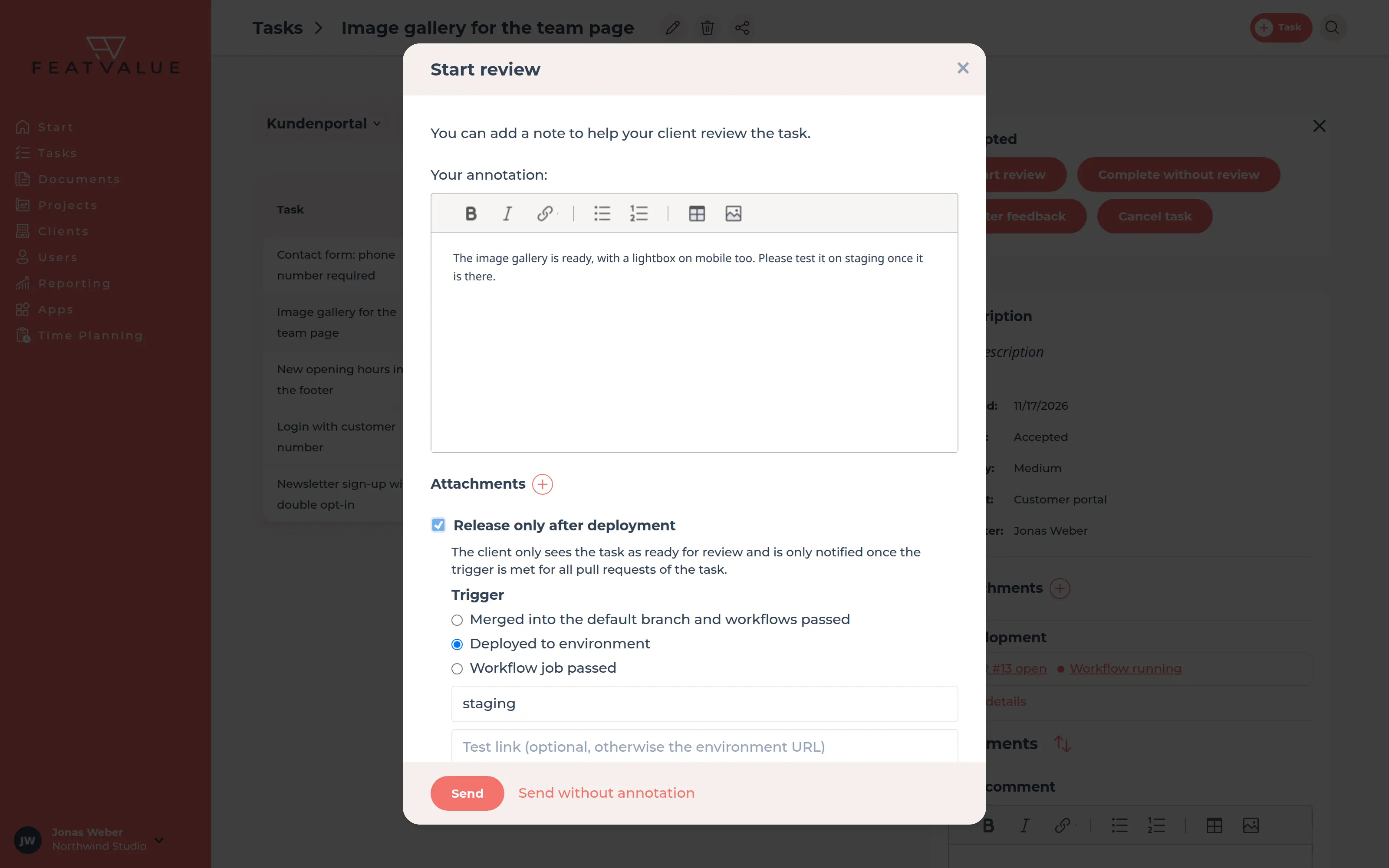
💎Send the task for review as soon as you are done and tick “Release only after deployment”. FeatValue holds it back until merge and pipeline have passed or the change runs on the environment you chose. Only then does your client get it for review, with the link to exactly that environment. So they never test a version that does not contain the change yet.
Sign-off
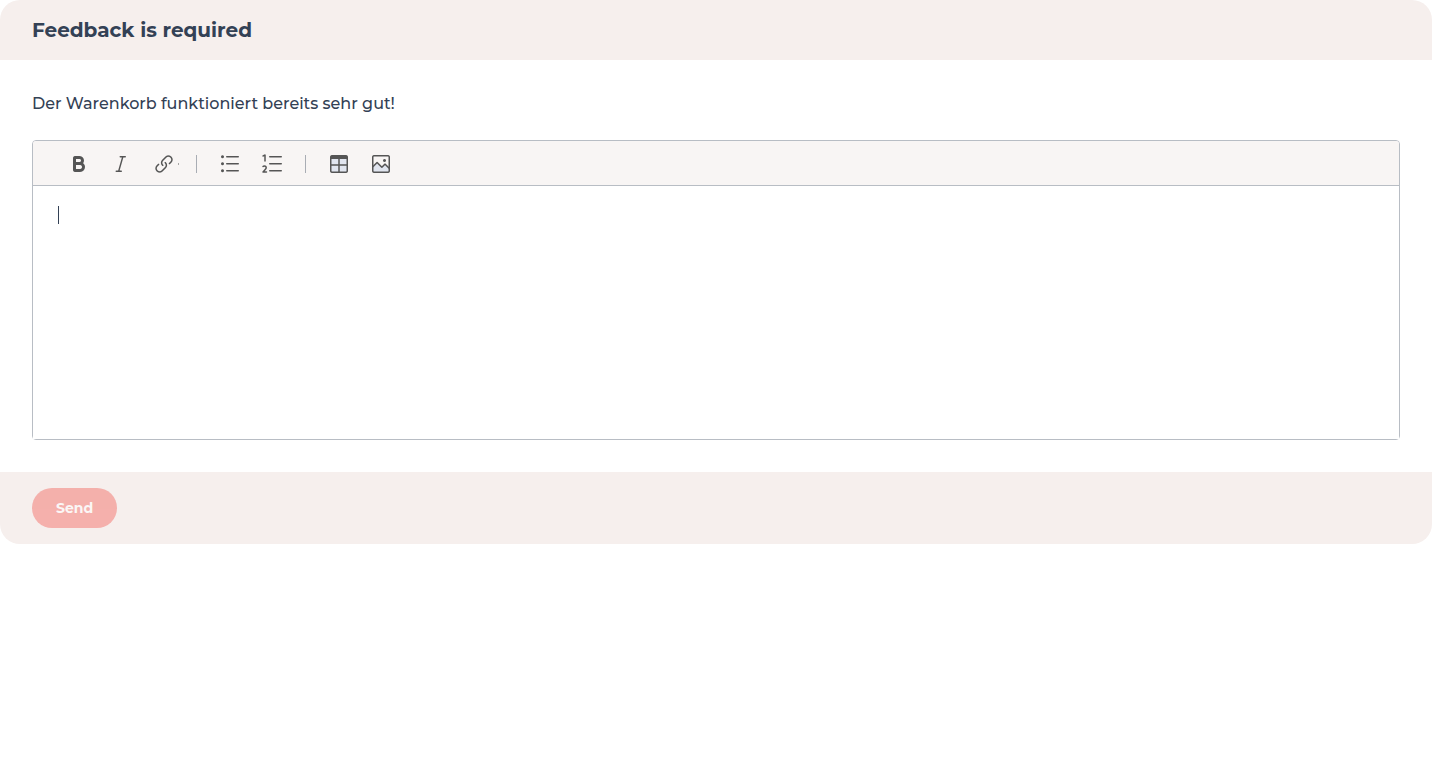
Your client approves each task on its own or requests changes. Their feedback is a comment on the task, with markup on a screenshot if needed. An approved task shows name and date, so it is clear later who signed off on what. More in Review and acceptance.
AI assistants
Your team works with Claude Code, Cursor or ChatGPT? Through the FeatValue MCP server, assistants read tasks and client feedback, create new tasks and send finished work for review, with a note and a test link. More about AI assistants.
Get started
Create your FeatValue account, set up a project and invite your client. You can connect your tasks from Jira, ClickUp or Asana.
Under Apps, connect GitLab or GitHub and link the repository to the project. The task ID in the branch name is all it takes for the status to show on the right task.
Send the next task for review, after deployment if you like. Your client tests with the link on the task and approves it in the portal.
Integrations
FeatValue does not replace your ticket system, it adds the client portal on top. Your team keeps working in Jira, ClickUp, Asana, Trello, Redmine or OpenProject and tracks time in MOCO, Harvest, Toggl Track or Clockify.
See all integrations →Try it free, invite your client and let them test and approve the next change right in FeatValue.
No credit card required. Cancel anytime.
GitLab is a trademark of GitLab Inc., GitHub is a trademark of GitHub, Inc. FeatValue is an independent offering and is not endorsed or sponsored by either company.