Setup checklist
The onboarding wizard makes the account usable quickly. Complete setup is the checklist afterwards: it helps you get as much as possible out of FeatValue. The item stays in the sidebar until every point is done, then it disappears.
What the checklist is for
The wizard only covers the first import. The checklist reminds you to create a project, invite a client and colleagues, finish the company address, name workflow transitions and, if you want, connect time tracking and brand the portal.
Companies that already work as a service provider for someone else do not see these todos.
Where to find it
Click Complete setup in the left sidebar. When everything is done the menu item hides; the page then shows All done!.
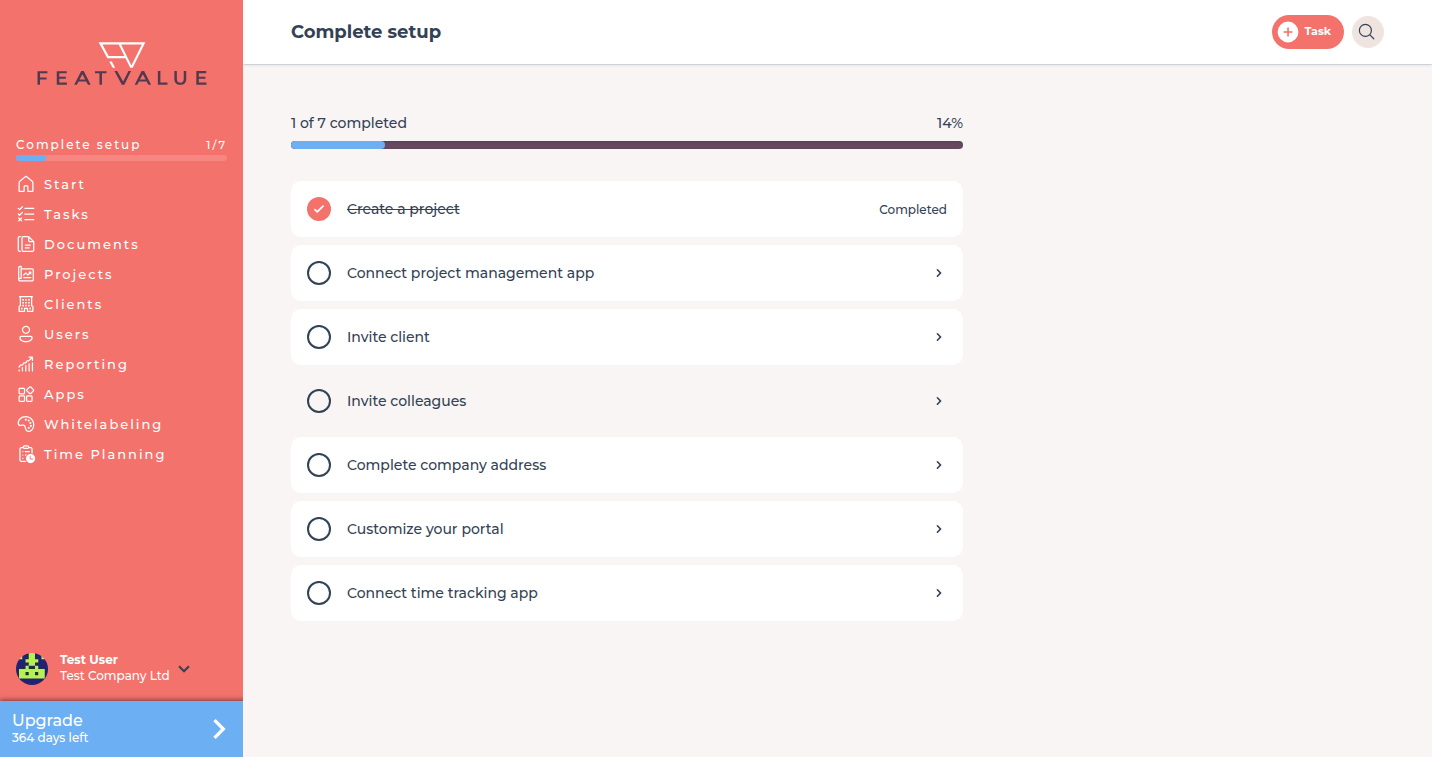
The items
| Item | Done when | Opens |
|---|---|---|
| Create a project | You own or serve at least one project | Creating projects |
| Connect project management app | A project-management app is authorised | Connecting apps |
| Complete status descriptions | Every status in your own workflow has a description | Workflows |
| Name a workflow transition | At least one transition has a name | Transitions |
| Invite client | At least one client company has a user | Inviting contacts |
| Invite colleagues | Your company has more than one user | Inviting users |
| Complete company address | Street, ZIP, city and country are stored | Company details |
| Customize your portal | A theme exists for your company | Whitelabeling |
| Configure client review process | At least one status has the Client review toggle | Client review status |
| Connect time tracking app | A time-tracking app is authorised | Time tracking |
Workflow items appear only after you have your own workflow (not just the default). Address needs a connected CRM record. See Workflows and Whitelabeling.
Troubleshooting
Invite colleagues stays open
Only users of your company count. Client contacts do not close this item.
The sidebar item vanished
All todos are done. Day-to-day work continues under Tasks and Projects.
Your question has not been answered?
We will be happy to help you. You can send us an e-mail or arrange a video conference: