Overview
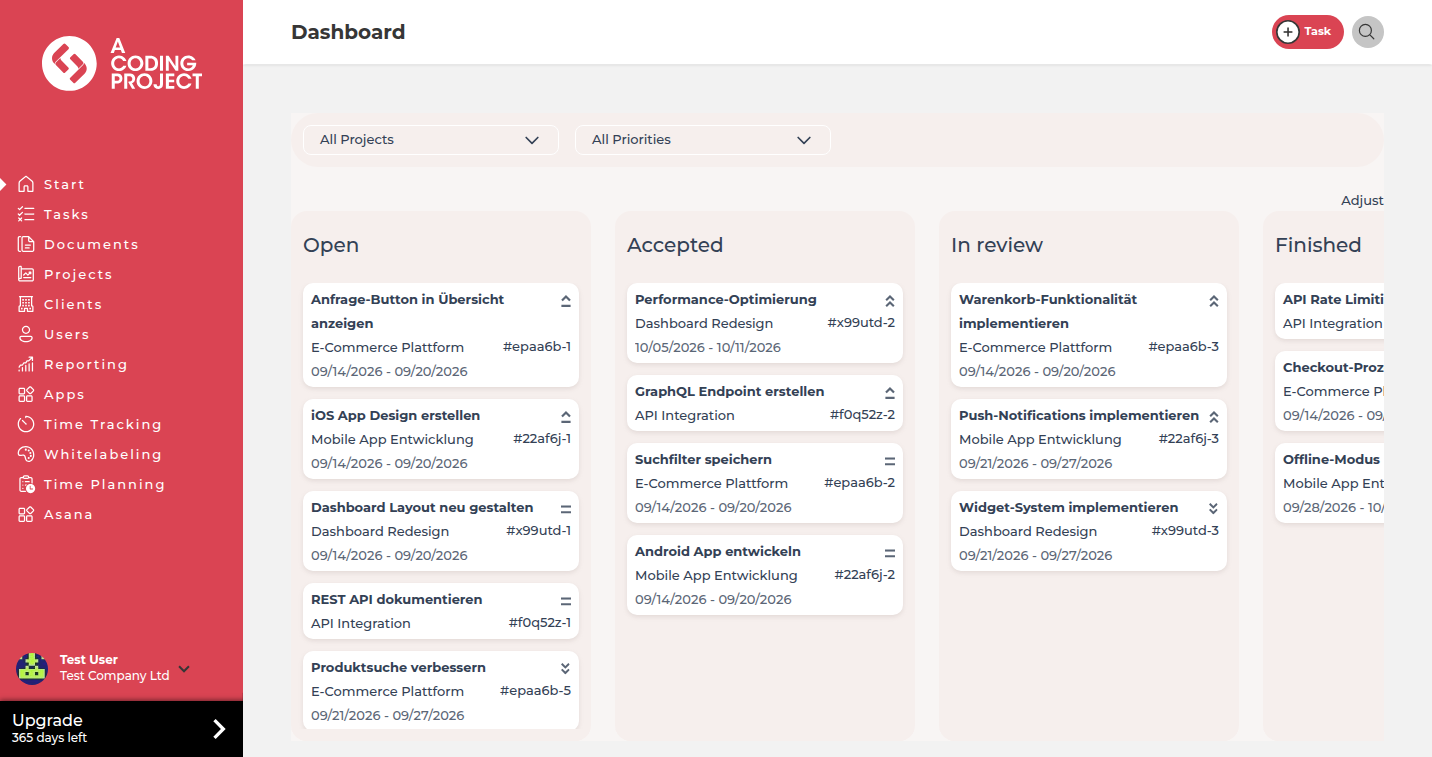
Whitelabeling brands the FeatValue app with your logo, colors and menus. You find it in Settings under Company.
What whitelabeling is for
Clients and service workers see your look in the same FeatValue login.
- Colors, logos and a favicon
- Which menu items clients and service workers see
- Whether clients may create projects, button rounding and task links in mails and the sender name
Where to find it
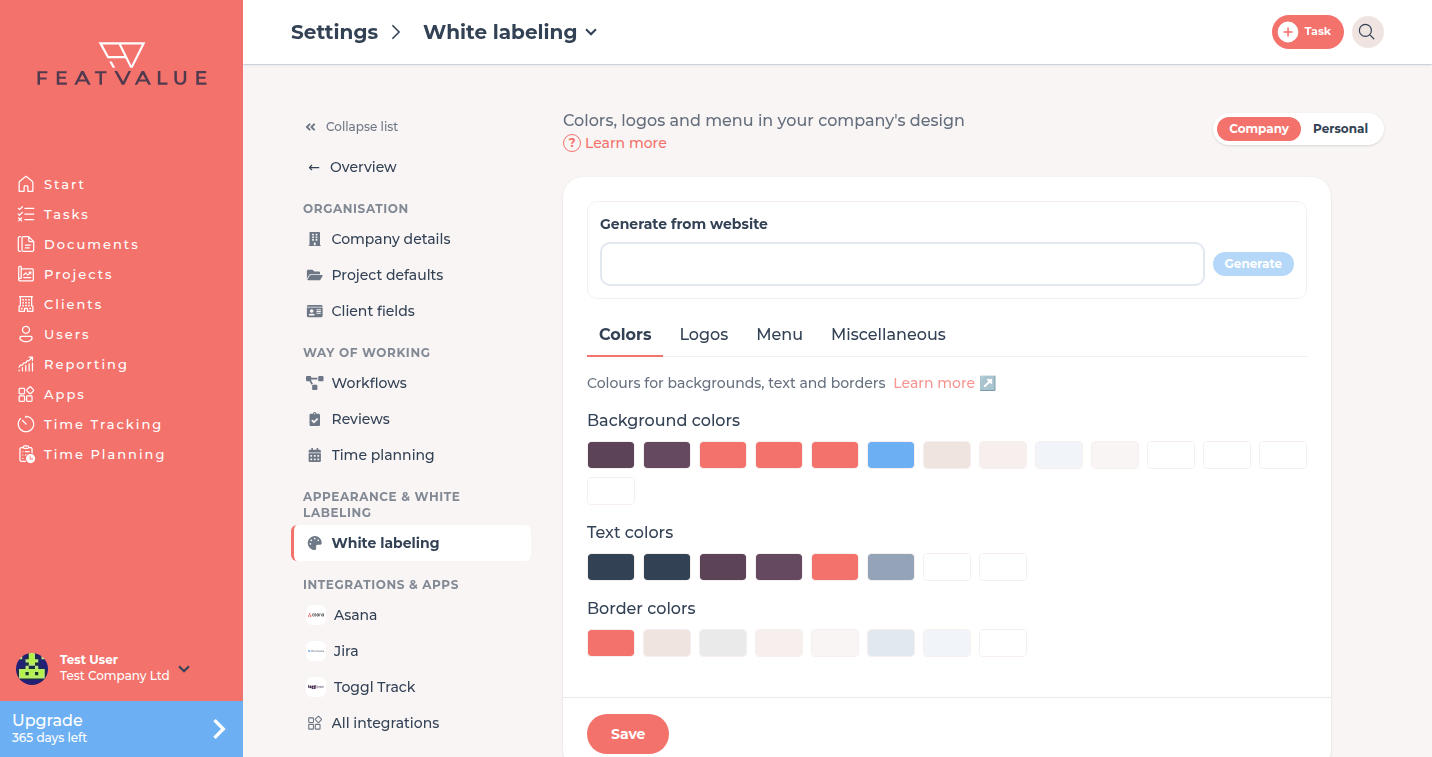
Open Settings › Company › White labeling. The tile sits in the Appearance & white labeling group. There is no separate main menu item any more. See Settings.
The setup item Customize your portal opens the same page. See Setup checklist.
How it works
-
Open white labeling
Open Settings › Company › White labeling. If your company is not on a paid plan, you see the starter text and Upgrade. -
Choose a tab
Use Colors, Logos, Menu or Miscellaneous. Each tab shows a short description and Learn more. Optional: Generate from website at the top. -
Save
Click Save at the bottom. The look applies in FeatValue for your theme.
What this section covers
| Page | Use it when |
|---|---|
| Logo and colors | You upload Logo, Icon and Favicon or change colors |
| Menus and custom items | You change the Menu columns or add a New menu item |
| Generate a theme from a website | You click Generate from website |
| Embed on your website | You embed the portal on your website with the WordPress plugin |
Permissions and plans
The settings need a paid company (Starter or higher), including an active trial. Starter
Without that, the page says: The white label function is available in the starter version of FeatValue. The button below is Upgrade.
Troubleshooting
I only see the starter text
Your company is not on Starter or higher. Finish the 10-day trial from onboarding or upgrade. See Onboarding wizard.
Whitelabeling is missing from the main menu
That is expected. White labeling now lives in Settings and has its own address that you can bookmark.
The White labeling tile is missing
White labeling is not unlocked for your company, for example because you work in another company's portal.
You need styling that you cannot set in the UI
Contact FeatValue support at hello@featvalue.com if Whitelabeling still needs adjustments the settings do not offer.
Your question has not been answered?
We will be happy to help you. You can send us an e-mail or arrange a video conference: