Overview
A workflow sets the steps a task takes — from open work to acceptance — and who may move it on.
What workflows are for
Service providers use workflows so clients see the same process: open work, implementation, review and finish. Your own workflows let you rename statuses, set toggles and decide who may move a task.
- Clone the public default workflow into your company
- Name statuses and transitions the way your team speaks
- Mark which status is the client review step
Where to find it
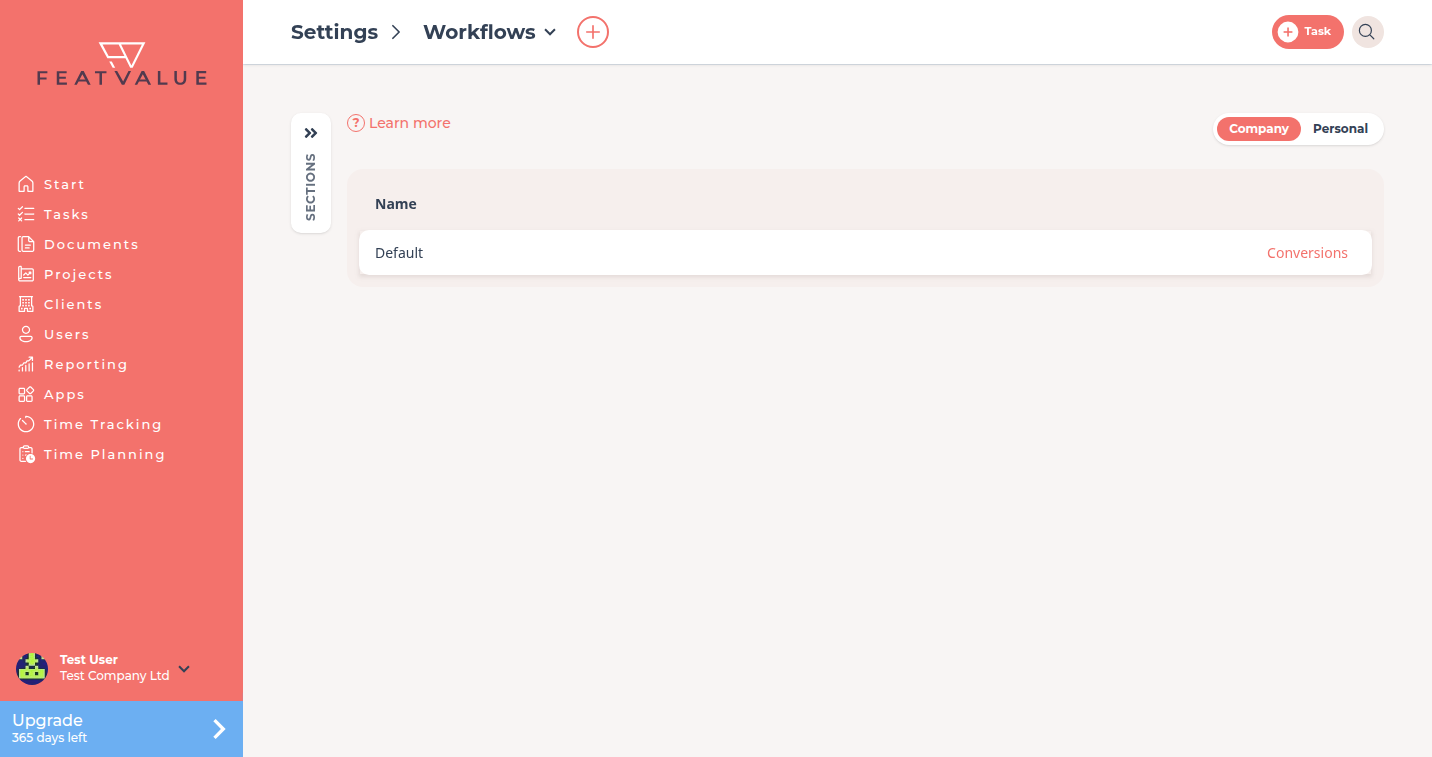
Open Settings › Company › Workflows. The tile sits in the Way of working group. Workflows is not a main sidebar item.
The tile appears only if your company owns the active theme. Clients who work in an agency theme do not see Workflows.
You can also open Manage workflows from a project’s Workflow field. See Project settings.
How it works
-
Open the list
Open Settings › Company › Workflows. The list shows the public Default workflow and any workflows your company already owns. -
Clone or create
The default workflow is public and clone-only. Click it to copy it. Or click New Workflow, pick a Template and click Create. FeatValue copies that template into your company. -
Edit statuses and transitions
Select a status to change its Name, toggles and transitions. Details: Status and Transitions. -
Assign it to a project
On a premium project, set Workflow in the project details. FeatValue then converts existing tasks to the new statuses.
Permissions and plans
Individual workflows need a paid plan: Starter Starter , Pro Pro or Enterprise. Without that plan, Workflows opens a payment modal. Plan details: Plans.
Troubleshooting
The Workflows tile is missing
You are on another company’s theme, or you were invited as a client. Only the company that owns the active theme sees Workflows.
A payment screen opens
Your company is not on Starter, Pro or Enterprise. Upgrade, then open Workflows again.
Your question has not been answered?
We will be happy to help you. You can send us an e-mail or arrange a video conference: