Registration and login
You create an agency account for free and sign in with e-mail and password or Google. Teammates, clients and other service providers join later through invitation links.
What registration is for
Self-signup is for agencies. FeatValue creates your company as a service provider so you can invite clients afterwards. Clients you invite later do not register on this page – they follow their invitation link.
Where to find it
Choose sign-up. Existing users open Login. After you are signed in, click your name at the bottom of the sidebar for Settings and Logout.
How registration works
-
Enter your e-mail
Type your address and click Register, or use Sign in with Google. If the address already has an account, FeatValue tells you that you are already registered. If there is an open invitation for the address, registration does not start. FeatValue sends the activation link again, because no password has been set yet. -
Confirm the verification mail
Open You have mail! and follow the link. The link must still be valid. -
Complete name, company and password
Enter Your name, optionally Your company / team name, and a password of at least 8 characters (not needed for Google). Accept the terms and conditions. -
Continue to the app
FeatValue opens the app. If onboarding is still open, the wizard starts. See Onboarding wizard.
How login works
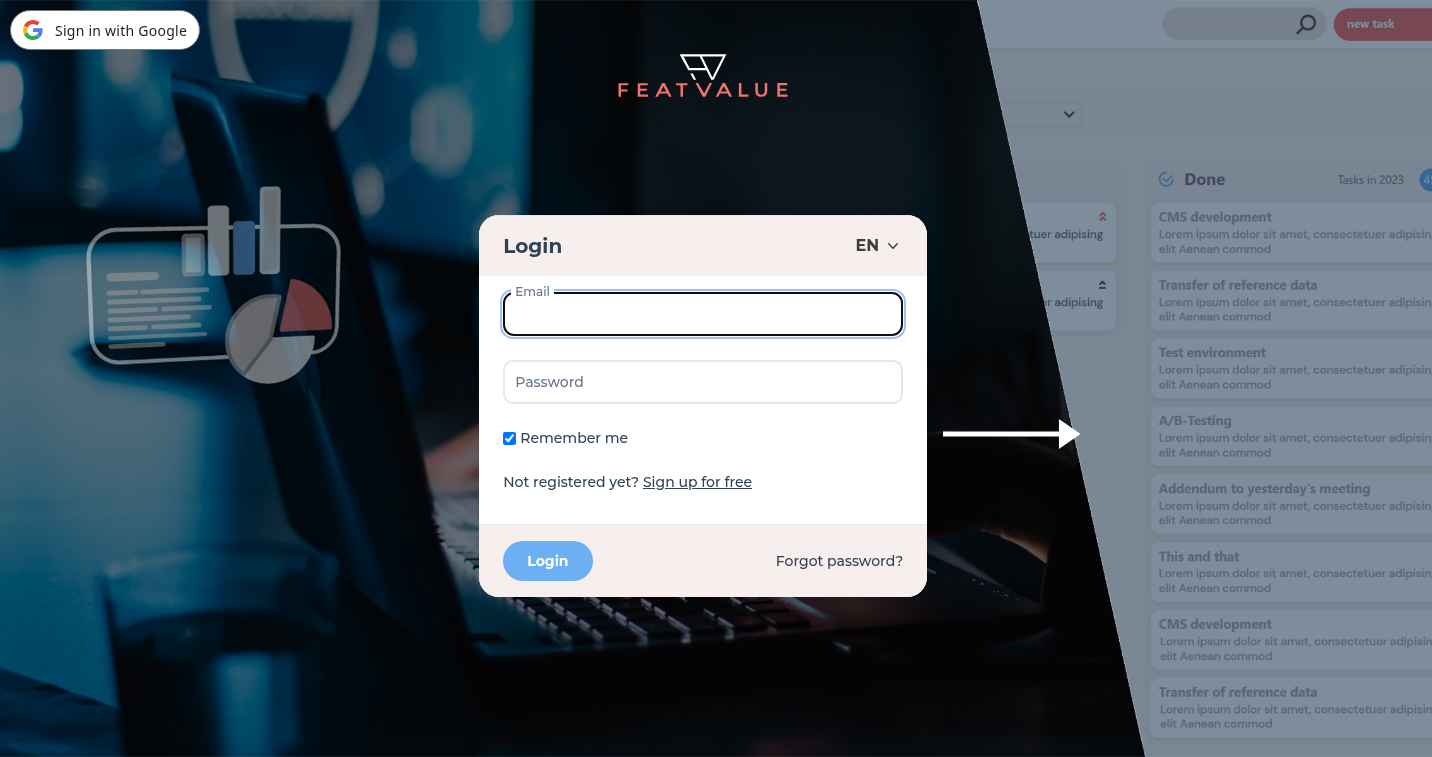
On the login page enter Email and Password and click Login. Use Forgot password? to request a reset link. The reset token is valid for 60 minutes.
Further ways in:
- Invitation links for teammates, clients or service providers – they set a password the first time
- Sign in with Google if you connected Google at signup
Language
Register and login show a language switcher (14 languages). The language you save later under Settings › Personal › Profile in the Language field is the one the app uses. See Settings.
Troubleshooting
I did not receive a confirmation mail
Check your spam folder. If the mail is still missing, write to hello@featvalue.com.
The verification link does not work
Request a new registration or a new mail. Used or expired Google links show an error; start signup again.
I cannot sign in
Use Forgot password?. After several failed attempts FeatValue asks you to wait a few seconds.
I was invited and registration does not go through
Then there is an open invitation for the address. FeatValue sends the activation link to that address again. Open the email and set your password there. Registration does not create a second account in this case. If no email arrives, request the link again on the same page with Send link again.
I have no company after login
The app asks for Your team name or company on a company form. Enter a name to continue.
Your question has not been answered?
We will be happy to help you. You can send us an e-mail or arrange a video conference: