Onboarding wizard
After your first signup FeatValue opens a short wizard. You connect a project-management app or skip the import. If no projects are imported, FeatValue creates a premium own project named after your company (standard workflow, no clients or service providers).
What the wizard is for
The wizard makes the account usable quickly: it imports the first clients, projects and status mappings for you, so you do not set everything up by hand. People you invite into an existing company do not go through the wizard.
How it works
-
Welcome
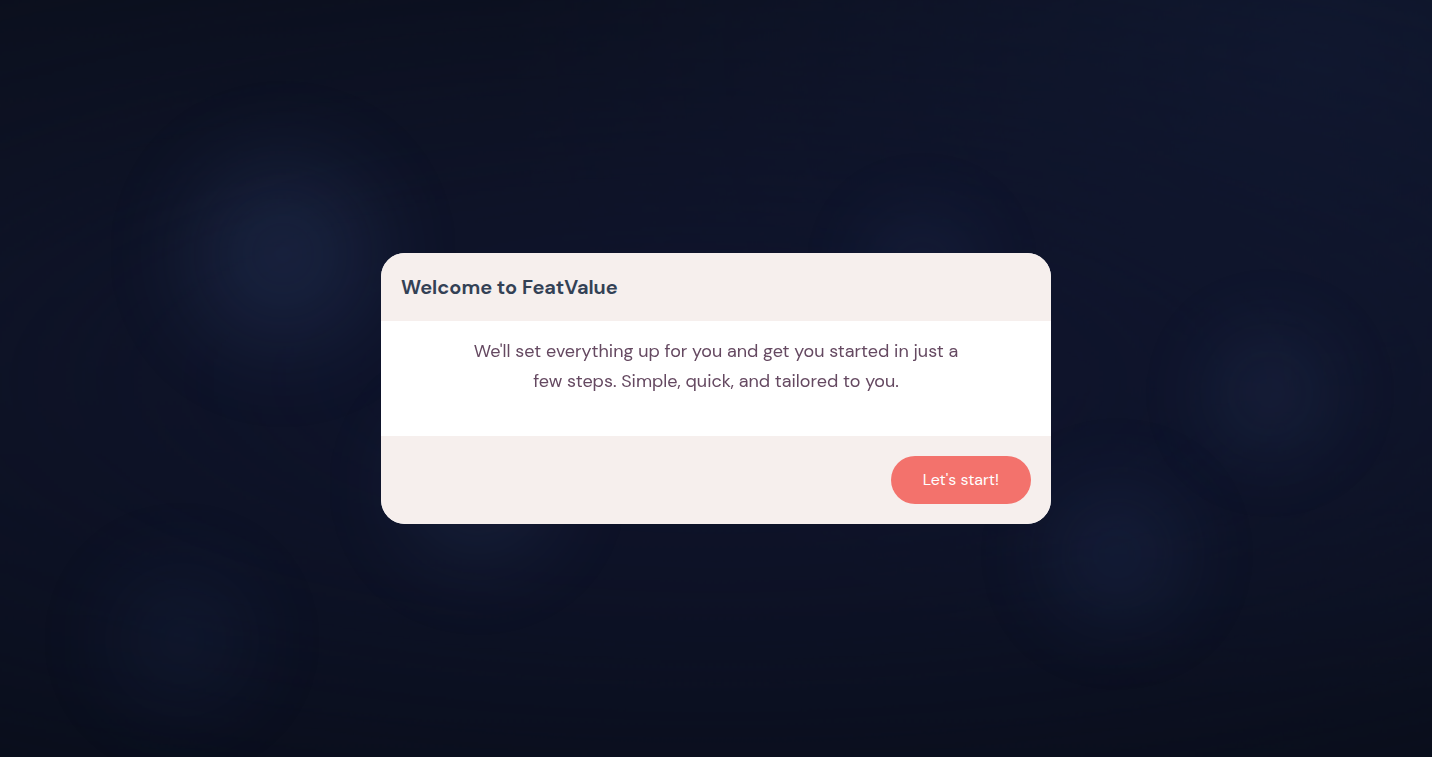
Click Let's start! on Welcome to FeatValue. -
Decide whether to connect project management
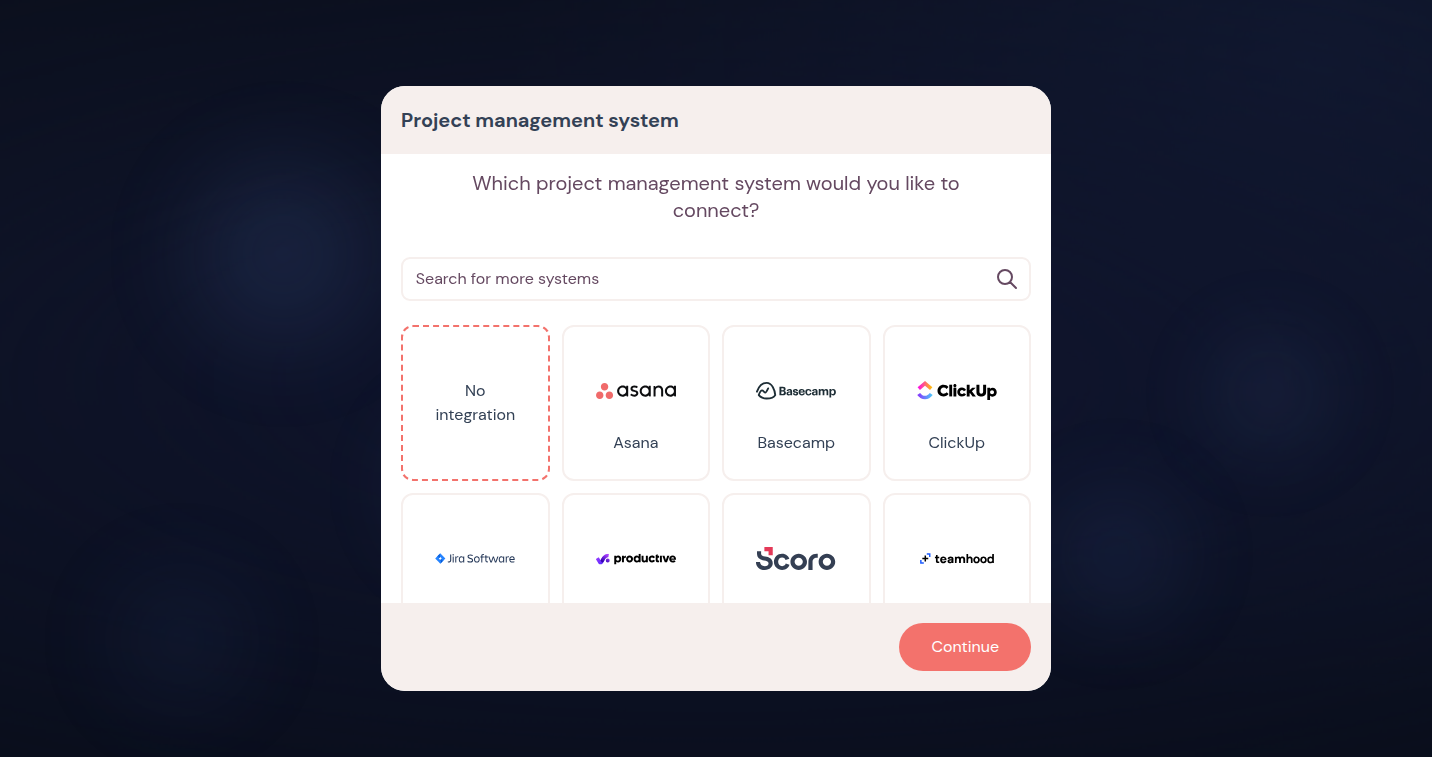
Choose Yes to pick a tool, or No / Skip to finish the wizard immediately. -
Choose and connect a tool
Search the list and connect the app. FeatValue opens the integration screen. Details: Connecting apps. -
Import clients and projects
Import all clients, selected clients or none. Then link projects, set FeatValue statuses and assign clients. Wait until Import in progress finishes. -
Complete
Onboarding complete sends you to the app. The first finish grants a 10-day Pro trial with 100 premium projects if your company is not already on a paid plan. Without an import, a premium own project with your company name is then in the project list.
Guided setup links
If the FeatValue team runs onboarding for you, you receive a public setup link (Connect / Done) that does not require a prior login. If you see This link is no longer valid, ask for a new link.
Troubleshooting
The import fails
A lost session or a broken connection stops the import. Sign in again and connect the app under Apps.
I skipped and want the import now
Open Apps, install the tool and import from there. The wizard does not resume.
Your question has not been answered?
We will be happy to help you. You can send us an e-mail or arrange a video conference: