Company details
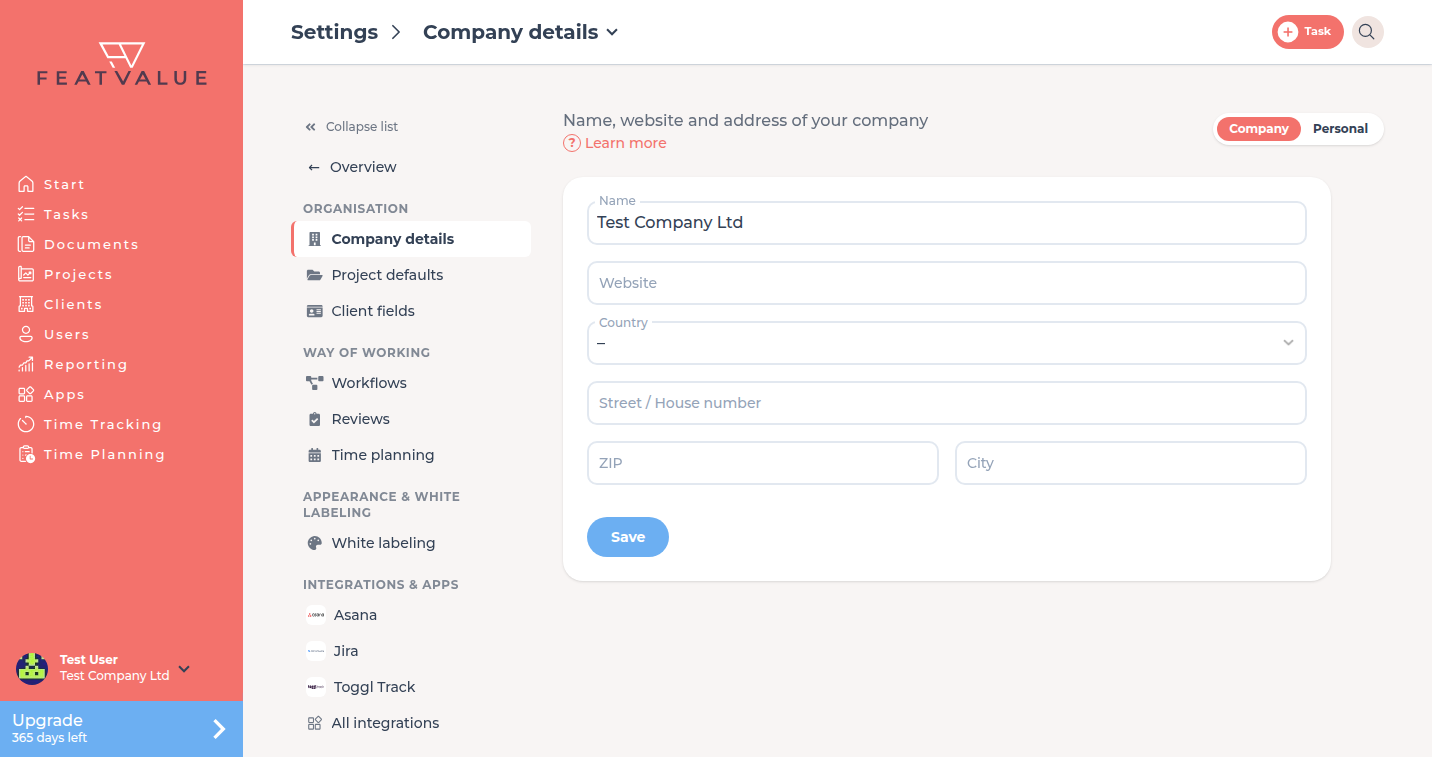
Under Company details you keep the name, website and address of your company. The details apply to every user of your company.
What company details are for
FeatValue shows the name wherever your company appears, for example in the menu at the bottom of the sidebar and for clients. A complete address also ticks off Complete company address in the setup checklist.
Where to find it
Open Settings › Company › Company details. The tile sits in the Organisation group.
How it works
-
Open company details
Under Settings › Company click the Company details tile. -
Fill in the fields
Enter the details from the table below. -
Save
Click Save.
Fields
| Field | What you enter |
|---|---|
| Name | Name of your company as clients should see it |
| Website | Address of your website with https:// |
| Country | Country from the list |
| Street / House number, ZIP, City | Address of your company |
Permissions and plans
The tile appears when you belong to a company. It is available on every plan.
Troubleshooting
The Company details tile is missing
Your account does not belong to a company. In that case there is only the Personal area.
“Complete company address” stays open
Check that street, ZIP, city and country are saved. The item also needs a CRM record. See Setup checklist.
Your question has not been answered?
We will be happy to help you. You can send us an e-mail or arrange a video conference: