Attachments and PDF review
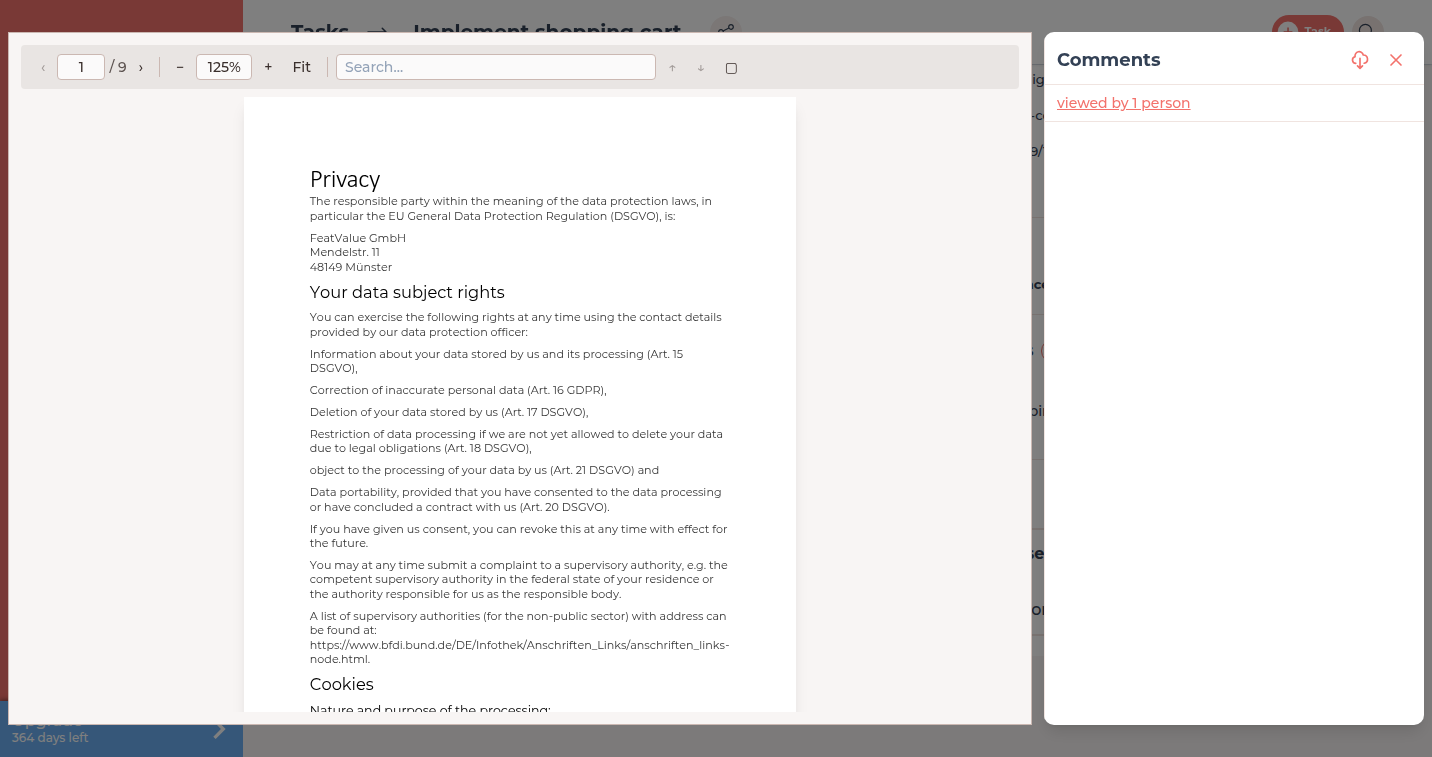
Files on a task stay with that work item. In a PDF you comment on selected text or mark a region. Images can also carry markup.
What it is for
Attachments belong to a task: a brief, a design or a fillable PDF. The shared library for folders and company files is covered in the Documents documentation.
Comments on files: File comments.
Where to find it
Open a task and look for Attachments. You can also attach files while creating a task.
How it works
-
Attach a file to the task
Use Add attachment or the plus next to Attachments. Anyone who can see the task can open the file. -
Open a PDF in the viewer
Click the file. The viewer shows the pages and the comment area. Fillable forms can be edited in the viewer when the plan allows it. -
Comment on selected text
Select text and click Comment on selected text. The quote stays at that place. -
Mark a region
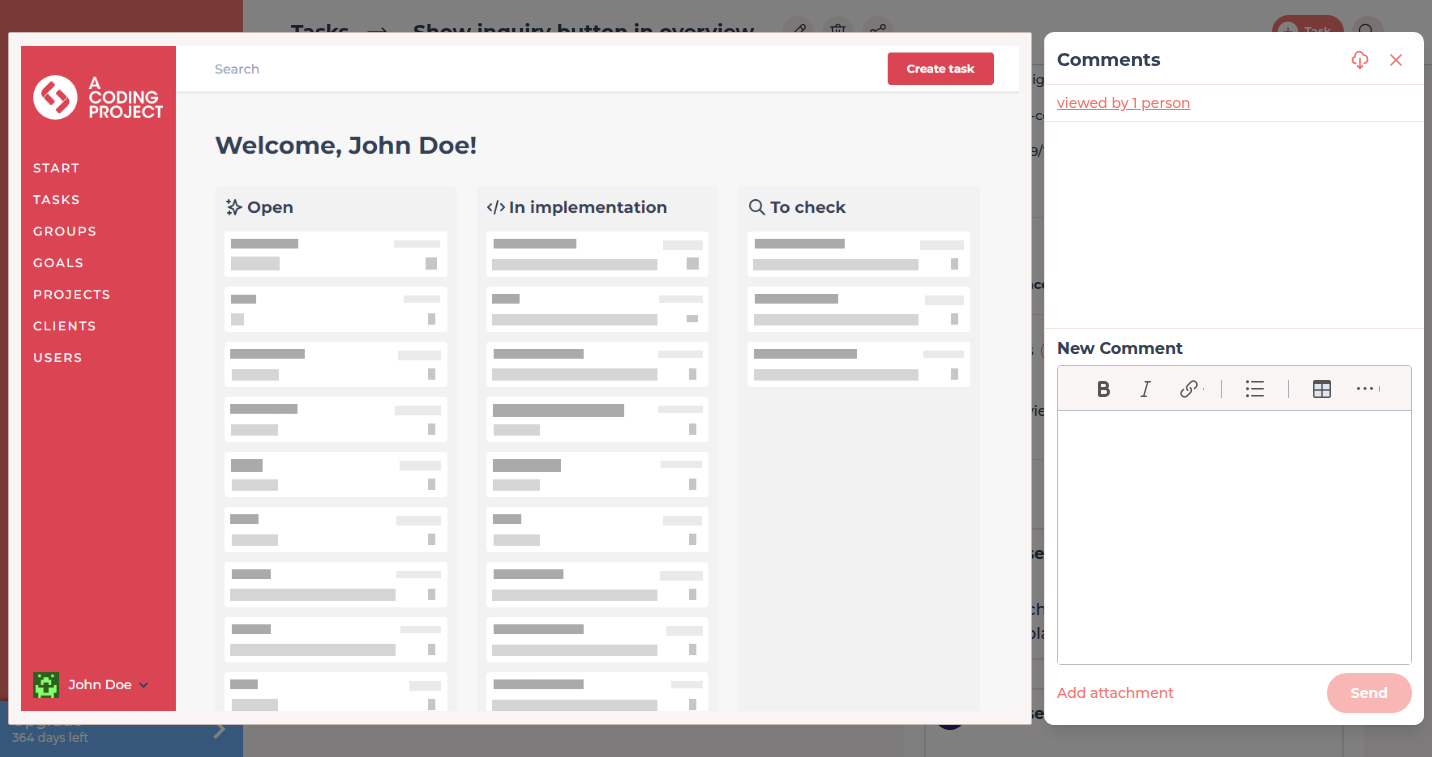
Choose Mark region, draw a rectangle and write the comment. The same works for markup on images. The cropped area appears in the comment and is not stored as a separate image file. The tool stays on the left edge of the window, even when the image is small. A comment icon on the rectangle opens the comment. Regions can be hidden.
Options
| Option | What it does |
|---|---|
| Attachments | Files on this task. |
| Comment on selected text | A comment on a PDF quote. |
| Mark region | A comment on a rectangle on a PDF page or an image. On images the cropped area appears in the comment. A click on the comment icon on the rectangle opens the comment. Regions can be hidden. |
| PDF forms and detailed read tracking | Need Pro Pro . See PDF forms, signatures and tracking and Plans. |
Permissions
People who see the task also see its attachments. Writing comments follows the same project settings as task comments.
Troubleshooting
The client cannot find the file under Documents
A task attachment is not a Documents folder. Open the task, or upload a copy under Documents.
Form fields stay read-only
Fillable PDF forms need Pro on at least one participating company.
Your question has not been answered?
We will be happy to help you. You can send us an e-mail or arrange a video conference: