Overview
Team is the people of your agency company. You invite them on Users, and each person signs in to the same FeatValue app.
What the team is for
Colleagues see the agency menu. They work on projects, comments and reviews with you. Client contacts belong to a client company instead.
- Invite people into your company from Users
- The first user of a company becomes company admin automatically
- Each person chooses groups under Notifications
Where to find it
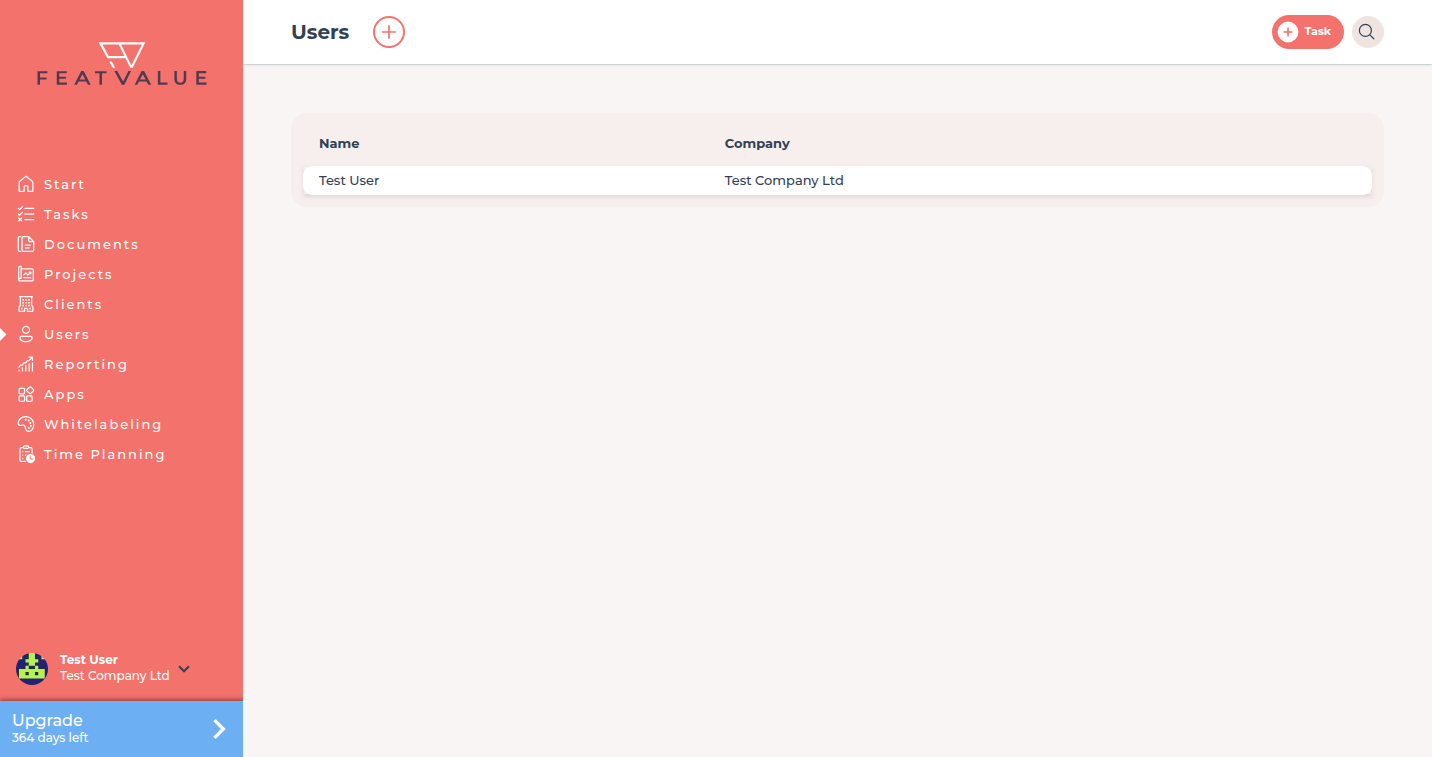
Click Users in the left sidebar. The plus control is Create user.
How it works
-
Open Users
Users lists people of your company. Open a row to see the profile. -
Invite a colleague
Click Create user. The form title is New user. Send with Invite user. Details: Inviting users. -
Edit or remove a person
A company admin can edit a profile or open Remove user. See Roles and admins.
Client contacts use the same invite form when you pick their company. That flow is in Inviting contacts.
What this section covers
| Page | Use it when |
|---|---|
| Inviting users | You send Invite user and the person must finish login |
| Roles and admins | You need to know who may edit or remove people |
Permissions and plans
All plans include unlimited users. Inviting a colleague does not consume a paid seat.
The setup item Invite colleagues stays open until your company has more than one user. See Setup checklist.
Your question has not been answered?
We will be happy to help you. You can send us an e-mail or arrange a video conference: