Reopened tasks
Reopened lists tasks that were created again from an earlier task. You use the list to see follow-up work after you open a task again.
What reopened tasks are for
FeatValue does not put the old task back to open. Create task again creates a new task that points at the previous one. This page lists those new tasks so you can categorise them and open the follow-up.
- See tasks that were created again
- Assign a category
- Open the new task
Where to find it
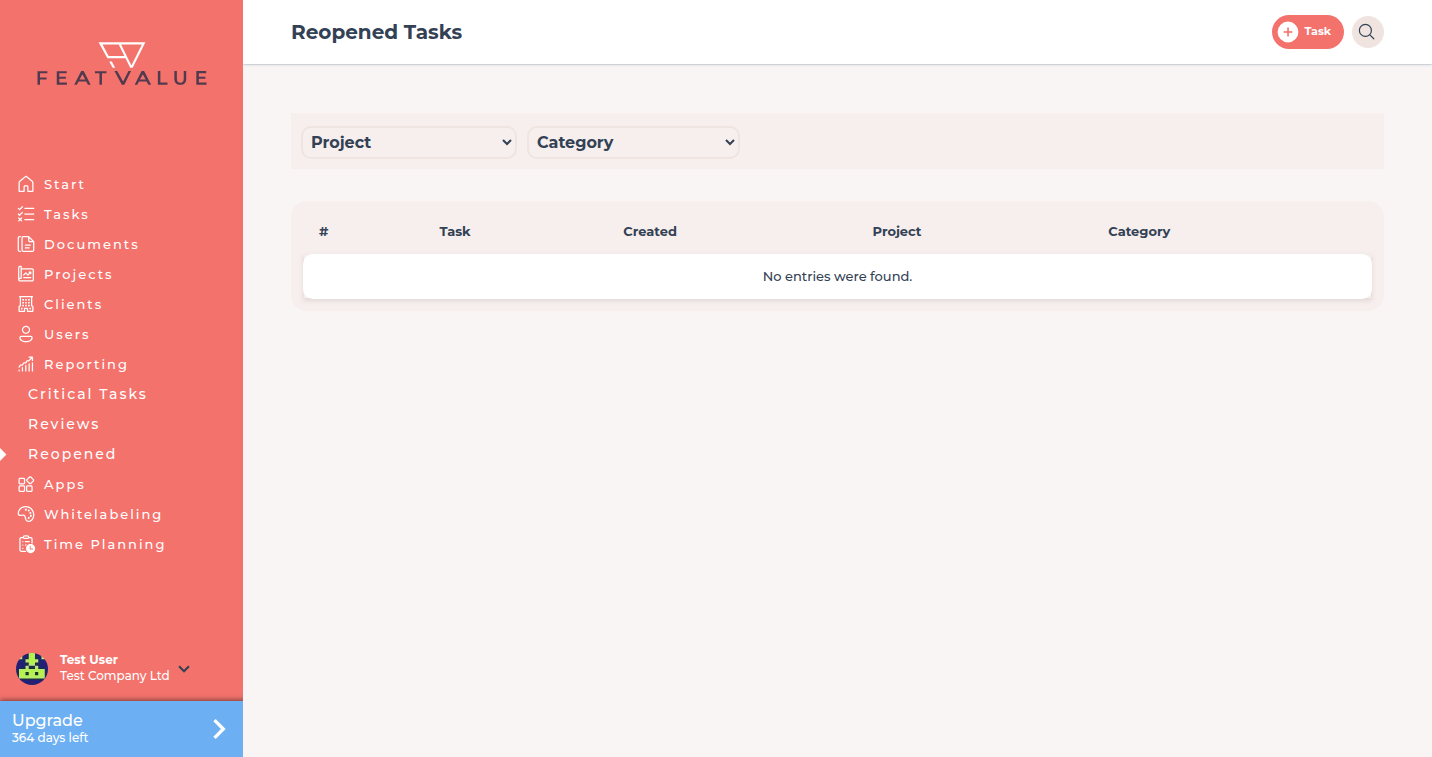
In the sidebar open Reporting → Reopened. The page title is Reopened Tasks. See Reporting overview.
How it works
-
Create the follow-up
On a finished or rejected task use Create task again. FeatValue creates a new task linked to the old one. See Creating and editing tasks. -
Open Reopened
The grid shows the token, a shortened name, the created date, the project and a category. -
Filter and categorise
Use Project and Category. Click the category cell, answer To which category does this task belong? and click Save. -
Open the new task
Use the row action to open the follow-up. Failed reviews that led to opening the task again stay under Reviews.
What counts as reopened
A task appears here when it was created from another task (the new task stores the old task). Tasks you create from scratch do not appear.
Permissions and plans
The list sits under Reporting and needs Pro or Enterprise. You see reopened tasks in projects you can access.
Troubleshooting
I moved a task back to Open and it is not listed
Changing the status is not opening the task again. Only Create task again creates the link this list uses.
Your question has not been answered?
We will be happy to help you. You can send us an e-mail or arrange a video conference: