Overview
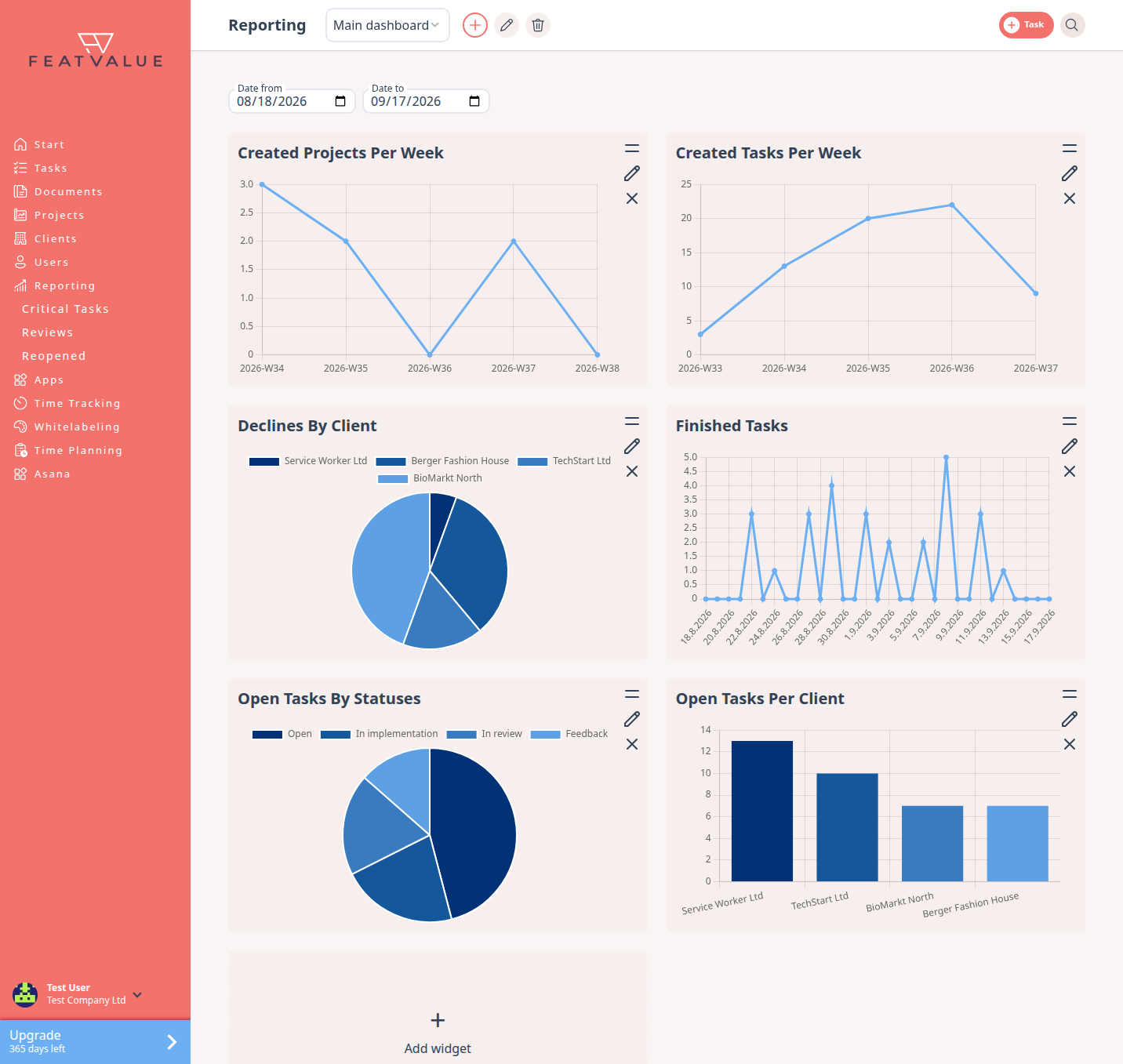
Reporting is a set of dashboards made of widgets. You use it to see open work, reviews, budget pressure and how tasks move.
What reporting is for
Reporting helps you improve how work runs: less rework, faster delivery, better quality. That raises revenue and profit. The numbers in the widgets show where work stalls and where it flows. Each dashboard holds widgets. Three extra lists sit under the menu: critical work, failed reviews and reopened tasks.
- Build dashboards from the agency widgets
- Filter a dashboard by Date from and Date to
- Open the child lists for exceptions
Where to find it
Click Reporting in the left sidebar. FeatValue opens the last dashboard you viewed. The children are Critical Tasks, Reviews and Reopened.
How it works
-
Open Reporting
Click Reporting. If your company has no dashboard yet, FeatValue creates one named Default and fills it with the standard widgets. -
Switch or create a dashboard
Use the dashboard select in the header. Click the plus labelled Create dashboard to open Create new dashboard, enter a Dashboard name and click Create. -
Add or edit widgets
Use the placeholder to add a widget, or edit an existing one. See Widgets. -
Open the lists
Use Critical Tasks, Reviews and Reopened for rows instead of charts. See Critical tasks, Reviews and Reopened tasks.
Permissions and plans
Reporting needs Pro Pro or Enterprise. Without that plan, the sidebar item opens an upgrade dialog. See Plans.
Troubleshooting
Reporting asks for an upgrade
Your company is not on Pro or Enterprise. Upgrade, then open Reporting again.
A widget says no data
The tile shows a short note on what is missing. Add the data it names, for example sprints or time entries. If that does not help, widen Date from and Date to, or remove a filter on the widget. Under the text, a link opens the matching documentation page.
Your question has not been answered?
We will be happy to help you. You can send us an e-mail or arrange a video conference: