Client visibility
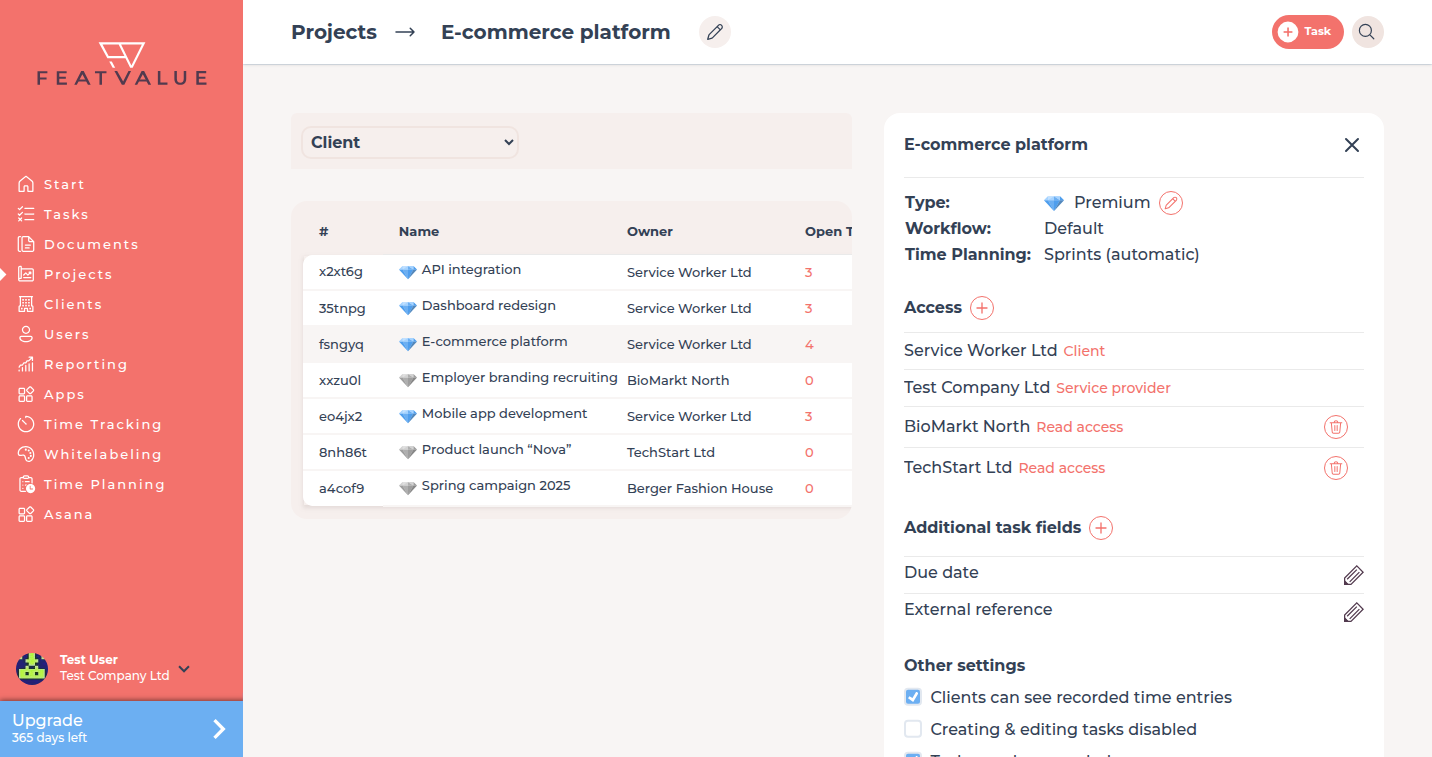
Decide whether a client may see recorded time entries on a project. You find the setting on the project under Other settings.
What it is for
This lets you decide per project whether the client sees recorded hours. The setting does not apply automatically to every project in the company.
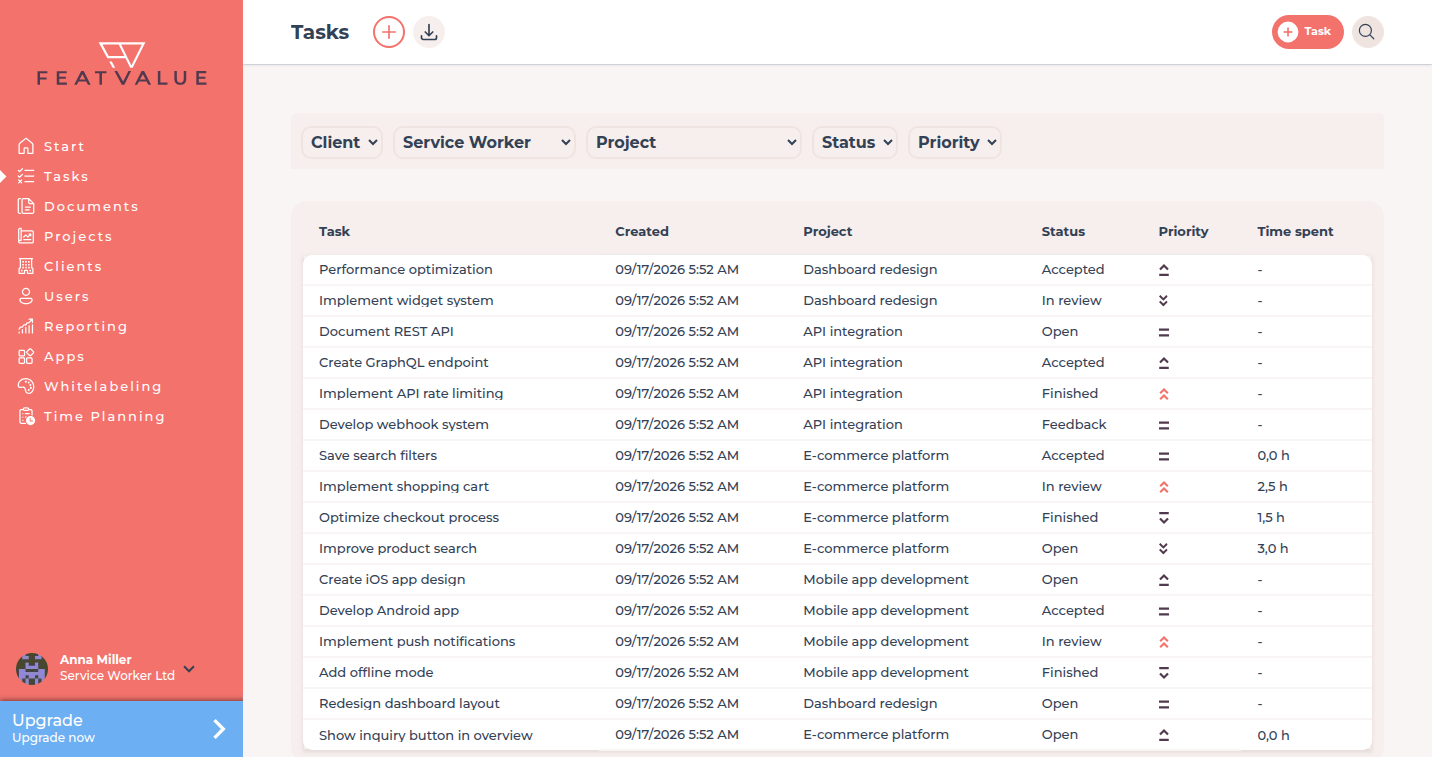
Project panel: Project settings. The grid itself: Time entries.
Where to find it
Open the project from Projects. Under Other settings find Clients can see recorded time entries. The checkbox appears only for a service worker, and only if the project already has times.
How it works
-
Open Other settings
Open the project side panel and go to Other settings. -
Turn the setting on or off
Tick or clear Clients can see recorded time entries. FeatValue saves the change on that project. -
Check the client view
Ask a client contact to open the project. They see recorded times only when this setting is on.
Options
| Setting | What it does |
|---|---|
| Clients can see recorded time entries | Shows recorded times to the client on this project. Off by default. |
Permissions
Only a service worker can change the setting, and only when the project already has time entries. Clients never see the checkbox. Agency users who are not the service worker on that project do not see it either.
Troubleshooting
The checkbox is missing
You are not the service worker, or the project has no time entries yet. Import or create times first, then open Other settings again.
The client still sees times
Confirm Clients can see recorded time entries is off on this project, not only on another project. See Time tracking overview.
Your question has not been answered?
We will be happy to help you. You can send us an e-mail or arrange a video conference: