
FeatValue Productive

Productive client portal for agencies Productive for your team, FeatValue for your clients

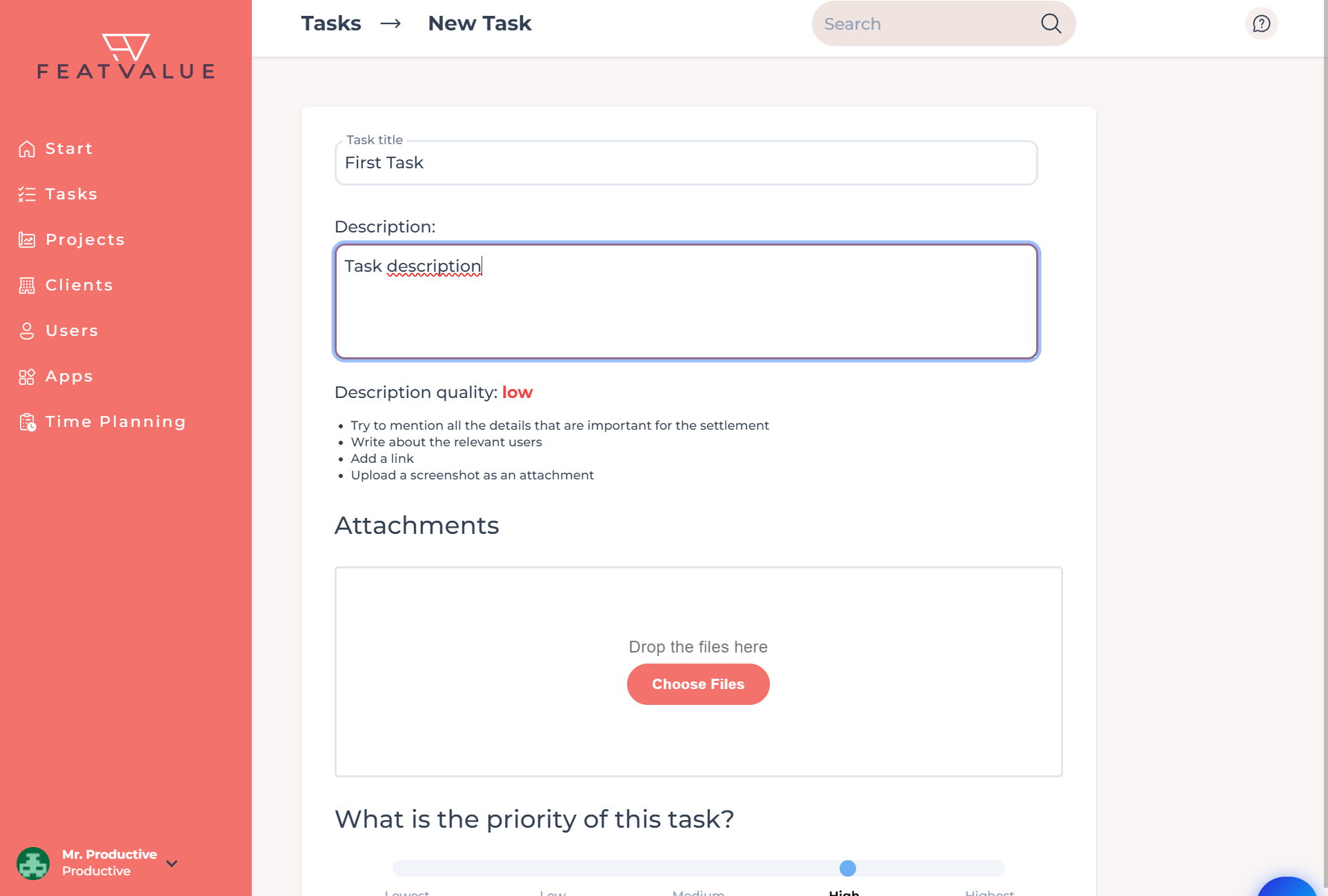
Your tasks stay in Productive and show up in the FeatValue client portal. Workflow statuses and approvals stay in sync. During onboarding you connect existing Productive projects. Clients work in the portal.

Start free. No credit card. Set up in minutes.

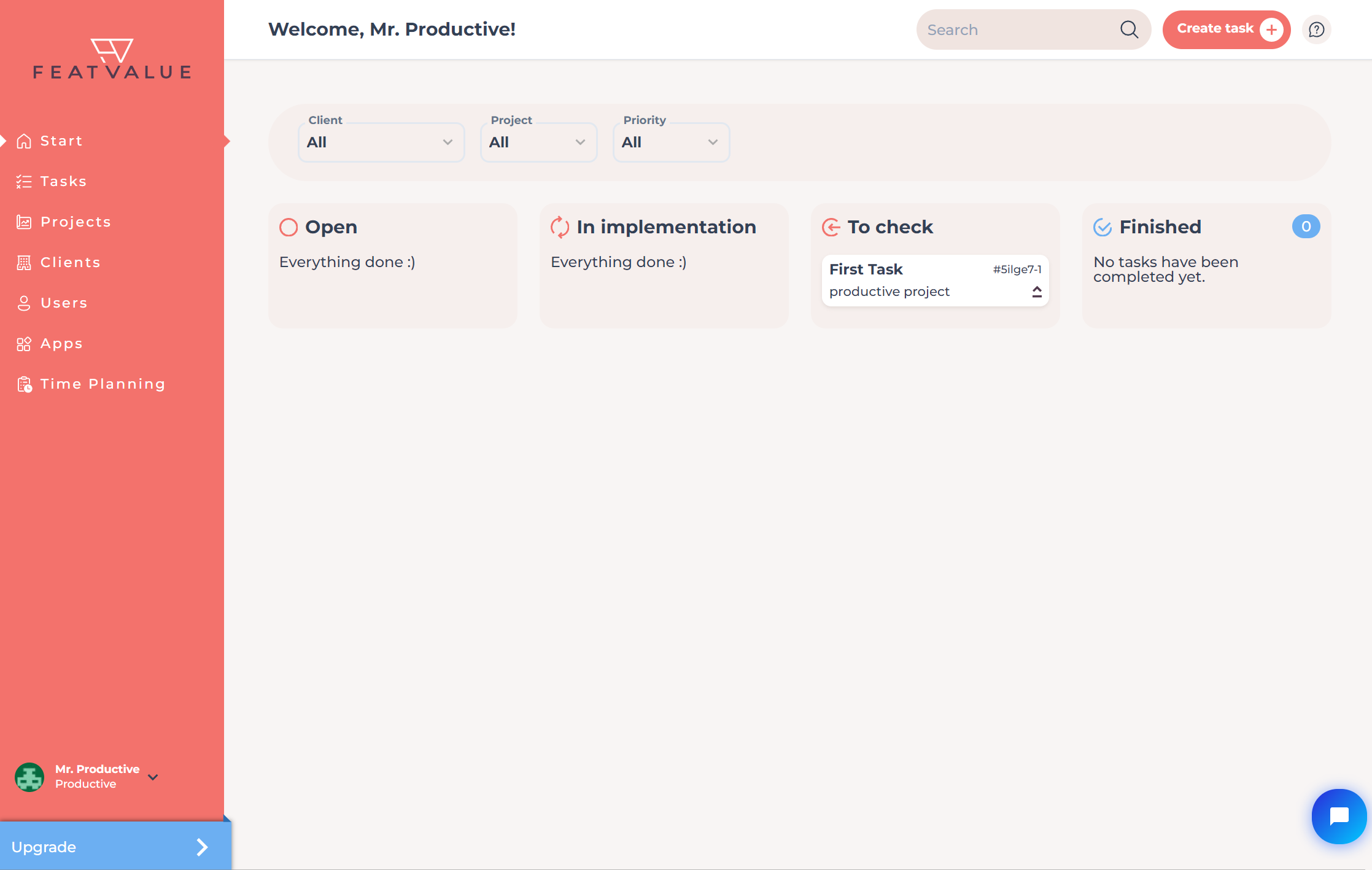
FeatValue: Your client portal – connected to Productive

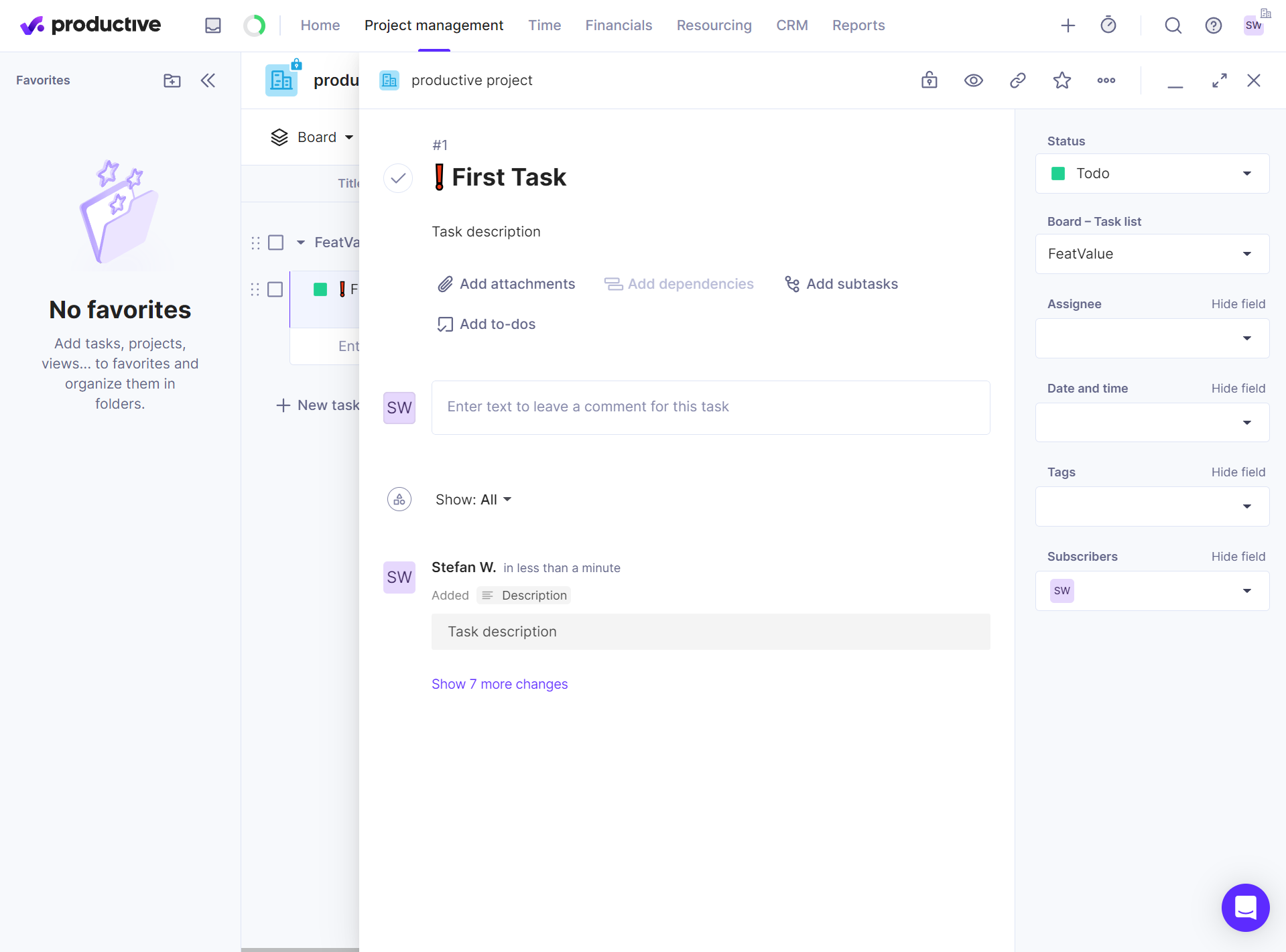
Productive: Your team's familiar workspace – clients follow approvals and tasks in FeatValue.
Productive – FeatValue
Workflow statuses become your FeatValue statuses – Productive

Familiar

Workflow statuses become your FeatValue statuses

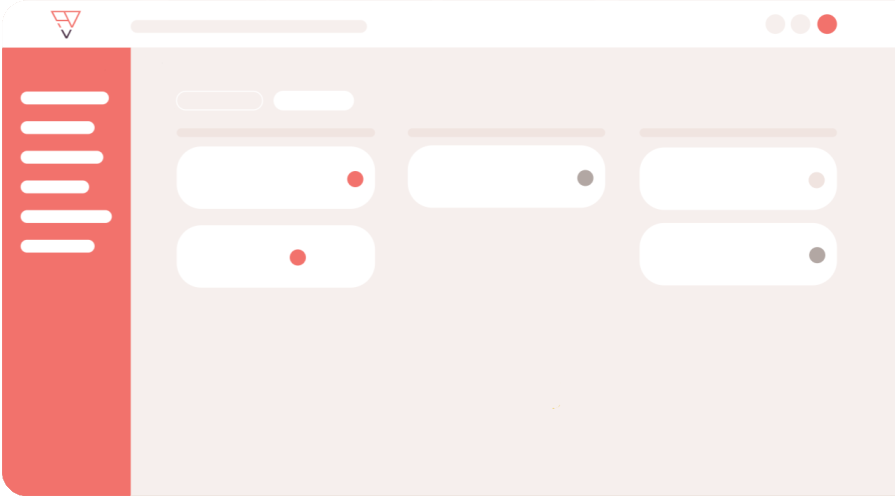
During onboarding you map Productive workflow statuses to FeatValue statuses. You keep working on tasks in Productive. Your clients see the same progress in the matching column in the portal.

Approval

Client approval via the FeatValue workflow

In your FeatValue workflows you decide which status asks the client for approval and where a task returns if they reject it. When a task reaches that status in Productive, your client is notified and reviews it in the portal.

Client approval via the FeatValue workflow – Productive
Productive stays your workspace, clients see FeatValue – Productive

Two worlds

Productive stays your workspace, clients see FeatValue

Clients work in the FeatValue portal. Comments written there show up on the task in Productive. Your Productive account stays the workspace for your team.

Onboarding

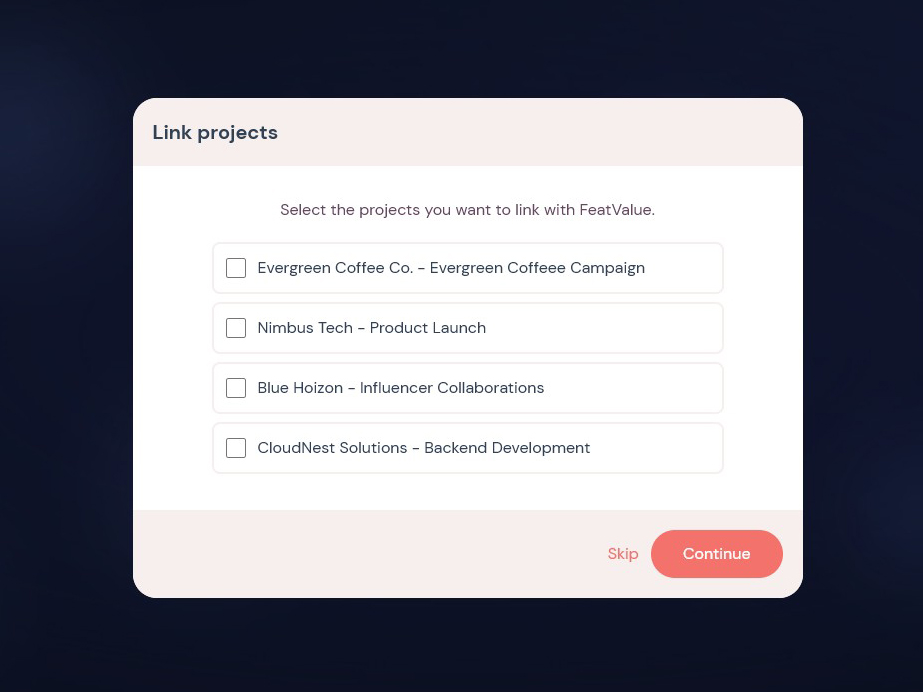
Connect existing Productive projects right away

In FeatValue onboarding you choose Productive, enter your personal access token, and mark the projects for the portal. You map workflow statuses to FeatValue statuses. FeatValue takes the client from the company on the Productive project.

Connect existing Productive projects right away – Productive
Productive menu in FeatValue

Without switching tools

Open Productive directly inside FeatValue

The Productive menu item in FeatValue brings project links and import together in one place.

Set up in minutes

How to connect Productive with FeatValue

1

Sign up for free

Enter your email above to create a FeatValue account. You will confirm your email address in the next step.

2

Choose Productive in onboarding

In the FeatValue onboarding flow, select Productive and enter your Productive API key. The connection is ready immediately afterwards.

3

Invite clients & get started

Invite your clients to FeatValue and start with new or existing boards and projects. Tasks appear automatically in Productive – and vice versa.

Stefan Wienströer

Free setup

We connect Productive for you – for free

No time for the setup? We connect Productive, design your portal and set up your workflows. Free of charge, for every plan.

Book a free call More about the free setup

Start now with FeatValue and Productive

Try for free, invite clients, and collaborate better – your Productive environment stays exactly as you know it.

No credit card required. Cancel anytime.

+49 251 590 644-60
hello@featvalue.com
Privacy Policy • Imprint • Terms and Conditions