
FeatValue WordPress

WordPress client portal for agencies Turn your WordPress website into a client portal

With the FeatValue plugin, your website becomes the place where clients log in, track their projects, and create tasks. On your domain, in your design—while your team keeps working in Asana, Jira, ClickUp & co. as usual.

Start za darmo. Bez karty kredytowej. Konfiguracja w kilka minut.

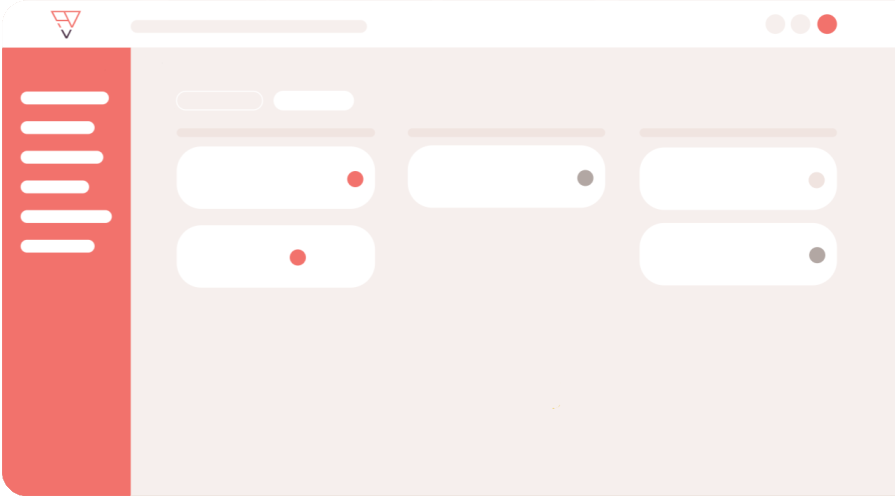
FeatValue: your client portal—embedded right into WordPress

WordPress: your website—clients log in and follow tasks and approvals there

WordPress – FeatValue
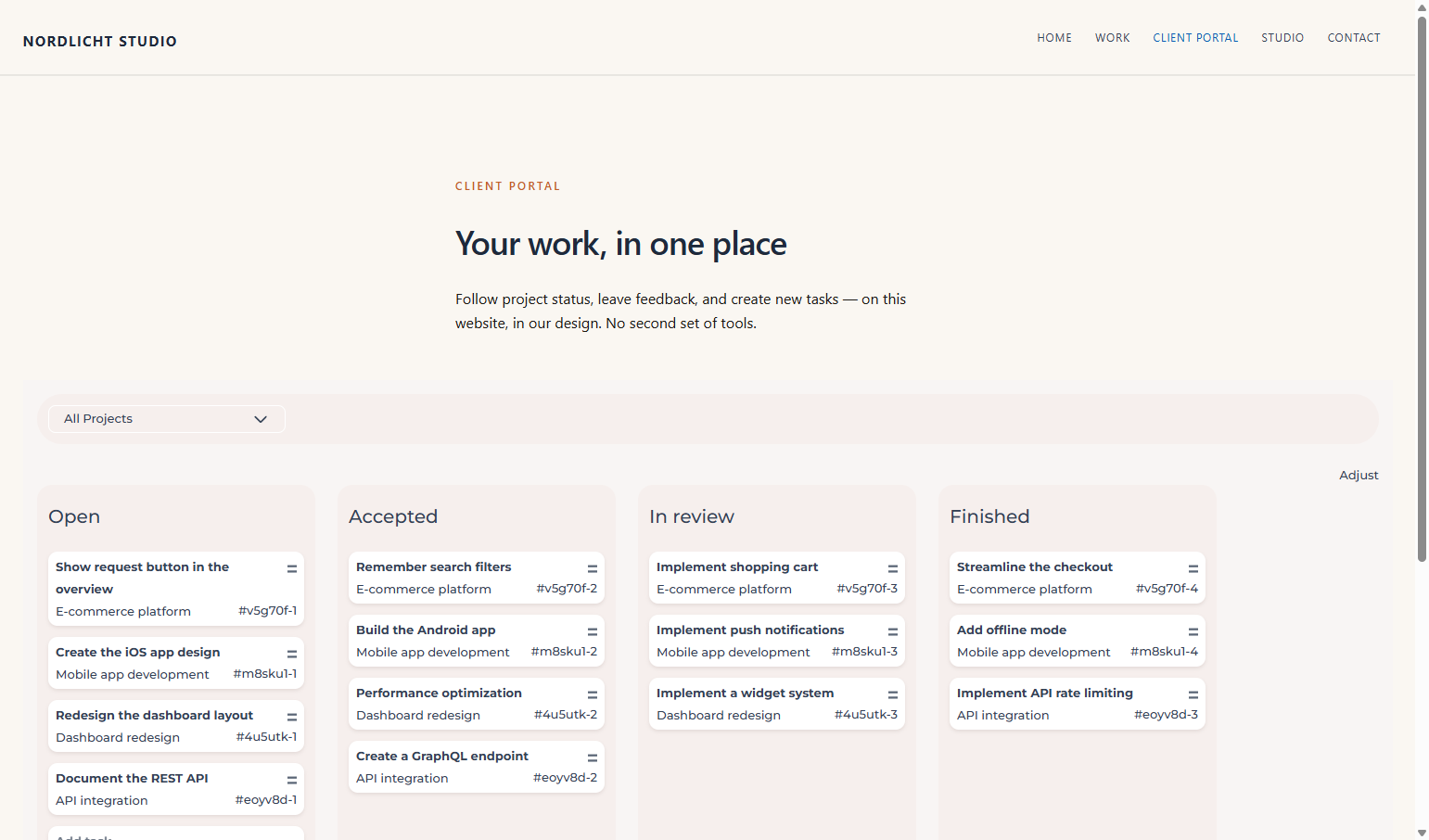
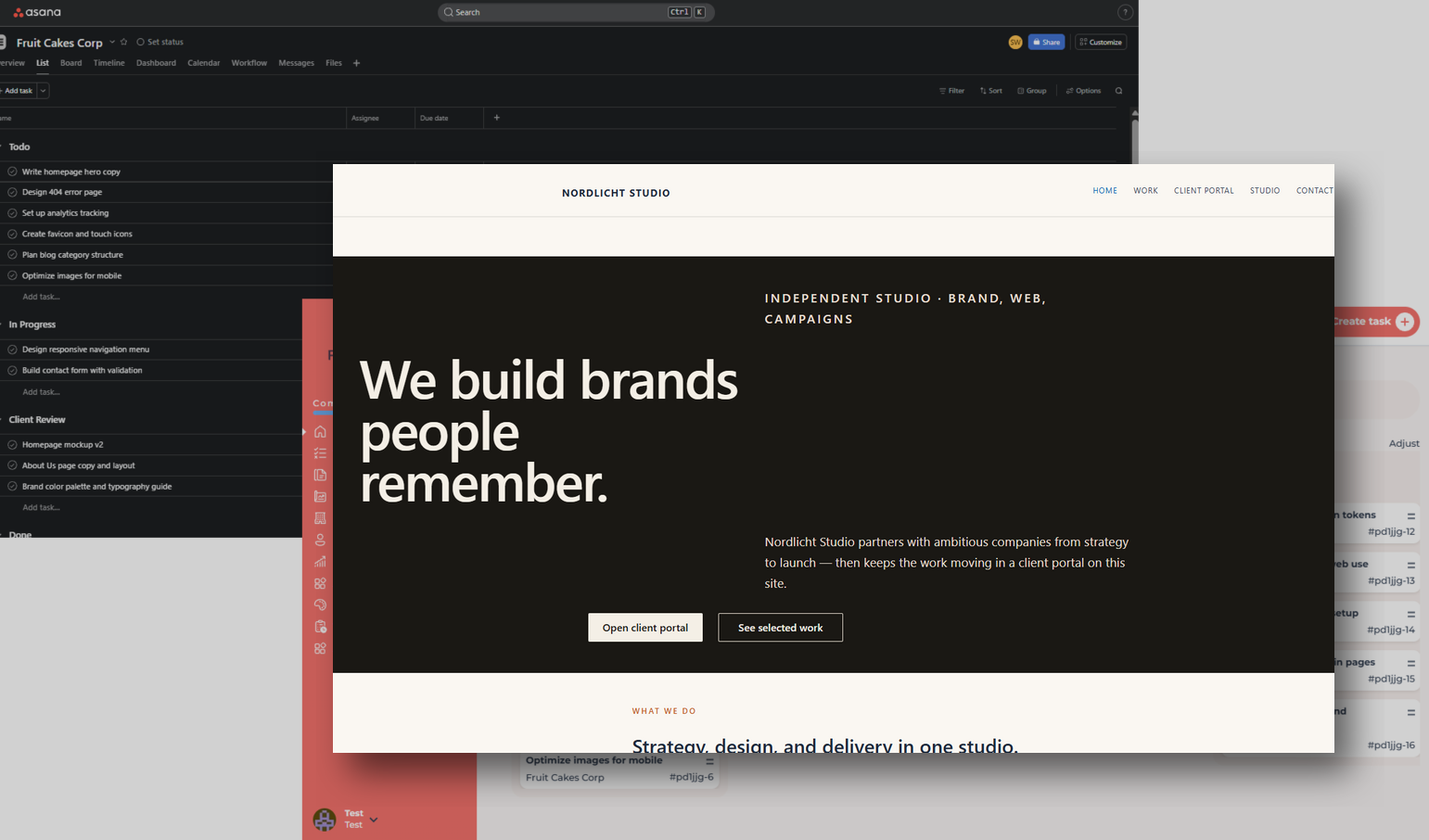
FeatValue client dashboard embedded on a WordPress agency site

Embedded

The client dashboard lives on your website

The FeatValue plugin embeds the client dashboard into any WordPress page. No separate portal URL, no third-party look—your clients stay on your domain, in your design.

Tasks

Clients create tasks right on your site

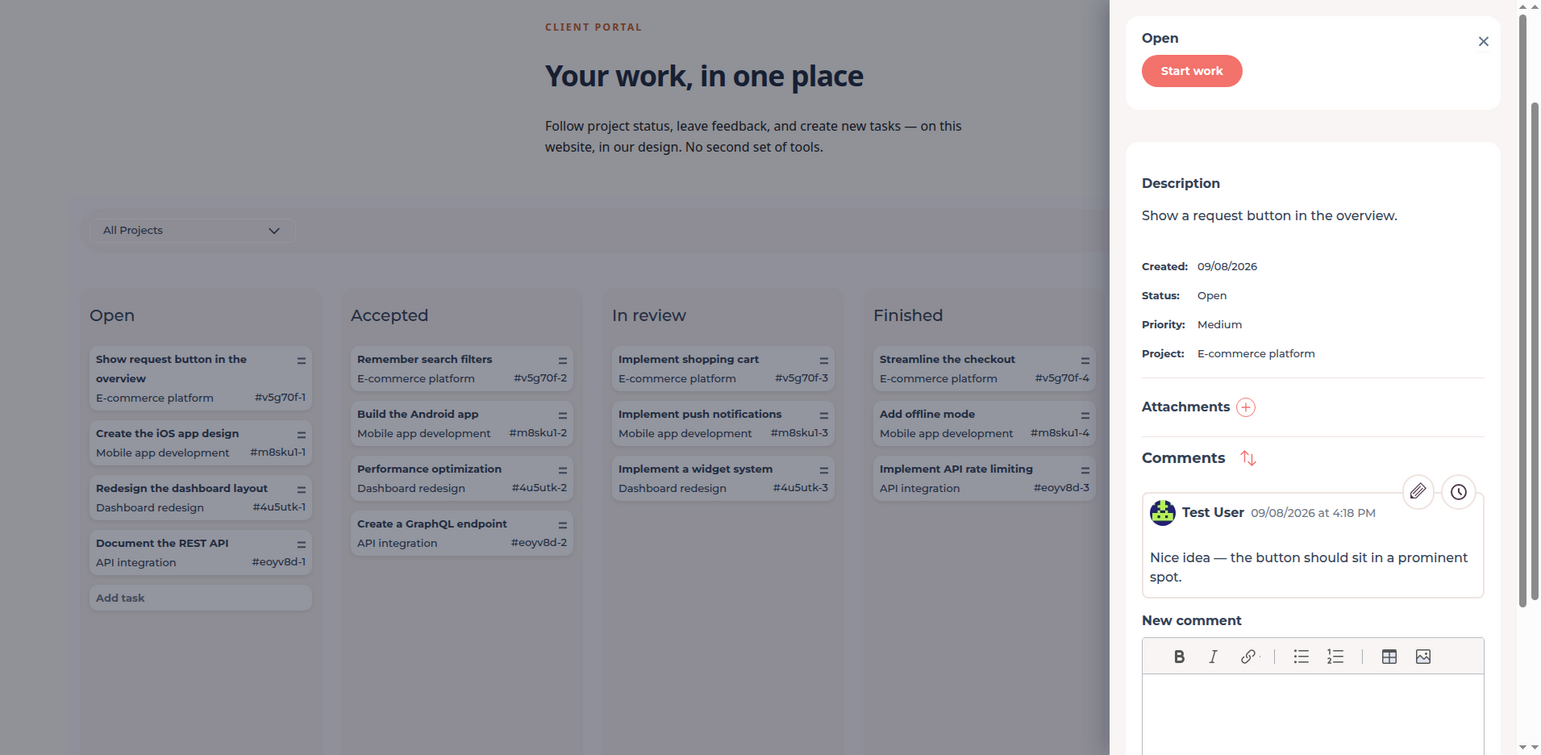
New requests, feedback, approvals: your clients create and track tasks directly on your website. Your team sees everything in FeatValue—and in your connected project management tool, without clients ever getting access to your internal tools.

Open task sidebar on the WordPress site with description, status and comments
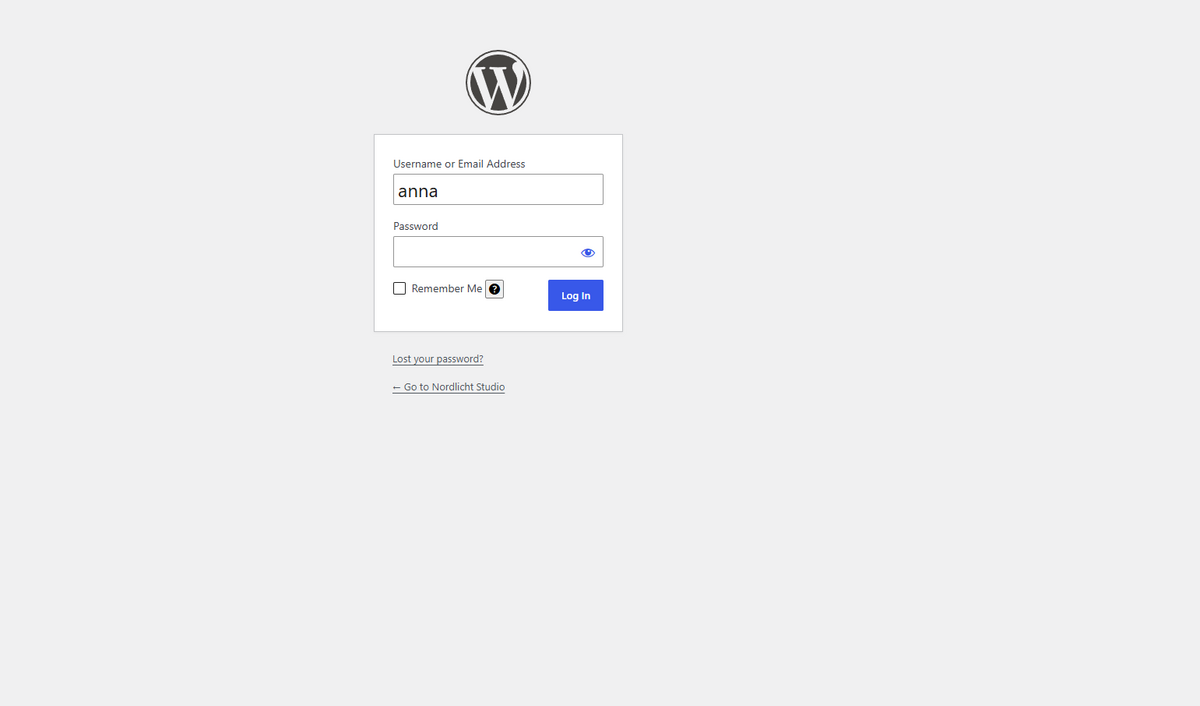
WordPress login for the client portal

Login

💎

Clients sign in with their WordPress account

Your clients already have WordPress users on your site? They use exactly those—no second set of credentials, no extra onboarding for the portal.

Both worlds

WordPress in front, your project management in the back

This integration works the other way around: WordPress is not where your team works—it is where your clients meet you. Combine it with Jira, Asana or ClickUp: your team keeps working in its project management tool, while clients see a portal on your own website.

WordPress client site in front of the Asana workspace the team keeps using
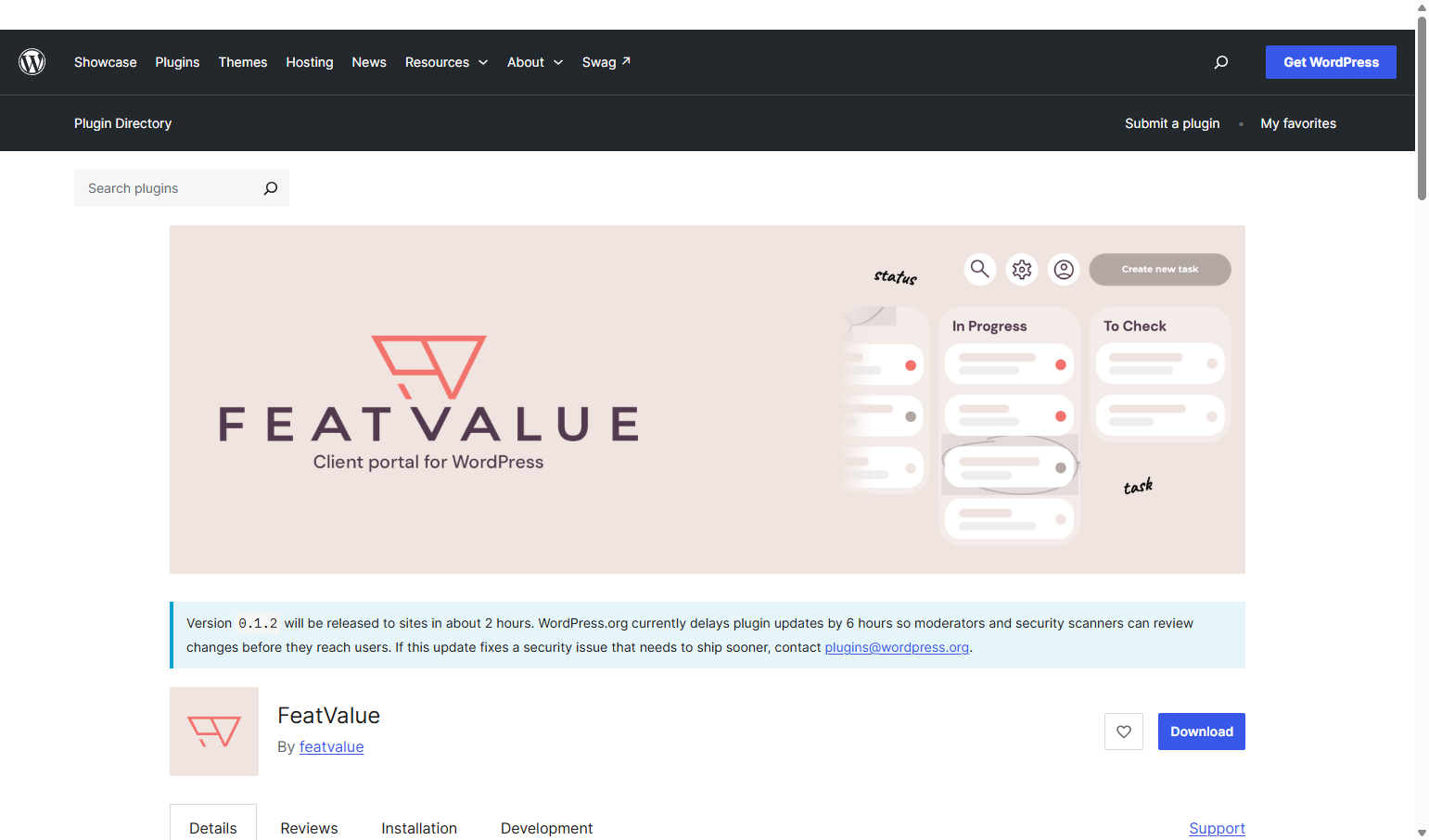
FeatValue in the WordPress plugin directory

Aplikacja Marketplace

FeatValue in the WordPress plugin directory

FeatValue is a free plugin in the official WordPress plugin directory. Install it from your WordPress admin—no manual upload, updates arrive the usual way.

wordpress.org/plugins/featvalue →

Bez przełączania narzędzi

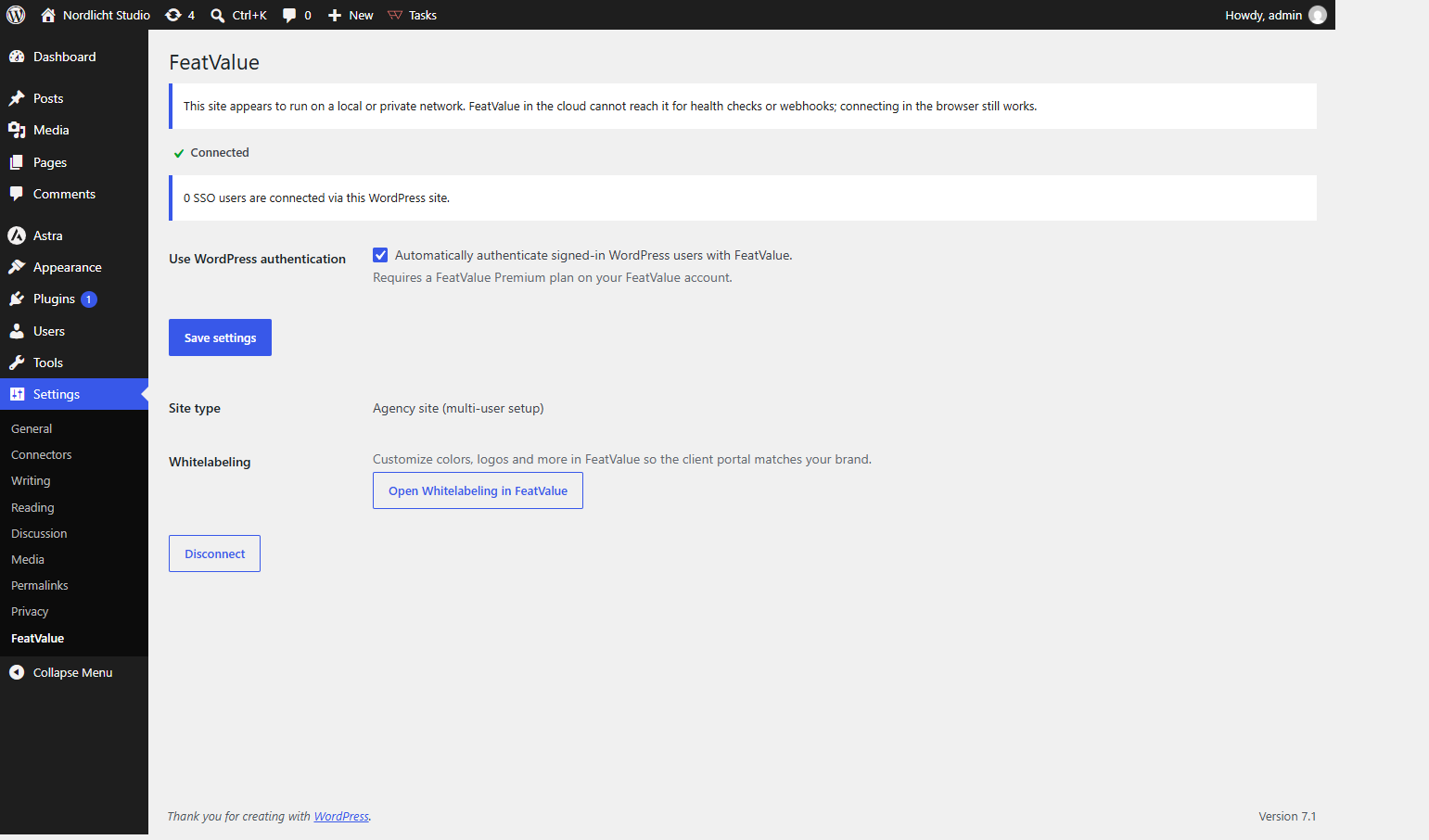
The connection lives in your WordPress settings

Under Settings → FeatValue you see whether the site is connected, turn on WordPress login (SSO), and open whitelabeling—so the portal matches your brand.

Menu WordPress w FeatValue

Konfiguracja w kilka minut

How to connect WordPress with FeatValue

1

Install the plugin

Install the free FeatValue plugin from the WordPress plugin directory on your site—like any other plugin, in under a minute.

2

Connect your site

Click “Connect” in the plugin settings. Your site is linked to FeatValue; if you don’t have an account yet, you create one on the way.

3

Embed & invite

Place the dashboard on a page of your choice and invite your clients. From now on they log in, follow tasks, and create new ones—right on your website.

Zacznij teraz z FeatValue i WordPress

Przetestuj za darmo, zapraszaj klientów i współpracuj lepiej – środowisko WordPress pozostaje dokładnie takie, jak je znasz.

Karta kredytowa nie jest wymagana. Anuluj w dowolnym momencie.

+49 251 590 644-60
hello@featvalue.com
Privacy PolicyInformacje prawneTerms and Conditions