
Let your clients collaborate instead of only watching. FeatValue connects to your ClickUp workspace and gives each client exactly the role you defined—from silent observer to active co-creator. Tasks and comments flow both ways; you stay in control.
Start free. No credit card. Set up in minutes.
FeatValue: Your client portal – connected to ClickUp
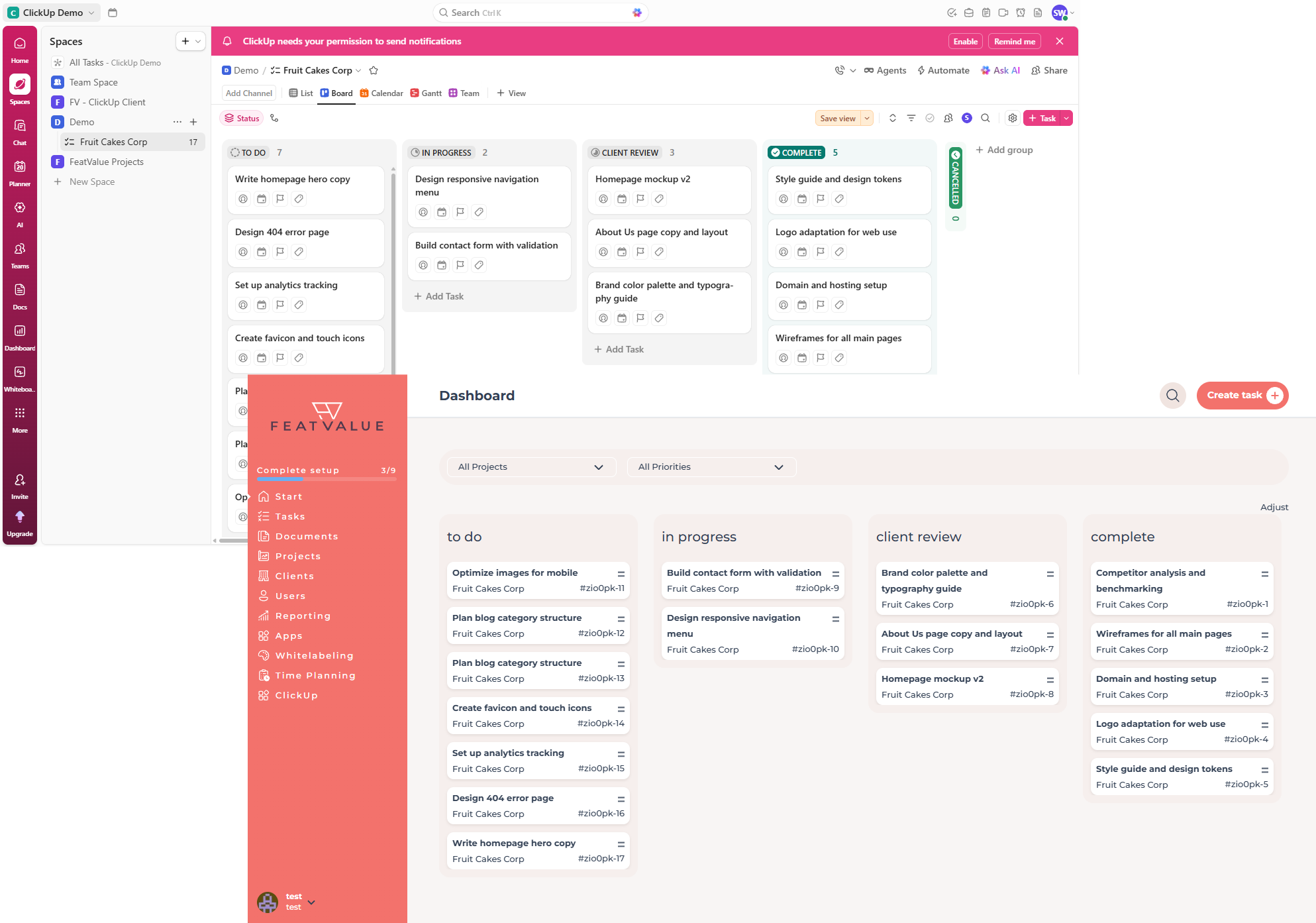
ClickUp: Your team's familiar workspace – clients follow approvals and tasks in FeatValue.
Familiar
Every status in your linked ClickUp list can be mapped to a phase in FeatValue. You keep working with tasks and drag-and-drop across columns—your clients see the same state in the right client view.
Approval
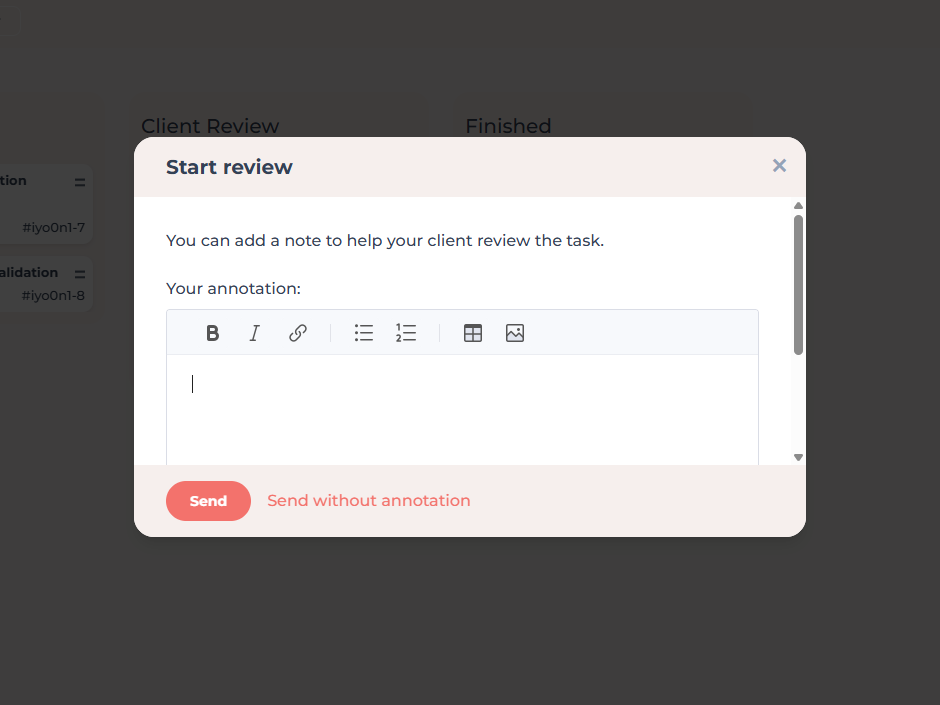
In your FeatValue workflows you define which status triggers client approval and where a task returns on rejection. In ClickUp that matches the corresponding status in your linked list: once a task reaches it, your client is notified and reviews it in the portal.
Two worlds
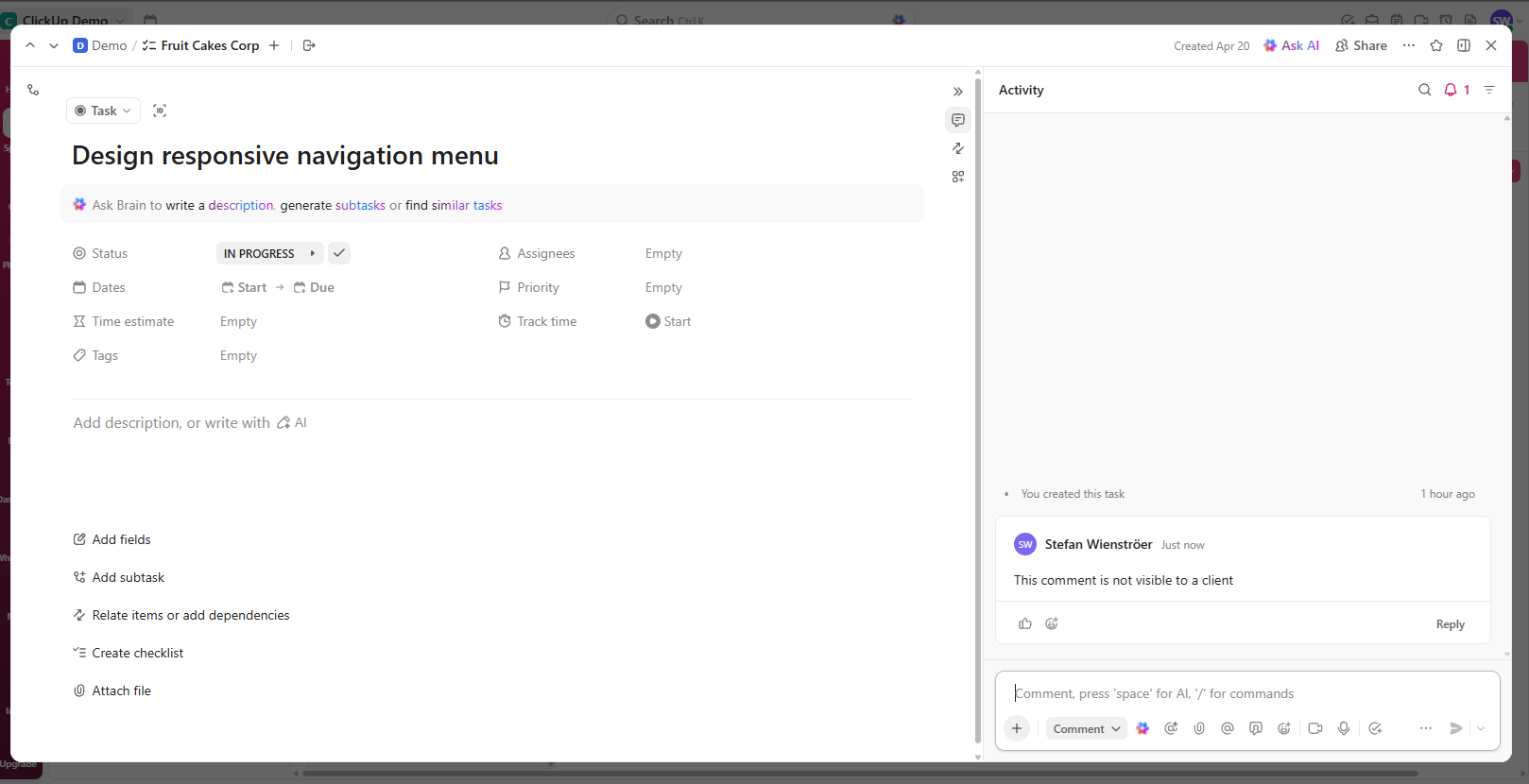
Comments in FeatValue appear right on the ClickUp task. Comments your team exchanges internally in ClickUp stay invisible to clients—only comments with the FV: prefix go to the client portal.
Migration
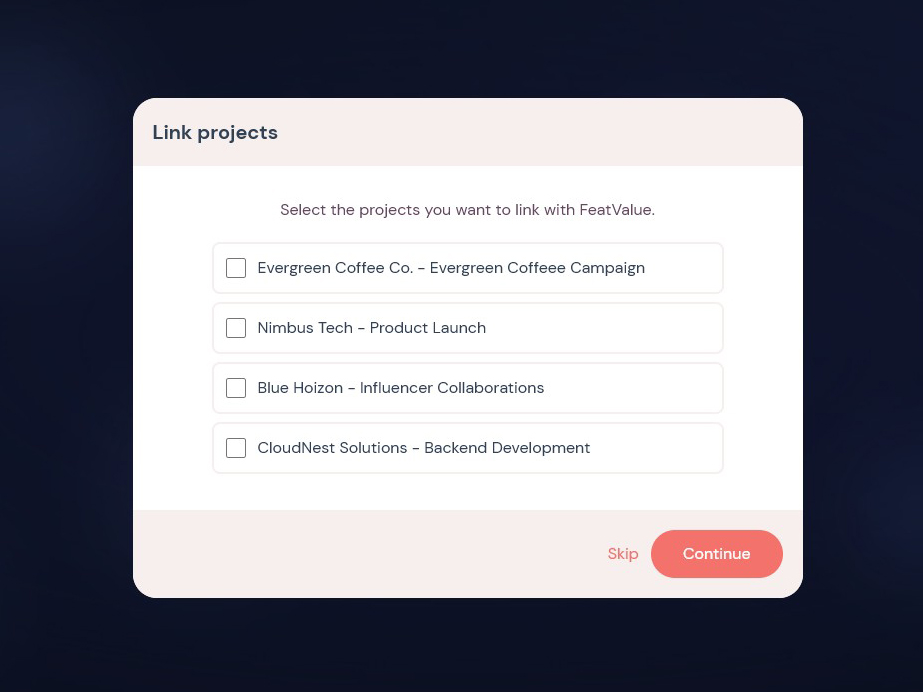
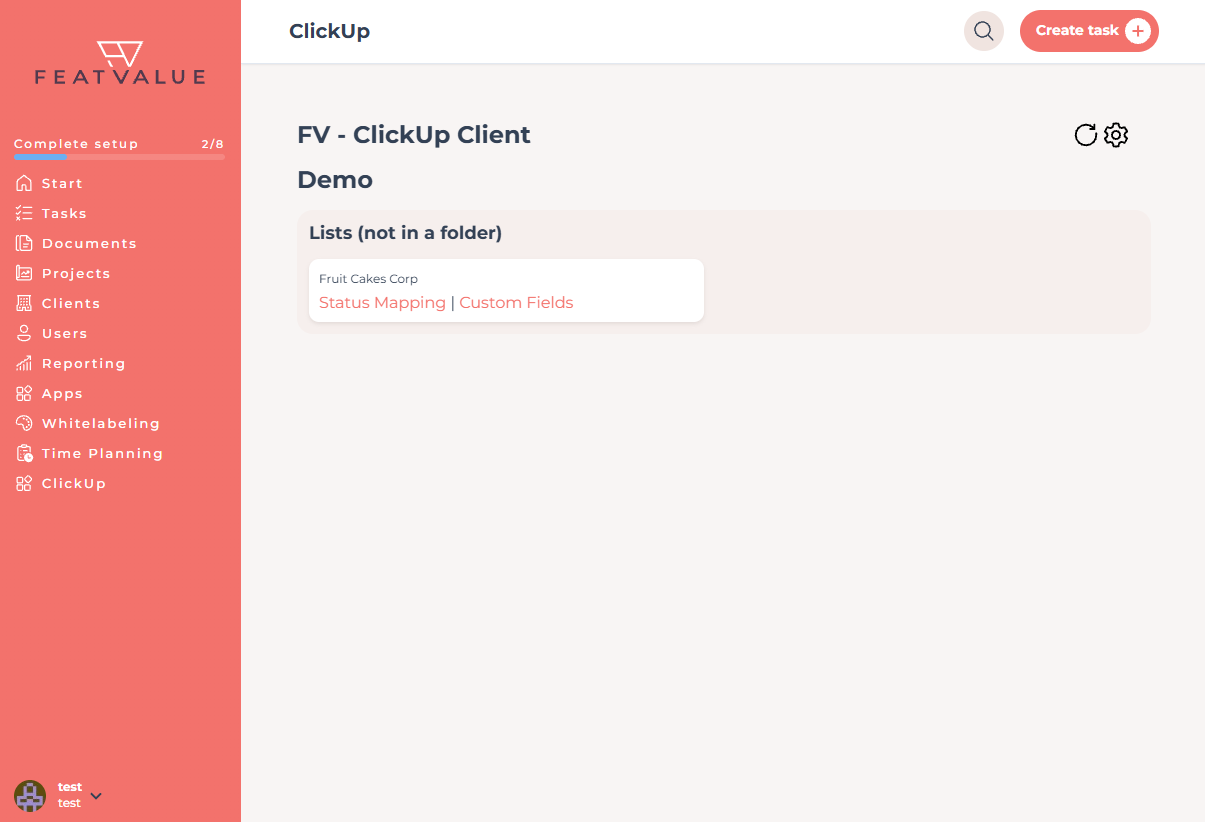
Already have a client list in ClickUp? Link it to the project in FeatValue and map ClickUp statuses to your FV phases—tasks are automatically pulled in as FeatValue tasks.
Without switching tools
The ClickUp menu item in FeatValue shows project links, status mappings, and list selection in one place—without jumping between tools.
Set up in minutes
Enter your email above to create a FeatValue account. You will confirm your email address in the next step.
In the FeatValue onboarding flow, select ClickUp as your system. ClickUp authentication opens directly and your ClickUp account is linked automatically.
Invite your clients to FeatValue and start with new or existing boards and projects. Tasks appear automatically in ClickUp – and vice versa.
Try for free, invite clients, and collaborate better – your ClickUp environment stays exactly as you know it.
No credit card required. Cancel anytime.