Keep working in Scoro and onboard clients in a structured way. Tasks, statuses, descriptions, and attachments flow between Scoro and the FeatValue client portal—including time entries from Scoro for transparent billing. Your clients only see what is meant for them.
Start free. No credit card. Set up in minutes.
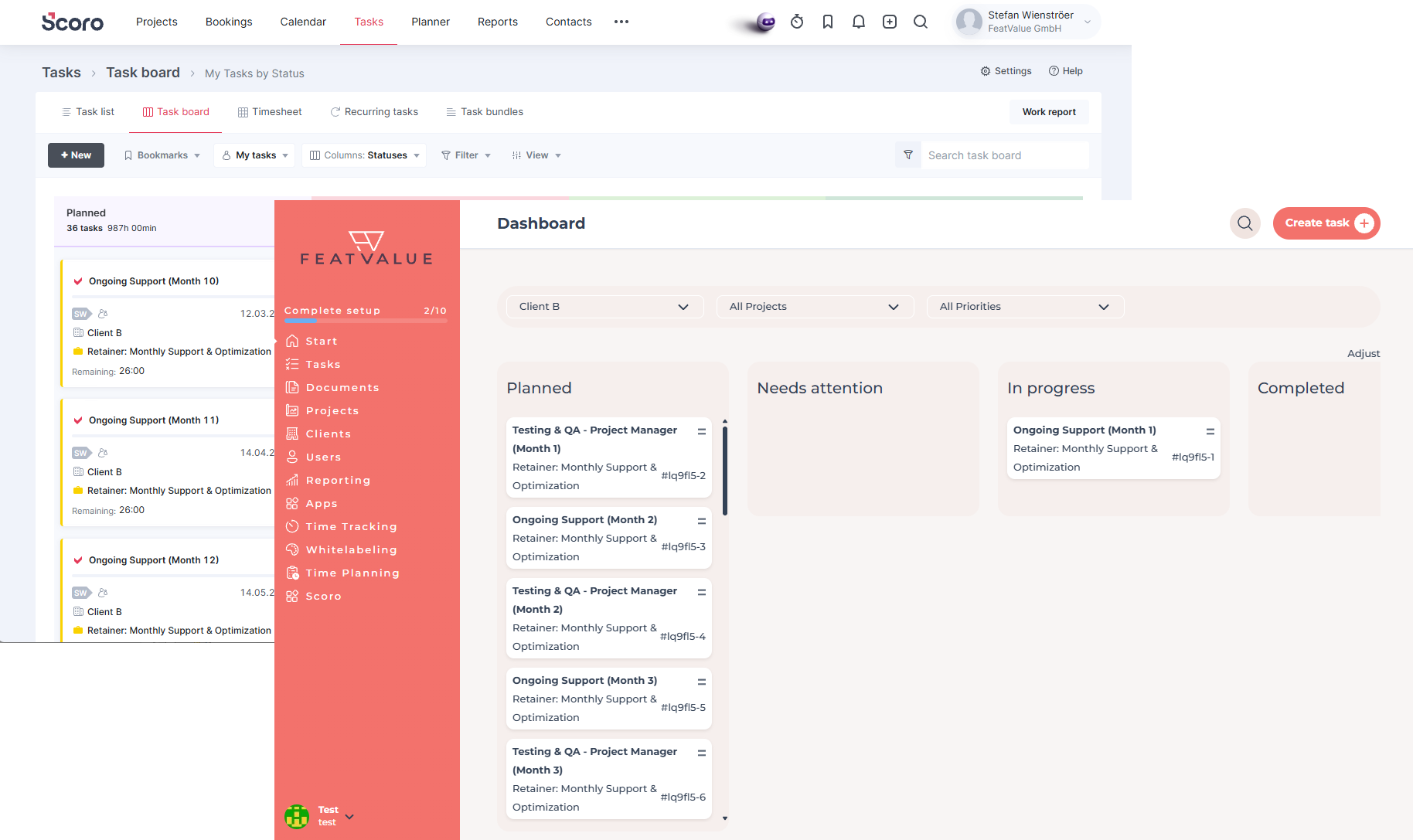
FeatValue: Your client portal – connected to Scoro
Scoro: Your team's familiar workspace – clients follow approvals and tasks in FeatValue.
Bidirectional
New and updated tasks in Scoro appear in FeatValue—for linked projects automatically via webhook. When clients create tasks in FeatValue, they land in Scoro.
Projects
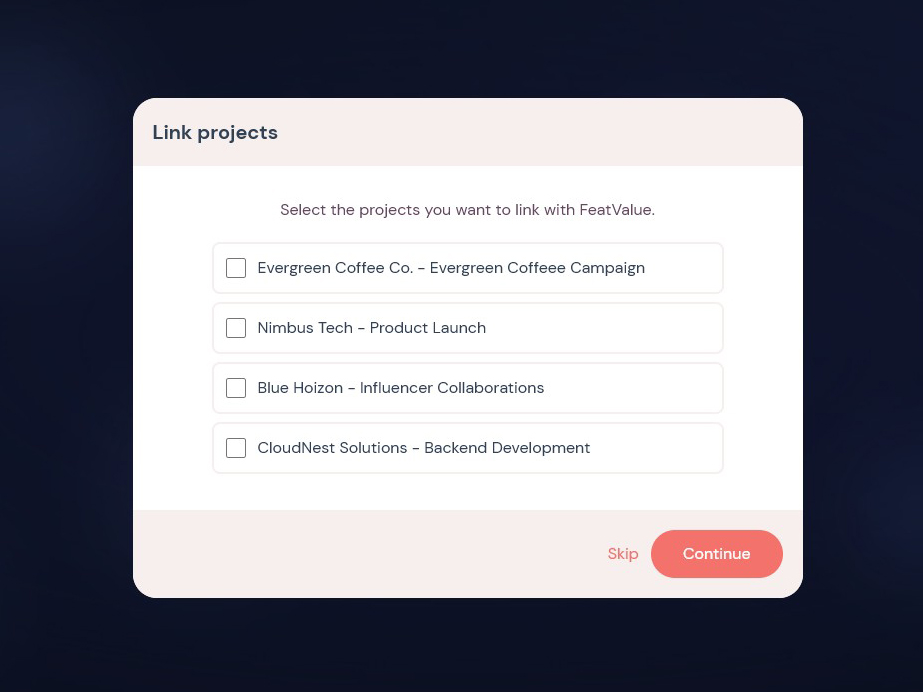
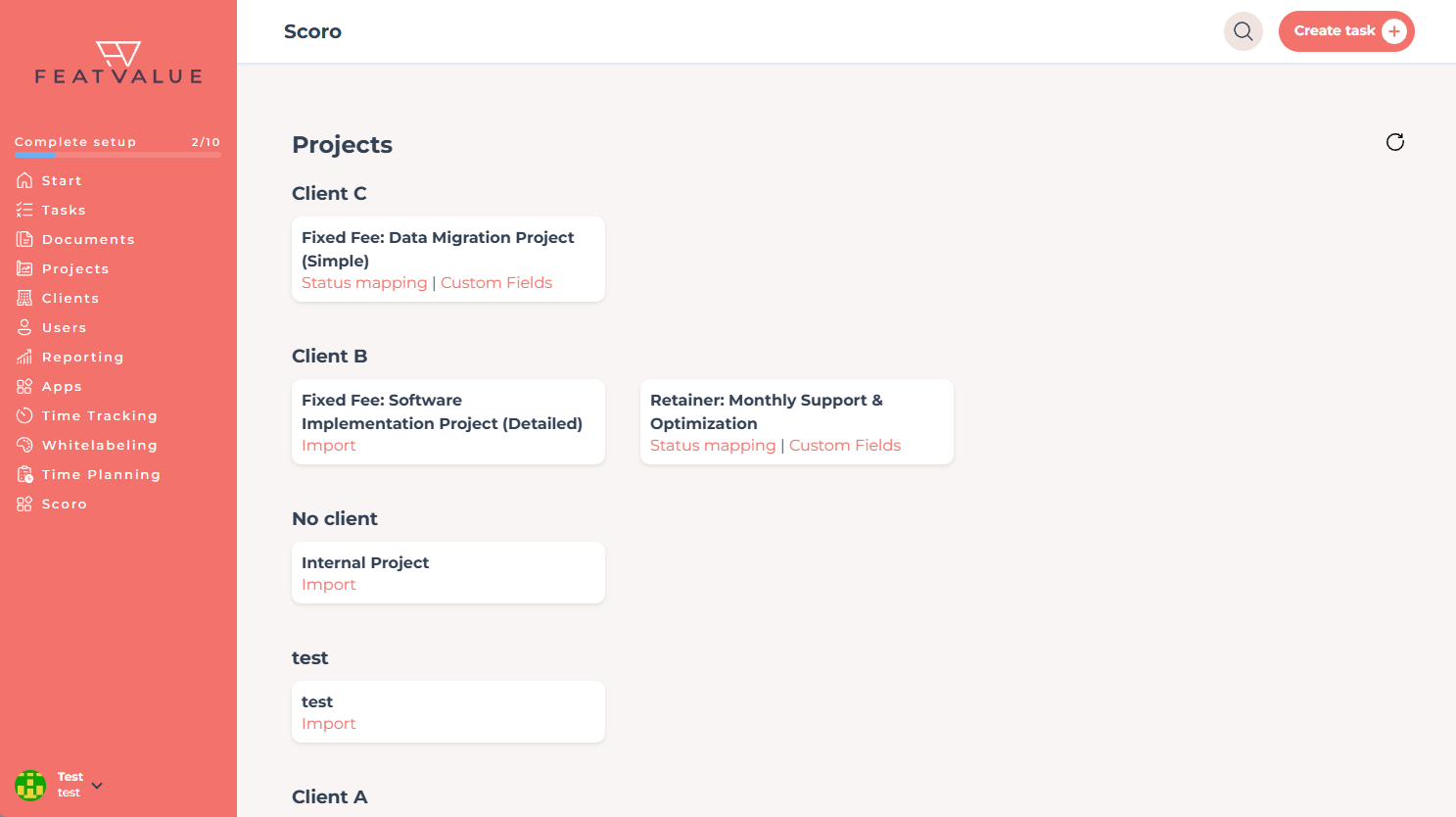
You choose which Scoro projects are linked to a FeatValue project. Import and webhooks apply only there—no noise from your entire Scoro account. You stay in control of which clients see which work.
Approval
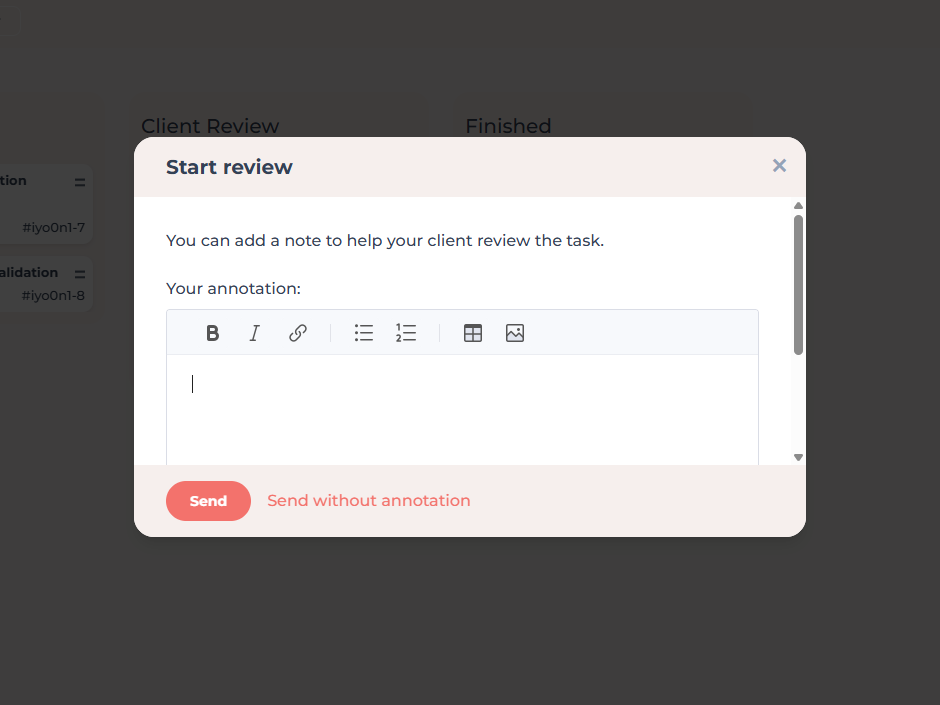
FeatValue workflows and Scoro task statuses are mapped. When a task is ready for client review, your clients see it in the portal—and their decision is reflected in Scoro.
Time tracking
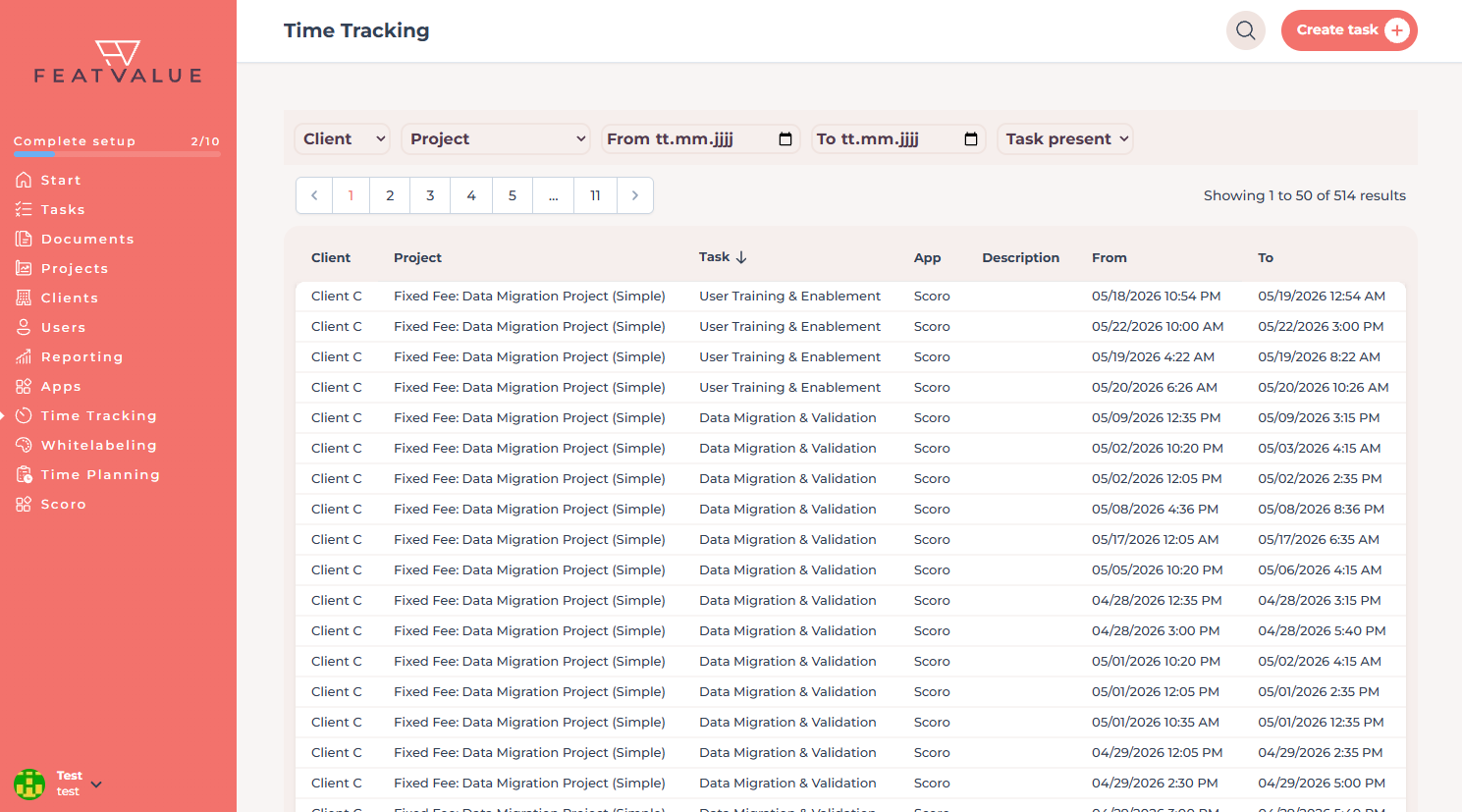
Time logged in Scoro can be imported into FeatValue for linked projects. Agencies see in the client portal which effort was recorded—without clients having to work in Scoro.
Without switching tools
Under Scoro in FeatValue you open your Scoro UI in the integrated frame—link projects, check settings, and keep overview without constantly switching tools.
Set up in minutes
Enter your email above to create a FeatValue account. You will confirm your email address in the next step.
In the FeatValue onboarding flow, select Scoro and enter your Scoro API key. The connection is ready immediately afterwards.
Invite your clients to FeatValue and start with new or existing boards and projects. Tasks appear automatically in Scoro – and vice versa.
Try for free, invite clients, and collaborate better – your Scoro environment stays exactly as you know it.
No credit card required. Cancel anytime.